Appendix
A–30 AJ4309 | 2019-08-13
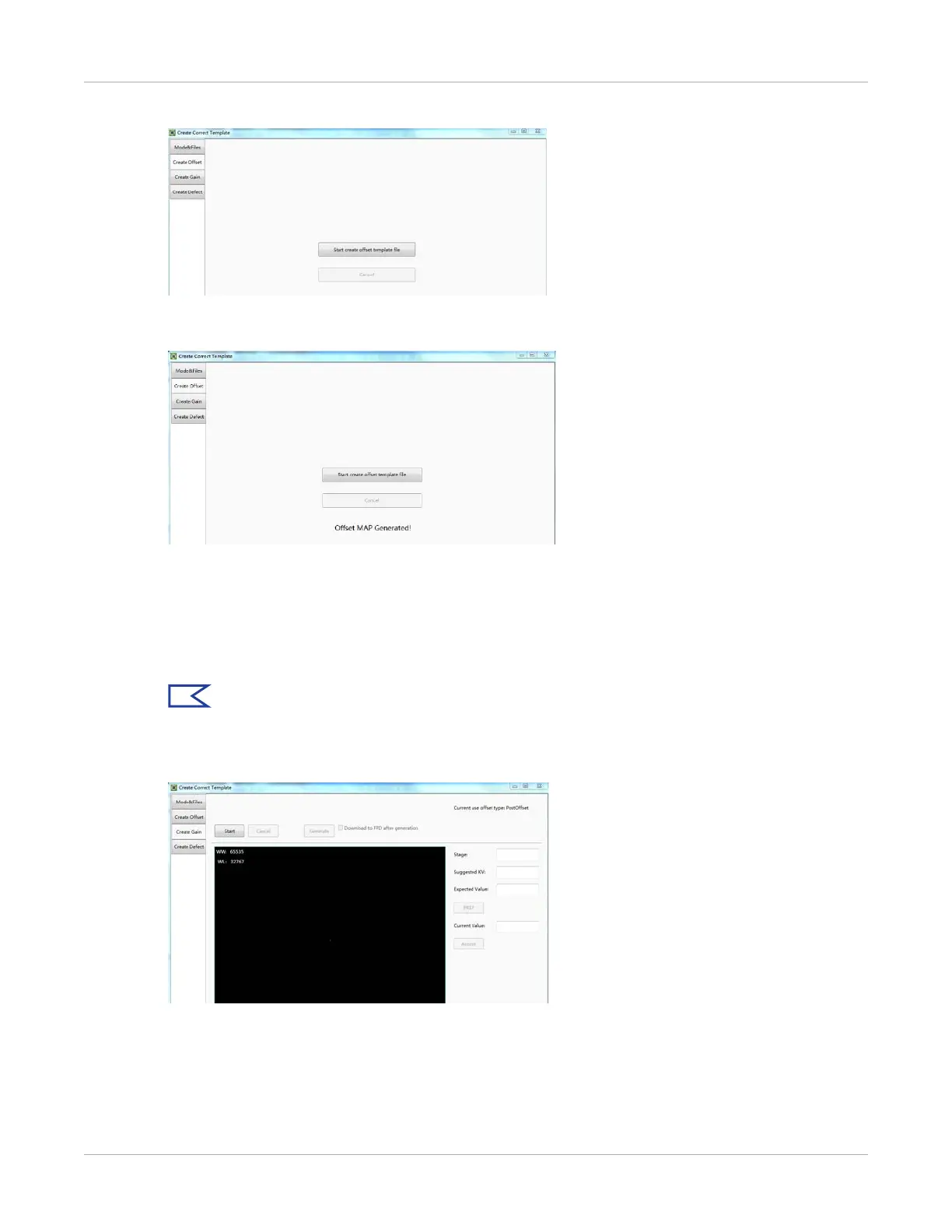
4. Select Start create offset template file.
The screen will display Offset Map Generating.
5. When complete, the screen will display Offset MAP Generated!
Gain Calibration Template Generation
Before doing this procedure, make sure SID1.2m, no copper is required.
Actual screens may be different from those shown in this procedure.
Note:
Use software post offset correction.
1. On the gain template generating page, five images need to be created.


 To Next Page