Installation
AJ4309 | 2019-08-13 3–3
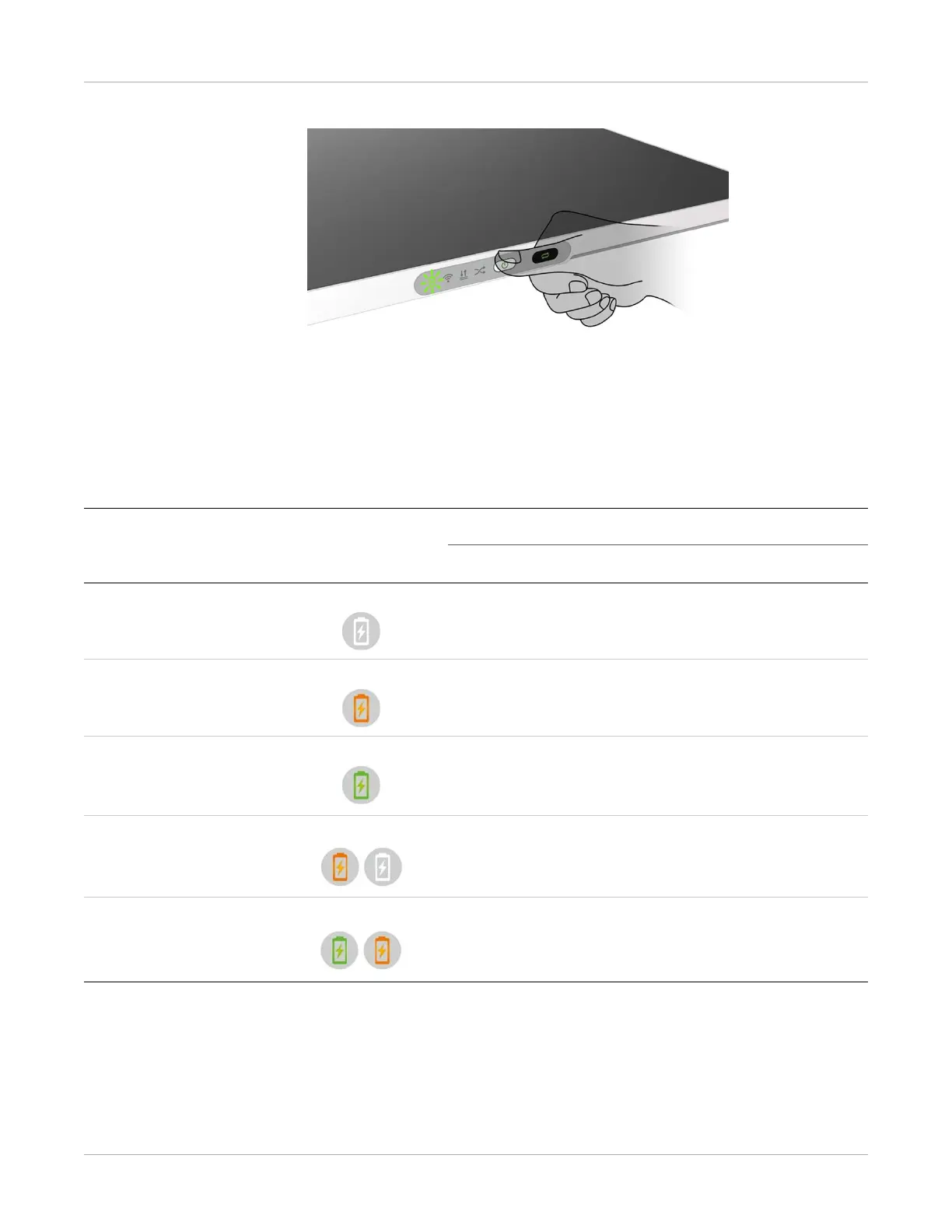
To reset the detector, press and hold the power button for 8 seconds.
Power Indicator
After booting up, the user can check the status LED indicator.
Power Indicator Lighting Status
Operating Status
Operating Battery Capcity DC Input
OFF Power OFF -- --
Orange ON Power ON ≤20% No
Green ON Power ON
• Battery capacity ≥20 %, no DC
input
• DC input, no battery
Orange Blinking Power OFF <20 % Yes
Green and Orange
Blinking
Power OFF ≥20 % and <95 % Yes


 To Next Page