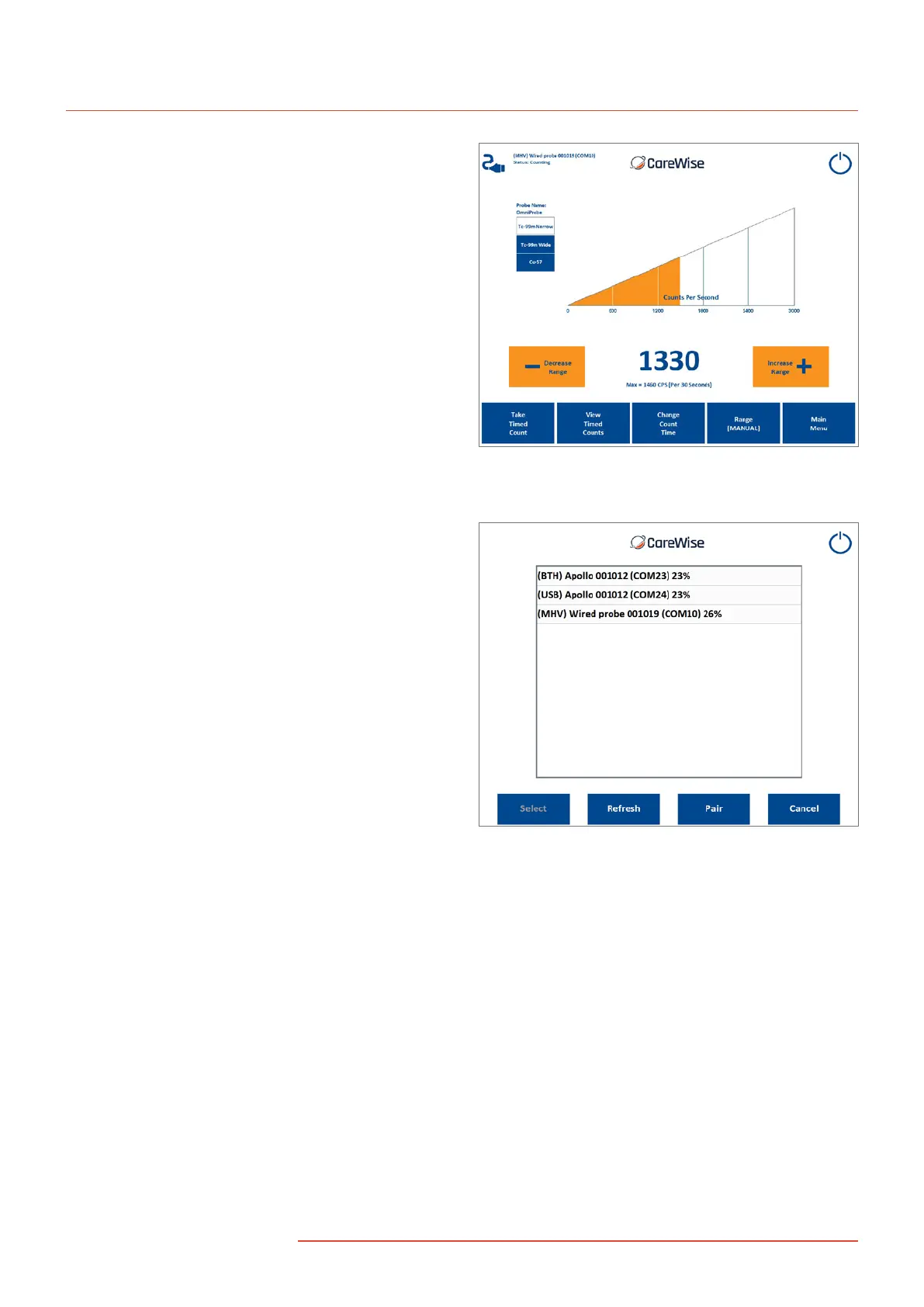
Figure 21c – Main Counts Screen showing the Cable icon for
the active wired OmniProbe mode of operation
Figure 22a – The Pair button should be pressed
to pair a new handset via Bluetooth
In order to pair a new Apollo handset with the system,
press the Pair button in the Available Devices screen.
Enter that day’s password (obtainable from Care Wise
Support: support@carewise.com)
The system will search for devices automatically – when the
device with the correct serial number (shown on the underside
of the Apollo handset) appears, highlight the device and click
‘Next’. The newly paired device will appear in the system
device list once the list has been refreshed.
18
|
www.carewise.com
C-Trak Apollo


 To Next Page