8. Turn on the humidity switch. This switch activates the humidity system and the humidity
controller. (with humidity option only). Set the humidity controller to the desired setpoint. (See
appendix if necessary).
During normal refrigeration operation, a soft “clicking” sound can be heard. This sound is the
result of the solenoid control valves switching in the refrigeration system.
Chamber Loading
Air circulates through the chamber to maintain uniform conditions. When loading (putting product
into) the chamber, position samples so air can flow freely throughout the chamber. For best
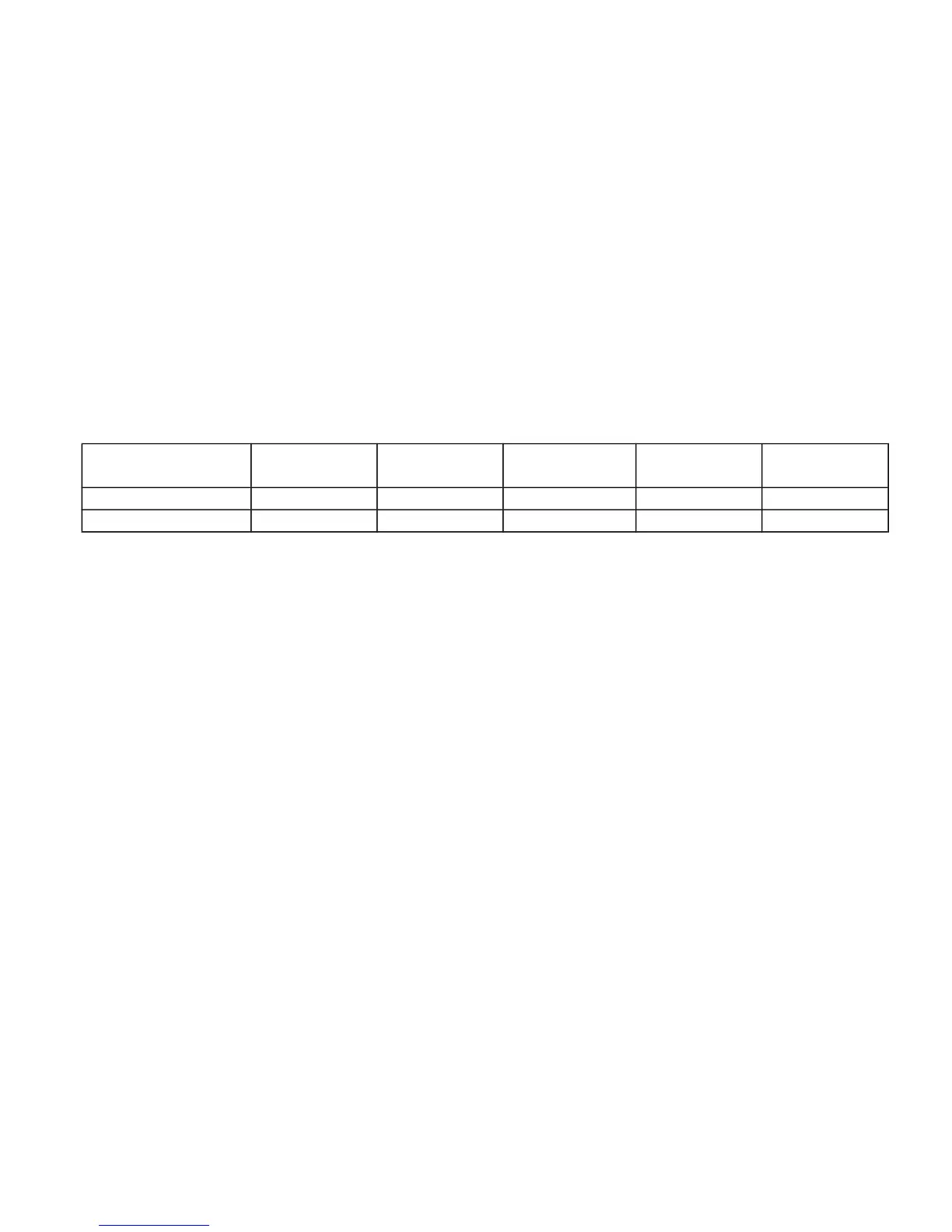
temperature & humidity uniformity, keep samples away from surfaces as listed in table below. Do
not put product on the floor.
Model Ceiling Back wall Side walls Front / door
Between
shelves
6010, 6011, 6012 2 in (5 cm) 2 in (5 cm) 4.5 in (11 cm) 2 in (5 cm) 2 in (5 cm)
6030, 6031, 6032 6 in (15 cm) 6 in (15 cm) 3.5 in (9 cm) 3.5 in (9 cm) 3.5 in (9 cm)



 To Next Page