OPERATION
1. Connect the drain lines, and power cord as instructed in the INSTALLATION section of this
manual. (See Appendix C for additional drain connections. 6030 only)
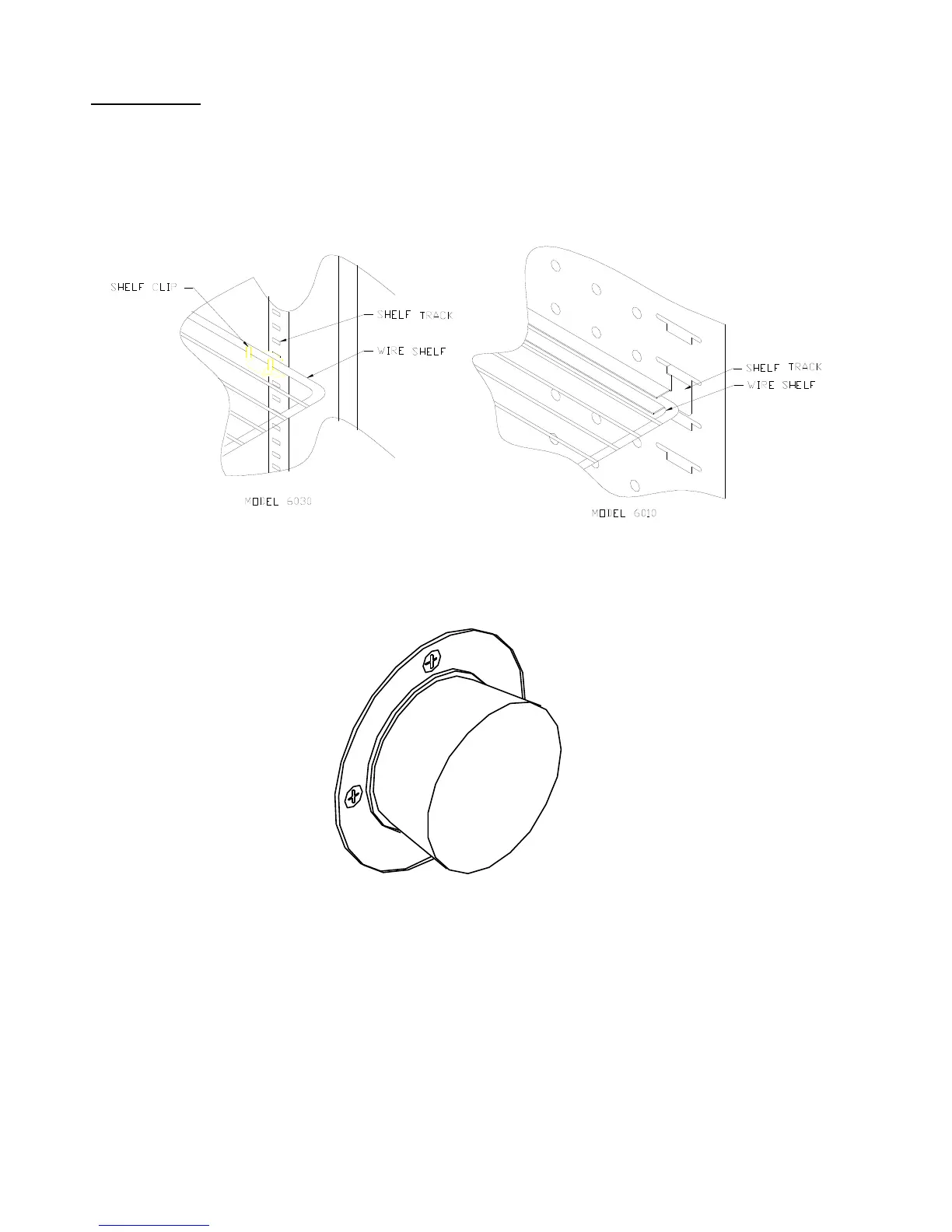
2. Insert all shelf clips, and shelves. Check to see if they are properly installed.
3. Close the chamber door.
4. Install rubber stopper in access port on right side of cabinet.
5. Turn on power switch located on the control panel. This switch activates the heating unit and
temperature controller. The temperature controller will sound an alarm. The temperature alarm
will automatically reset after a few seconds.
6. *Turn on the refrigeration switch when operating at setpoints below 35
°
C. This switch
activates the refrigeration system.
7. Set the temperature controller to the desired setpoint. (See appendix if necessary).



 To Next Page