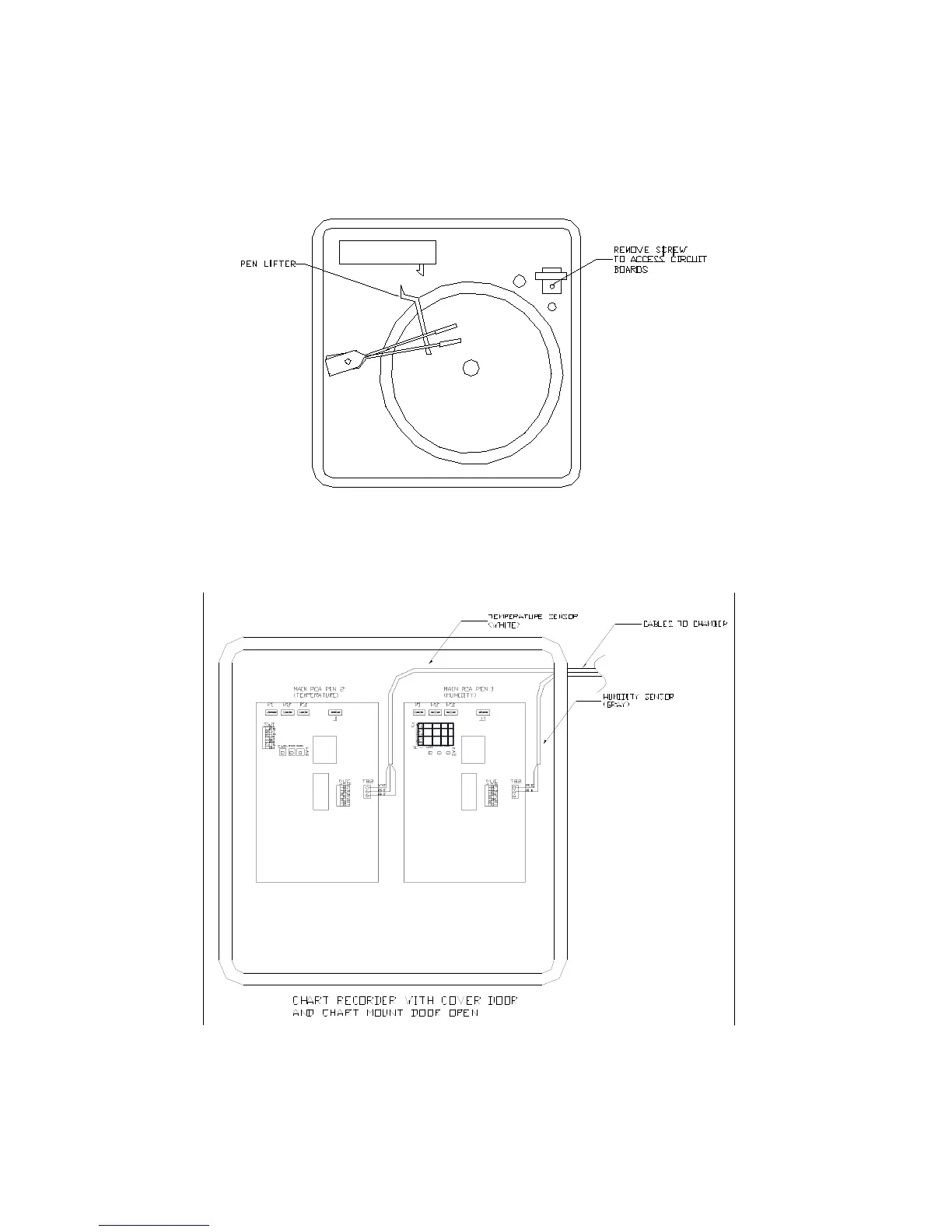
a) Locate the wires fastened to the side of the chamber, these are the temperature and
humidity sensor wires.
b) Push the button on the recorder door and swing the door open.
c) Loosen the captive screw in the chart plate and swing the plate out.
Run the sensor wires into the chart recorder through the knock out hole on the recorder.
d) There are two modules inside the recorder, the one on the right is for humidity (Pen 1),
and the left one is for temperature (Pen 2).
e) To connect the humidity sensor, Locate terminal block TB2 on the middle right side of
the Main printed circuit board for Pen 1.



 To Next Page