1
Chapter 4. Sales transaction
PR can provide inputting the unit price through the numeric key and calling up PLU.
a. Input the unit price through the numeric key
This section explains how to input the unit price through the numeric key
and complete the sales transaction.
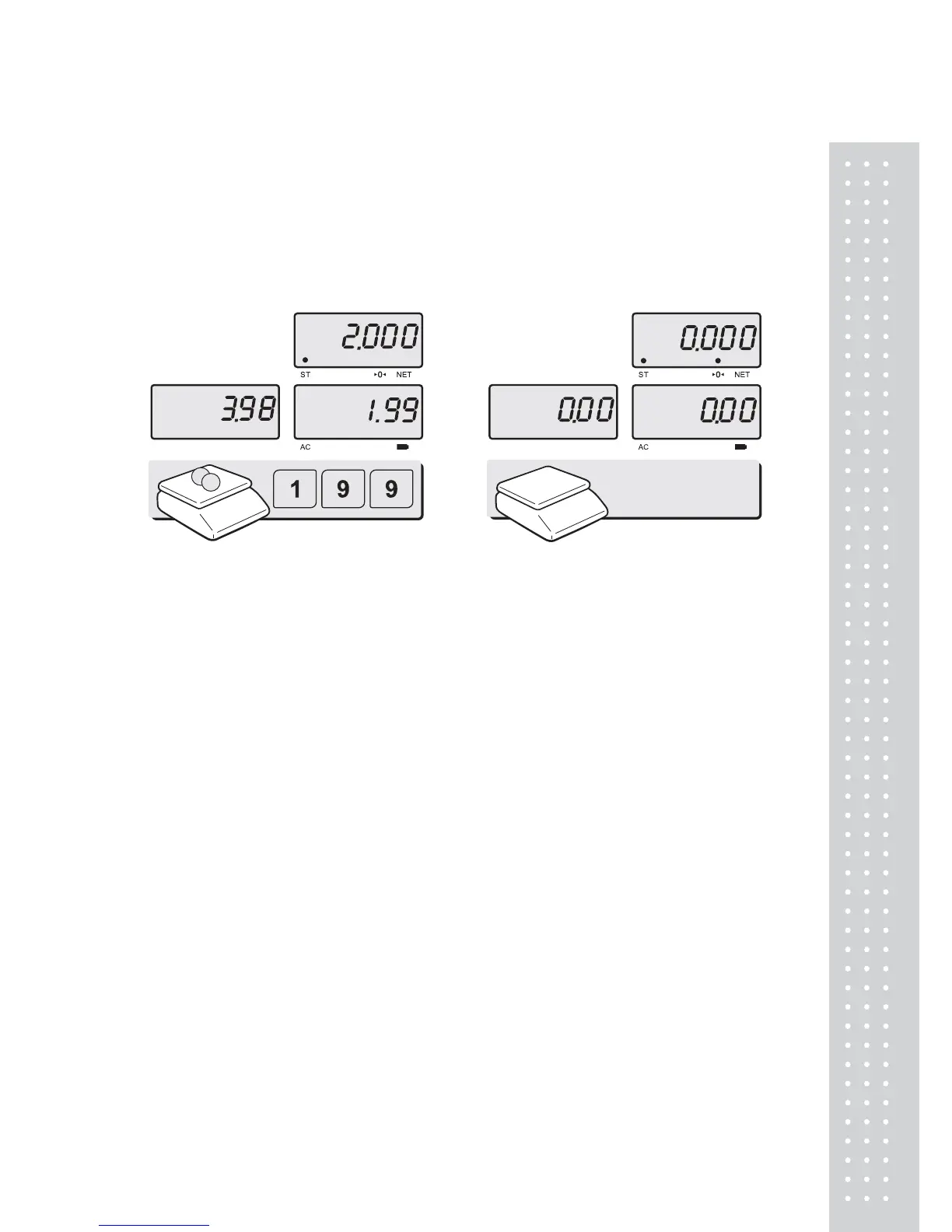
① Place an item on the platter and
press appropriate numeric keys to input
unit price. EX) 1.99 for unit price.
② Remove the item from the platter.


 To Next Page