7
Pebble Installation Guide
Network Connection Options
The Pebble unit can be connected to the network via an Ethernet or Wi-Fi connection. The
Ethernet connection is plug-and-play. The Wi-Fi connection requires setup, refer to Wi-Fi
connection (for the first time) in this manual for instructions.
Ethernet connection
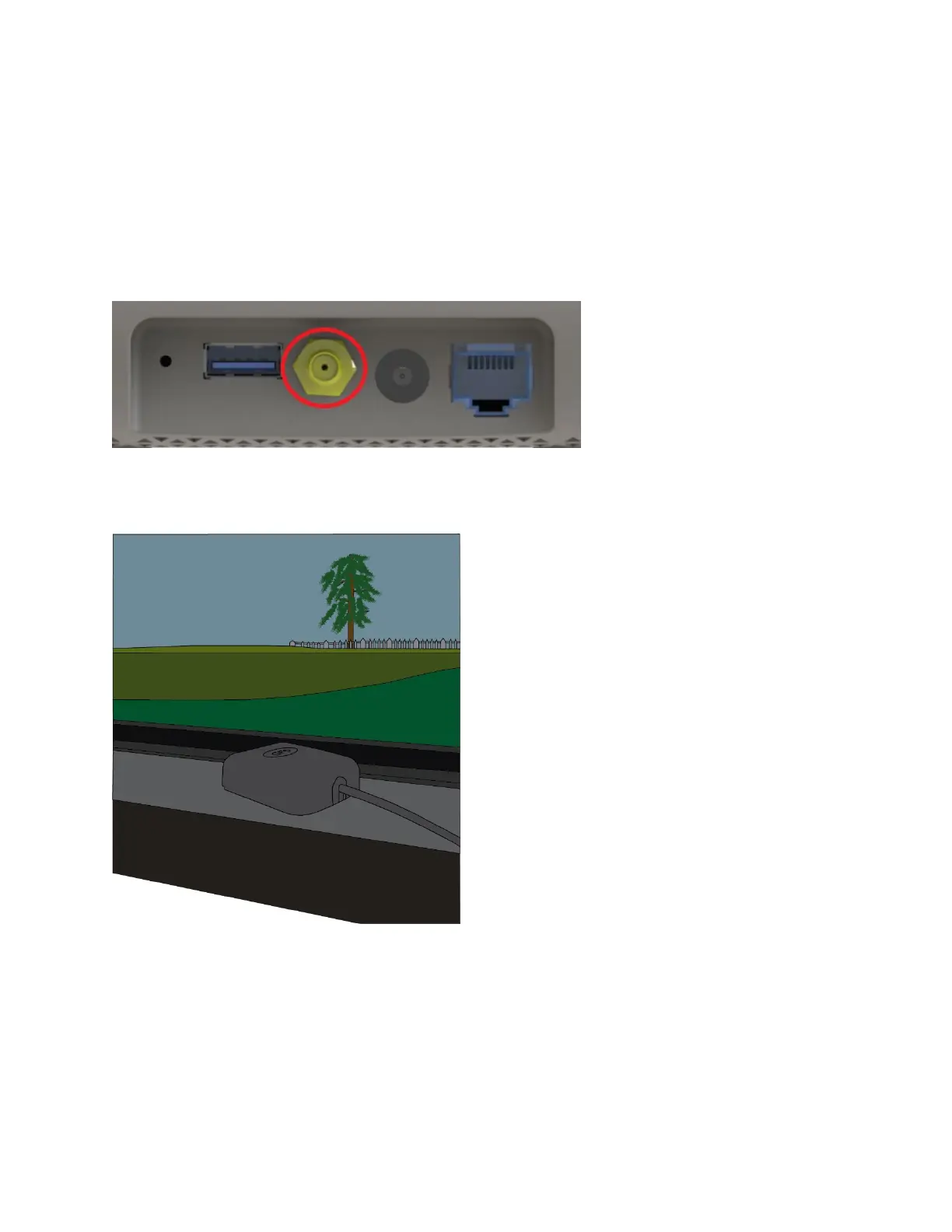
1. Connect the GPS antenna cable to the GPS port on the Pebble unit (shown below).
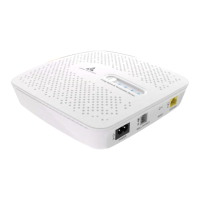
2. Position the GPS antenna puck near a window so it provides a clear and open view of the
sky.
Warning: The Pebble unit will not connect to the LTE network if the GPS antenna fails to lock
on its location.



 To Next Page