E-31
Selecting a Mode
With this watch, everything starts from the Timekeeping Mode.
To determine the watch’s current mode
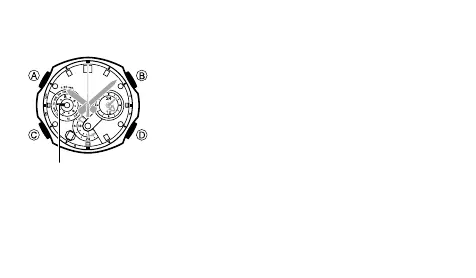
Check the position of the
v Left Dial Hand as shown
under “To select a mode” (page E-32).
To return to the Timekeeping Mode from any other
mode
Hold down C for about two seconds until the watch beeps
twice.
>



 To Next Page