E-53
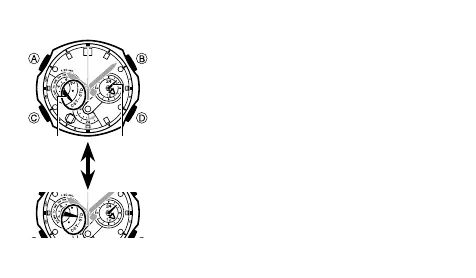
To specify standard time or daylight saving time (DST) for a city
In the World Time Mode, use 1. D to select the city code
whose setting you want to change.
Wait until the
• n Right Dial Hands complete their
move to the time in the currently selected World
Time City. You will not be able to perform step 2 of
this procedure until the hands stop moving.
Hold down 2. A for about two seconds until the watch
beeps. This will cause the v Left Dial Hand to
toggle between DST (daylight saving time) and STD
(standard time).
Note that you cannot switch between • STD (standard
time)/DST (daylight saving time) while UTC is
selected as the World Time City.
Note that the
• STD (standard time)/DST (daylight
saving time) setting affects only the currently
selected time zone. Other time zones are not
affected.
6>
Hold down
A for two
seconds



 To Next Page