76
12•01•96
01 19:45
1 n0175
Z 0001
2p 12
•14•40
3p 21
•27•30
4p 5
•7•00
5p 10
•15•00
⁄4p 8
•20•00
⁄5p 12
•36•00
⁄6p 5
•50•00
¤8p 3
•60•00
‹2p 13
•65•00
‹7p 2
•60•00
›5p 4
•24•00
•••••••••
95
•378•7 0 T
Reports
*1
Printed only when the clerk control function is active
on the cash register.
*2
Printed on RESET reports only.
*3
PLUs/sub-departments for which the amount and
number of items are both zero are not printed.
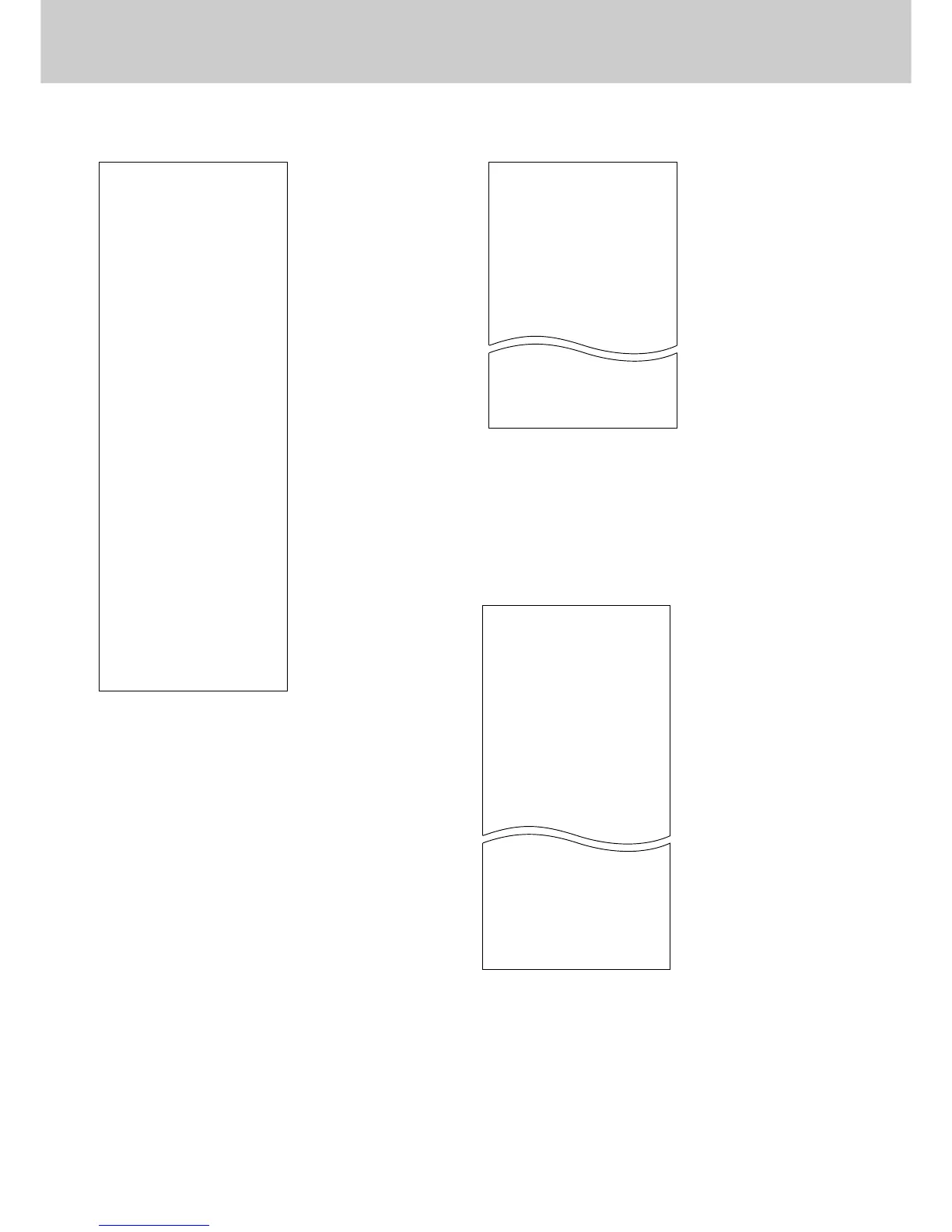
PLU/sub-dept. READ/RESET report Hourly sales READ/RESET report
Periodic sales READ/RESET report
12•01•96
01 19:50
1 n0176
Z 0001
10•11
n 17
•171•8 3
11•12
n 21
•196•2 0
•••••••••
n 68
•3356•29
–––––Date
–––––Machine No./Time
–––––Clerk No.
*1
/
Consecutive No.
–––––Non resettable No. of resets
*2
X = READ/Z = RESET
–––––10:00 to 11:00
–––––No. of customers
*3
–––––10:00 to 11:00 amount
*3
–––––Total no. of customers
–––––Total amount
–––––Date
–––––Machine No./Time
–––––Clerk No.
*1
/
Consecutive No.
–––––Non resettable No. of resets
*2
XX = READ/ZZ = RESET
–––––Department No./Department No.
of items
*3
–––––Department amount
*3
–––––Gross No. of items
–––––Gross amount
–––––No. of customers
–––––Total amount
*1
Printed only when the clerk control function is active on
the cash register.
*2
Printed on RESET reports only.
*3
Departments for which the amount and number of items
are both zero are not printed.
12•01•96
01 20:05
1 n0183
Z 0001
Z
1 69
•339•5 0
2 19
•62•70
3 31
•139•1 0
4 23
•132•0 0
0 16
•94•90
253
•1146•90 T
n 100
•1217•63 N
*1
Printed only when the clerk control function is active on
the cash register.
*2
Printed on RESET reports only.
*3
Hours for which the amount and number of customers
are both zero are not printed.
–––––Date
–––––Machine No./Time
–––––Clerk No.
*1
/Consecutive No.
–––––Non resettable No. of resets
*2
X = READ/Z = RESET
–––––PLU/sub-dept. No./No. of items
*3
–––––PLU/sub-dept. amount
*3
–––––Total No. of items
–––––Total amount


 To Next Page