20070201
u To calculate the mean of data items [OPTN]-[LIST]-[Mean]
K 1 (LIST)6 (g )3 (Mean)6 (g )6 (g )1 (List) <list number 1-26>) w
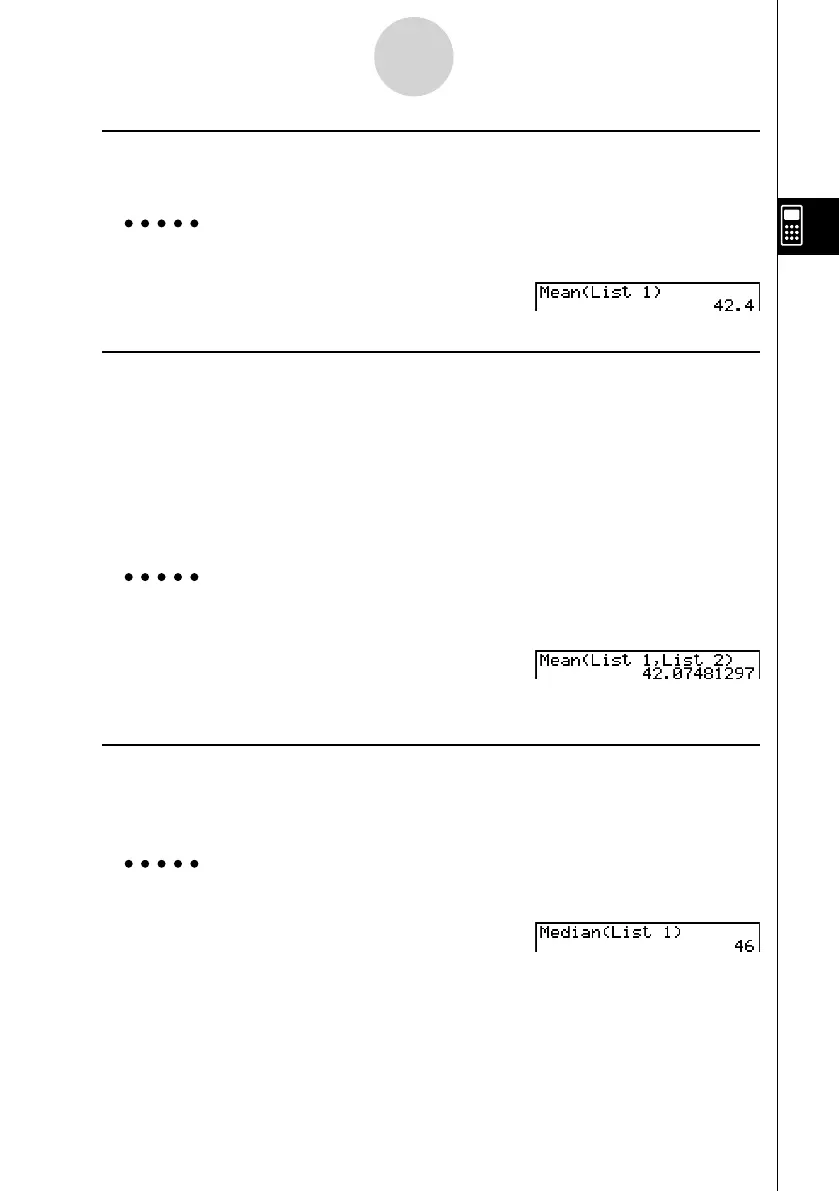
Example To calculate the mean of data items in List 1 (36, 16, 58, 46, 56)
A K 1 (LIST)6 (g )3 (Mean)
6 (g )6 (g )1 (List)b) w
u To calculate the mean of data items of specifi ed frequency
[OPTN]-[LIST]-[Mean]
This procedure uses two lists: one that contains values and one that indicates the frequency
(number of occurrences) of each value. The frequency of the data in Cell 1 of the fi rst list is
indicated by the value in Cell 1 of the second list, etc.
• The two lists must contain the same number of data items. If they don’t, an error occurs.
K 1 (LIST)6 (g )3 (Mean)6 (g )6 (g )1 (List)<list number 1-26 (data)>
, 1 (List)<list number 1-26 (frequency)>) w
Example To calculate the mean of data items in List 1 (36, 16, 58, 46, 56), whose
frequency is indicated by List 2 (75, 89, 98, 72, 67)
A K 1 (LIST)6 (g )3 (Mean)
6 (g )6 (g )1 (List)b,
1 (List)c) w
u To calculate the median of data items in a list [OPTN]-[LIST]-[Med]
K 1 (LIST)6 (g )4 (Med)6 (g )6 (g )1 (List)<list number 1-26>
) w
Example To calculate the median of data items in List 1 (36, 16, 58, 46, 56)
A K 1 (LIST)6 (g )4 (Med)
6 (g )6 (g )1 (List)b) w
3-2-5
Manipulating List Data













 To Next Page