84
Using BEST SHOT
. To setup the camera
1. In the REC mode, press [BS].
2. Select “Move Out CS” or “Move In CS” and then press [SET].
3. Press [SET].
4. Configure the boundary location and size
settings.
5. Press [SET].
• If you want to reconfigure the settings, start again
from step 3.
6. Press [2].
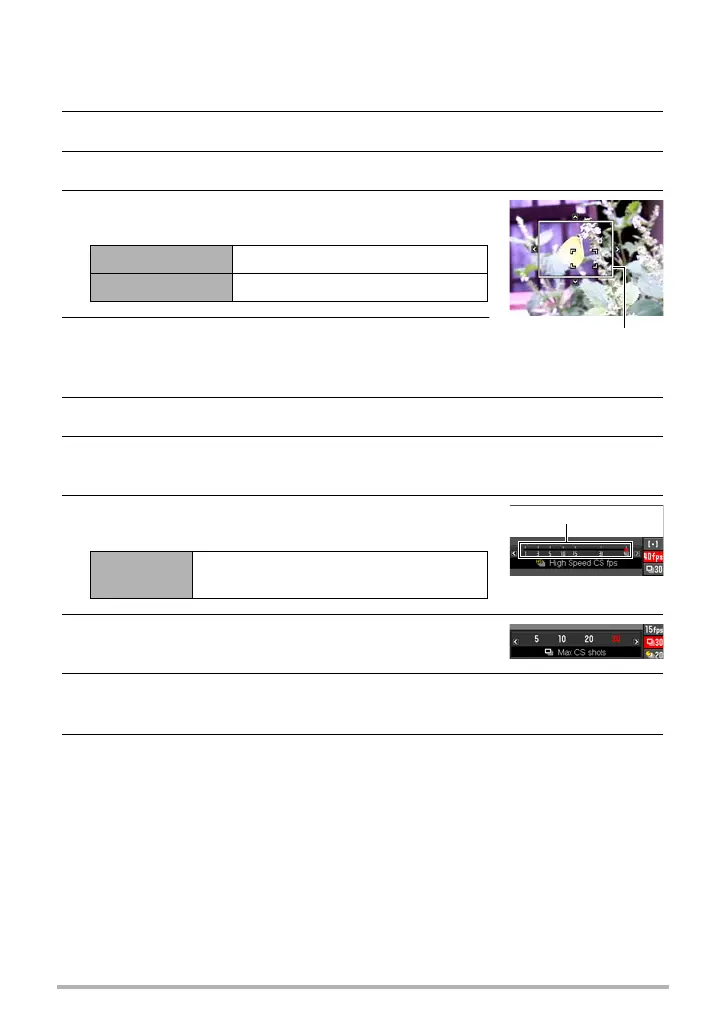
7. Use [8] and [2] to select the third control panel option from the
bottom (High Speed CS fps).
8. Use [4] and [6] to select the continuous shutter
(CS) speed you want and then press [SET].
9. Use [8] and [2] to select the second control
panel option from the bottom (Max CS shots).
10.
Use [4] and [6] to select the maximum number of shots for each
continuous shutter operation and then press [SET].
11.
Use [8] and [2] to select the bottom control panel option (Prerecord
CS shots).
[8] [2] [4] [6] Moves the boundary.
Zoom controller Resizes the boundary.
1 to 40 fps
Enables specification of the number of
CS images recorded per second.
Boundary
CS speed


 To Next Page
 Loading...