EasyManua.ls Logo

Casio FD-1 - Page 14

Casio FD-1
30 pages
Print Icon
To Next Page IconTo Next Page
To Previous Page IconTo Previous Page
Loading...
ie
4
SSS
ee
eee
ee
ee
Se ee
ae
eee
Oe
Using
a
Floppy
Diskette
If
you
are
unfamiltar
with
floppy
disk
drive
operations,
try
performing
the
following
procedures
with
the
diskette
that
comes
with
the
FD-1.
To
load
a
diskette
,
i
4.
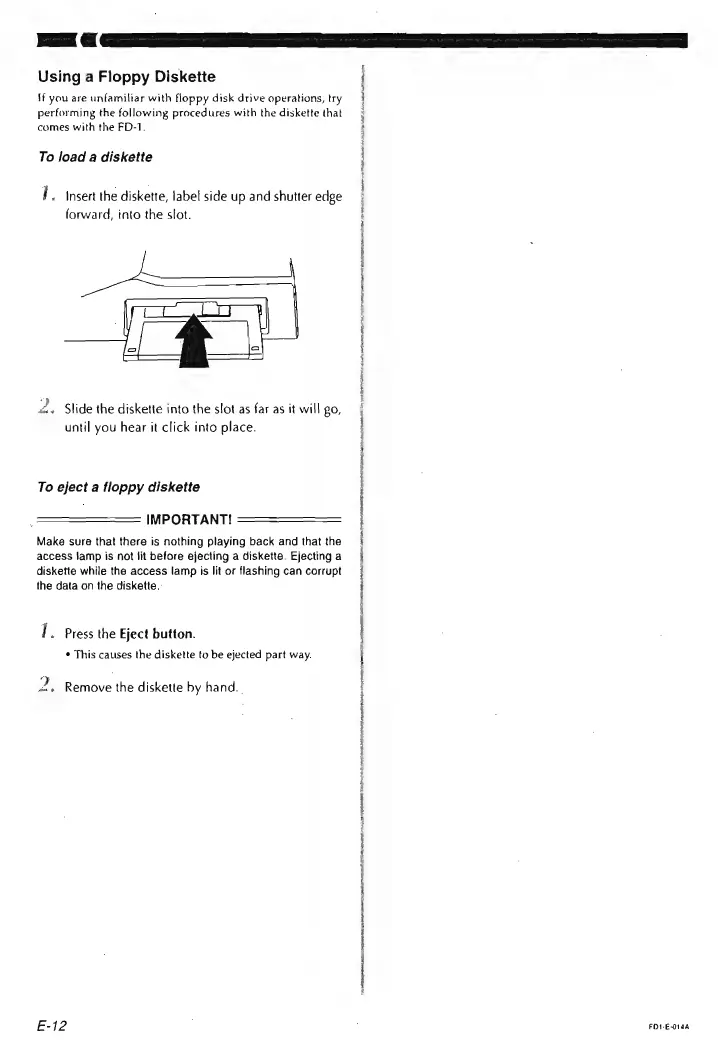
Insert
the
diskette,
label
side
up
and
shutter
edge
forward,
into
the
slot.
2.
Slide
the
diskette
into
the
slot
as
far
as
it
will
£0,
until
you
hear
it
click
into
place.
:
i
To
eject
a
floppy
diskette
H
:
IMPORTANT!
i
Make
sure
that
there
is
nothing
playing
back
and
thatthe
|
access
lamp
is
not
lit
before
ejecting
a
diskette.
Ejectinga
|
diskette
while
the
access
lamp
is
lit
or
flashing
can
corrupt
=
{
the
data
on
the
diskette.:
{
2
EI
I.
Press
the
Eject
button.
¢
This
causes
the
diskette
to
be
ejected
part
way.
2,
Remove
the
diskette
by
hand.
.
STFS
NA
CT
CAN
Rae
RP
LOTT
TROT
Ps
ee
ee
ee
LADERA
RE
ae
ee
ee
eee
arn
E-
12
,
FDI-E-G14A