EasyManua.ls Logo

Casio FD-1 - Navigate Channel

Casio FD-1
30 pages
Print Icon
To Next Page IconTo Next Page
To Previous Page IconTo Previous Page
Loading...
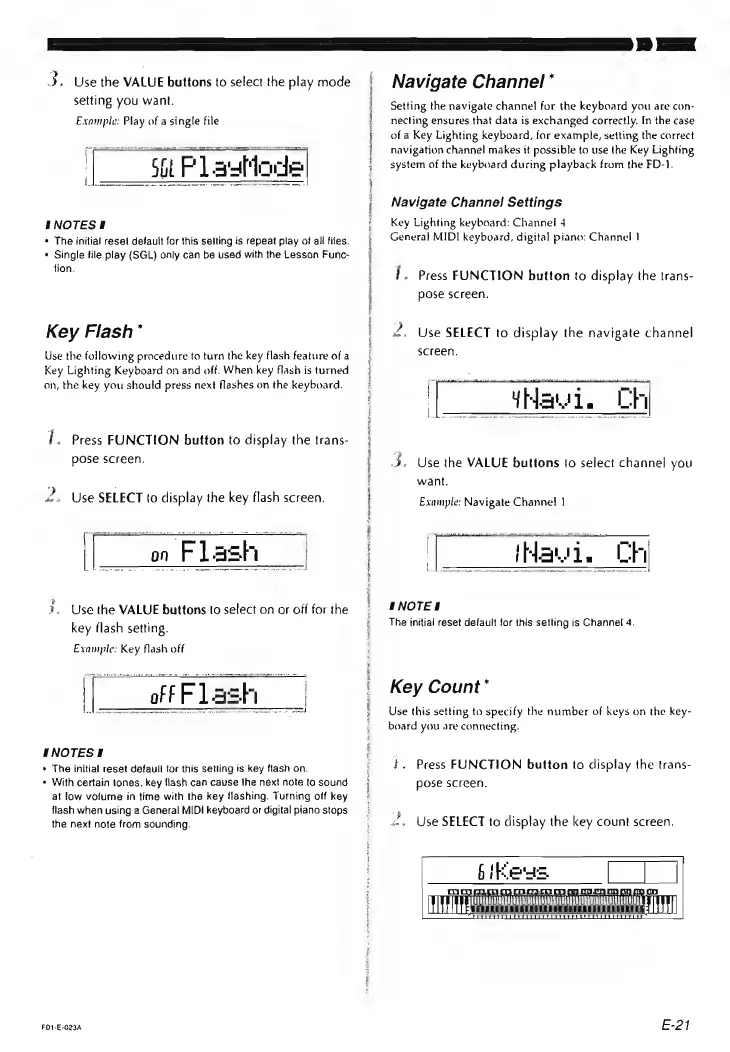
3.
Use
the
VALUE
buttons
to
select
the
play
mode
setting
you
want.
Example:
Play
of
a
single
file
§NOTESI
¢
The
initial
resel
default
for
this
selting
is
repeat
play
of
all
files.
¢
Single
tile
play
(SGL)
only
can
be
used
with
the
Lesson
Func-
tion,
Key
Flash*
Use
the
following
procedure
to
turn
the
key
flash
feature
of
a
Key
Lighting
Keyboard
on
and
off.
When
key
flash
is
turned
on,
the
key
you
should
press
next
flashes
on
the
keyboard.
{,
Press
FUNCTION
button
to
display
the
trans-
pose
screen.
2.
Use
SELECT
to
display
the
key
flash
screen.
on
Flash
3,
Use
the
VALUE
buttons
to
select
on
or
off
for
the
key
flash
setting.
Example:
Key
flash
off
|
|
of
F
F
La:
sh
Le
|
INOTESE
*
The
initial
reset
defaull
for
this
setting
is
key
flash
on.
With
certain
tones,
key
flash
can
cause
!he
next
note
to
sound
at
low
volume
in
time
with
the
key
flashing.
Turning
off
key
flash
when
using
a
General
MIDI
keyboard
or
digital
piano
stops
the
next
note
from
sounding.
FD1-E-023A
OS
SR
Ne
TO
PLAIN
Ne
Pt
eae
ce
recta
shaw
ml
Navigate
Channel
*
Setting
the
navigate
channel
for
the
keyboard
you
are
con-
necting
ensures
that
data
is
exchanged
correctly.
In
the
case
of
a
Key
Lighting
keyboard,
for
example,
setting
the
correct
navigation
channel
makes
it
possible
to
use
the
Key
Lighting
system
of
the
keyboard
during
playback
from
the
FD-1.
Navigate
Channel
Settings
Key
Lighting
keyboard:
Channel
4
General
MIDI
keyboard,
digital
piano:
Channel
|
I.
Press
FUNCTION
button
to
display
the
trans-
pose
screen.
&.
Use
SELECT
to
display
the
navigate
channel
screen.
Mavi.
Ch
3.
Use
the
VALUE
buttons
to
select
channel
you
want.
Example:
Navigate
Channel
1
|
(Hewie
Ch
NOTE!
The
initial
reset
default
for
this
setting
is
Channel
4.
Key
Count
*
Use
this
setting
to
specify
the
number
of
keys
on
the
key-
board
you
are
connecting.
+.
Press
FUNCTION
button
to
display
the
trans-
pose
screen.
2,
Use
SELECT
to
display
the
key
count
screen.
bikews
[|
|
LT
Ra
aciaeaaoananiinine
E-21