EasyManua.ls Logo

Casio FD-1 - Page 24

Casio FD-1
30 pages
Print Icon
To Next Page IconTo Next Page
To Previous Page IconTo Previous Page
Loading...
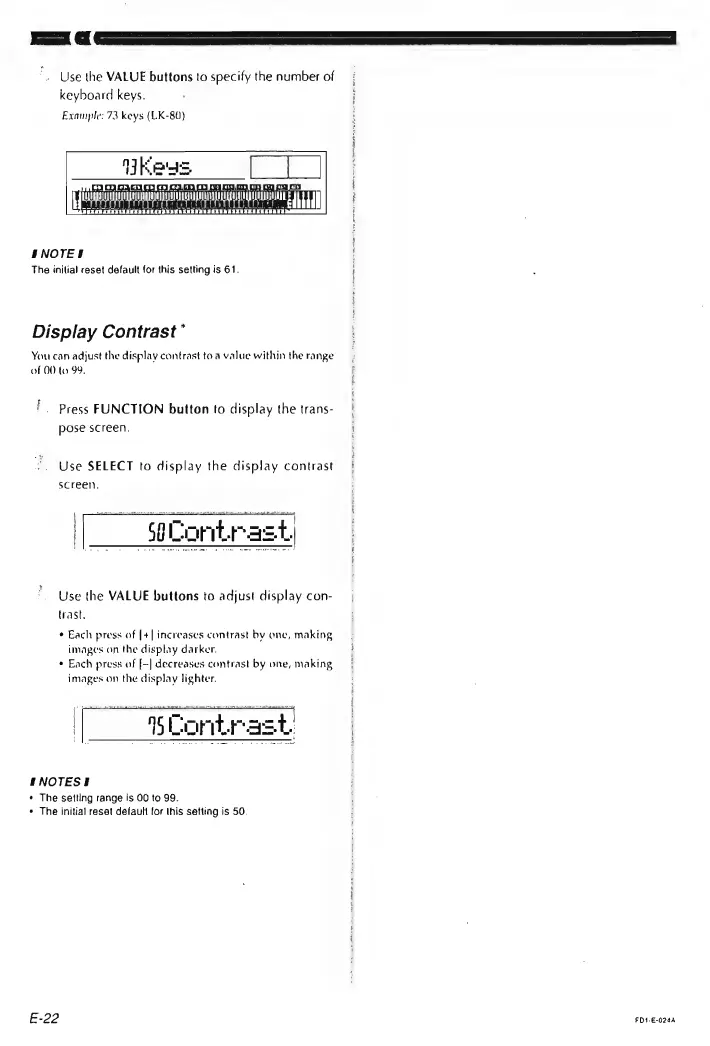
Use
the
VALUE
buttons
to
specify
the
number
of
keyboard
keys.
;
Example:
73
keys
(LK-80)
he
45
pees
SNOTES
The
inilial
reset
default
for
this
setting
is
61.
Display
Contrast’
You
can
adjust
the
display
contrast
to
a
value
within
the
range
of
00
to
99.
'.
Press
FUNCTION
button
to
display
the
trans-
pose
screen.
Use
SELECT
to
display
the
display
contrast
screel),
[|
seCoritrast)
Use
the
VALUE
buttons
to
adjust
display
con-
trast,
¢
Each
press
of
[+|
increases
contrast
by
onc,
making
images
on
the
display
darker.
®
Each
press
of
[-|
decreases
contrast
by
one,
making
images
on
the
display
lighter.
I
NOTESIS
¢
The
setting
range
is
00
to
99.
¢
The
initial
resat
default
for
Ihis
setting
is
50.
E-22
FD1-E-024A