No Operation Display Inspection contents
– 58 –
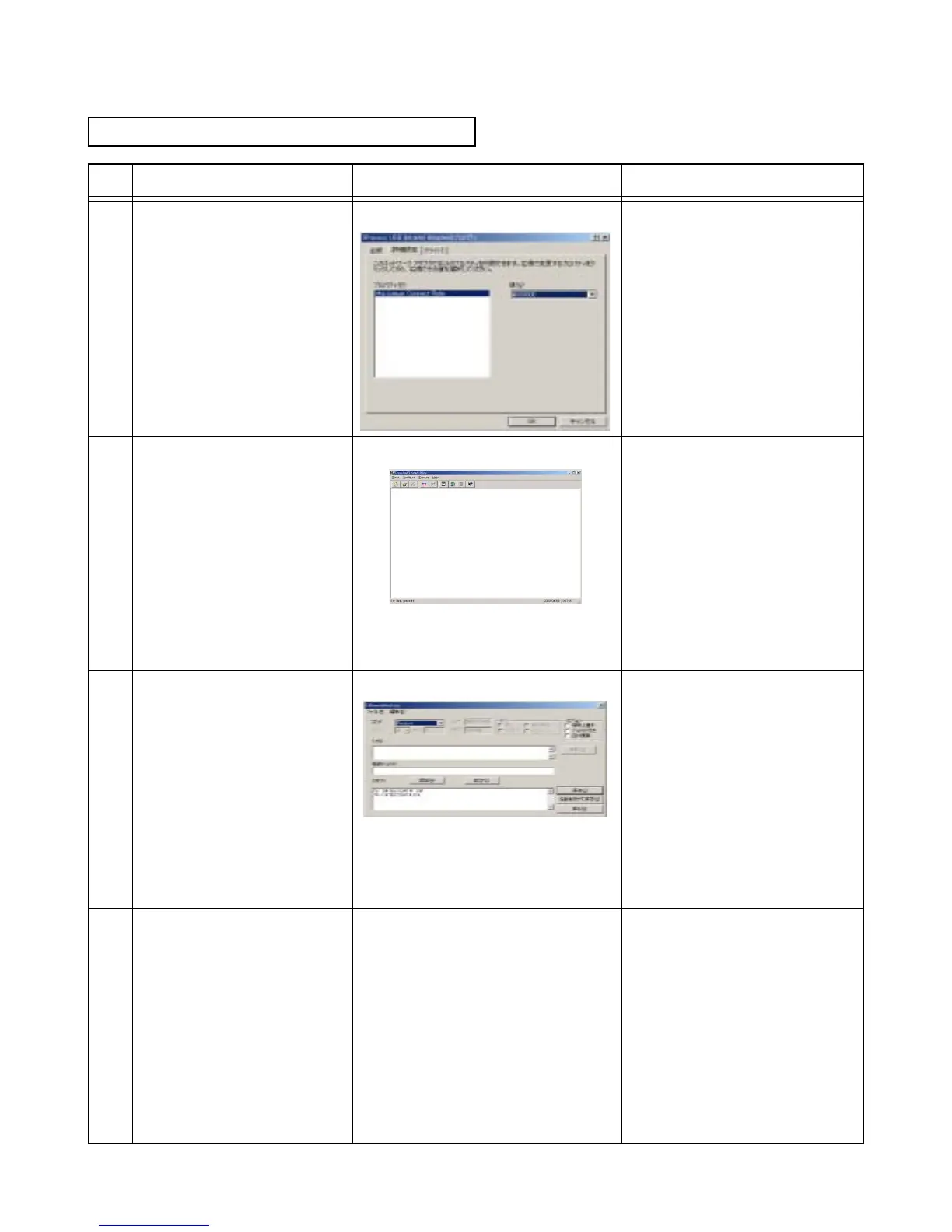
Openthe"Properties"
of"IRXpressUSBInfrared
Adapter"in"Device
Manager".
Conrmthat"MaximumCon-
nectRate"in"DetailSetting"is
4000000.
Start"LmWin32"onthePC.
Conrmthedisplayontheleft.Computerdisplay
Computerdisplay
Makeandsaveascriptlefor
"LmWin32"asshownonthe
right.
Computerdisplay Prepare"TEST.DAT"asaleof
about20kB.
Use"TEST.DAT"as
ascripttotransmit/receivebe-
tweenthePCand
PX-780.
Exampleofthescript;
\S"D:\TEST.DAT"A:\
\RA:\TEST.DATD:\
ExecutethescriptmadeinNo.
7.
No.16IrDA(2/3)
5
6
7
8
__














 To Next Page