– 59 –
No Operation Display Inspection contents
9
10
No.16IrDA(3/3)
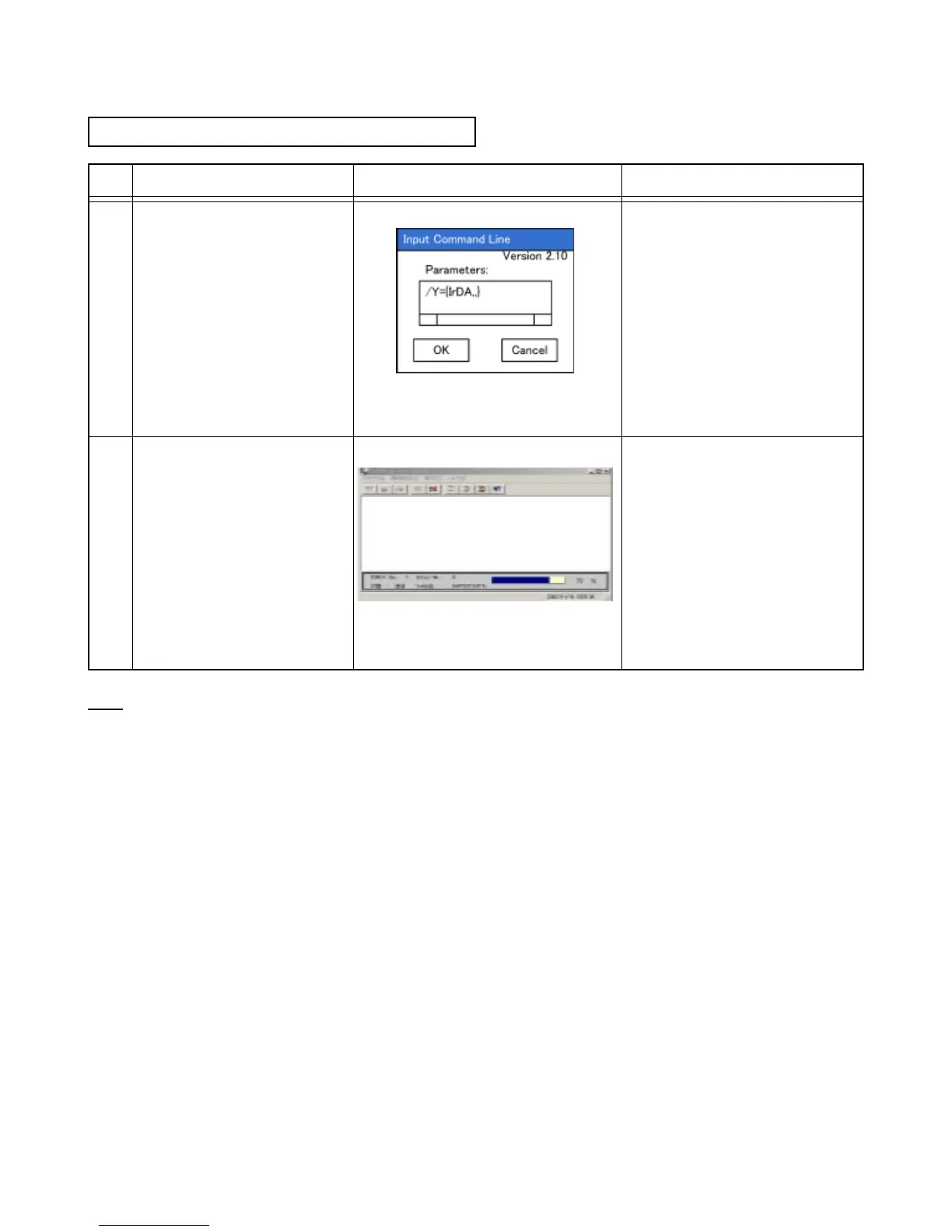
Conrmthedisplayontheleft.SetIT3000onHA-B61IO,and
execute"ce".
Start
_
>Programs
_
>
Communication
_
>FLCE
ScreenofIT-3000
Tap"OK"
or
push"Enter"key.
Conrmthedisplayontheleft.
Inspectioniscompletedwhen
the"ce"executiondisplayon
IT-3000isdisappeared.
Computerdisplay
Note
Sinceatestle“TEST.DAT”isgeneratedin“MyComputer”folderonthetestobjectIT-3000,deleteittogether
withtheRecycleBinfolderorremovethebatteryformorethan10minutesaftertheinspection.














 To Next Page