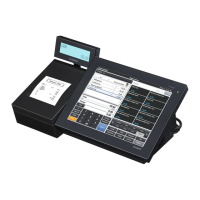
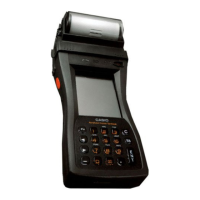
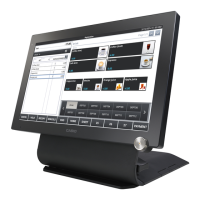
Introducing QT-6600
QT-6600 User’s Manual
17
E
D Yes key `
Use this key to consent the selection and proceeding
steps.
E Non-add/No sale key N
Non-add key: To print reference number (to identify a
personal check, credit card, etc.) during a transaction, use
this key after some numerical entries.
No sale key: Use this key to open the drawer without
registering anything.
F Seat # key B
Use this key to enter and print seat number.
G Function list key ´
Use this key to show the programmed function key list.
H Subtotal key s
Use this key to display and print the current subtotal
(includes add-on tax) amount.
I Cash/Amount tendered key a
Use this key to register a cash tender.
J No key _
Use this key to cancel the selection and proceeding steps.
K Number of customer key [
Use this key to register the number of customers.
L Post entry key B
Use this key to indicate the reserved item of set menu
and register it as a fixed item later on.
M Finalization list key ≥
Use this key to show the programmed finalization key
list.
N Home position key z
Use this key to return the cursor to the home position.
O Page up key g
Use this key to turn the window forwards.
P Page down key w
Use this key to turn the window backwards.
Q End key B
Use this key to turn the cursor to the end position.
R Menu shift key @
Use this key to shift Flat-PLU key to n-th (1 ~ 15) menu.
S Separate check key ≤
Use this key in a check tracking system to separate
selected items from one check to another check.
If this key is registered, a pop-up window for separating
a check is opened.
T Table transfer key ]
Use this key to transfer the contents of a check to another
check.
U New balance key S
Use this key to add the current registered total amount to
the previous balance to obtain a new balance. When this
key is pressed, the total amount of the transaction is
calculated. Normally, a receipt is issued.
V New/Old check key Z
Use this key in a check tracking system to input check
numbers in order to open new checks and to reopen
existing checks. When the clerk inputs a check number,
the register checks to see if that number already exists in
the check tracking memory. If there is no matching
number in the memory, a new check is opened under the
input number. If the check number matches a number
already stored in the memory, that check is reopened for
further registration or finalization.
W Flat-PLU key (, ) ~
Use these keys to register items to flat-PLUs.
X List 1 ~ 7 key B ~
Use this key to display menu lists.
Y Menu 1 ~ 7 key B ~
Use this key to display n-th menu window.
SEAT#
POST
ENTRY
END
LIST
1
MENU
1





 To Next Page