TE-2400 User's Manual
109
E
User Maintenance and Options
User Maintenance and Options
Options
Roll paper: P-5880T
Wetproof cover: WT-87
Hand held scanner: HHS-15
External printer: UP-360
Cable: PRT-CB-8A or PRT-CB-8B
Slip printer: SP-1300
Cable: PRT-CB-8C
Power supply: 31AD-U or 31AD-E
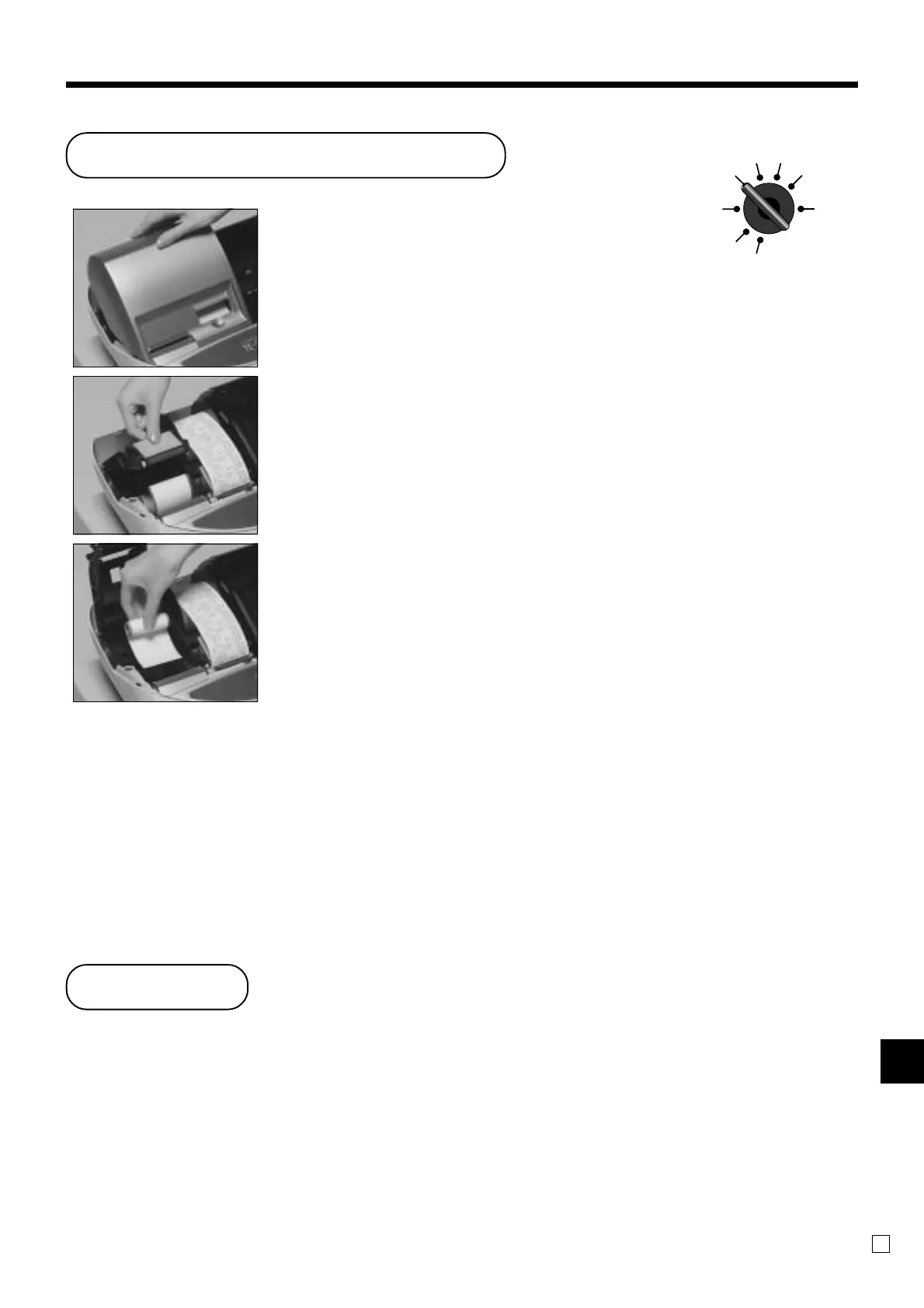
Step 1
Set the mode switch to the
REG position and remove the
printer cover.
Step 2
Open the platen arm.
Step 3
Remove the old paper roll
from the cash register.
Step 4
Load new paper.
Go to the step 3 described on
page 12 of this manual.
To replace receipt paper
REG2 X1
REG1 Z1
OFF X2/Z2
RF
PGM
Consult with your CASIO dealer for details.



 To Next Page