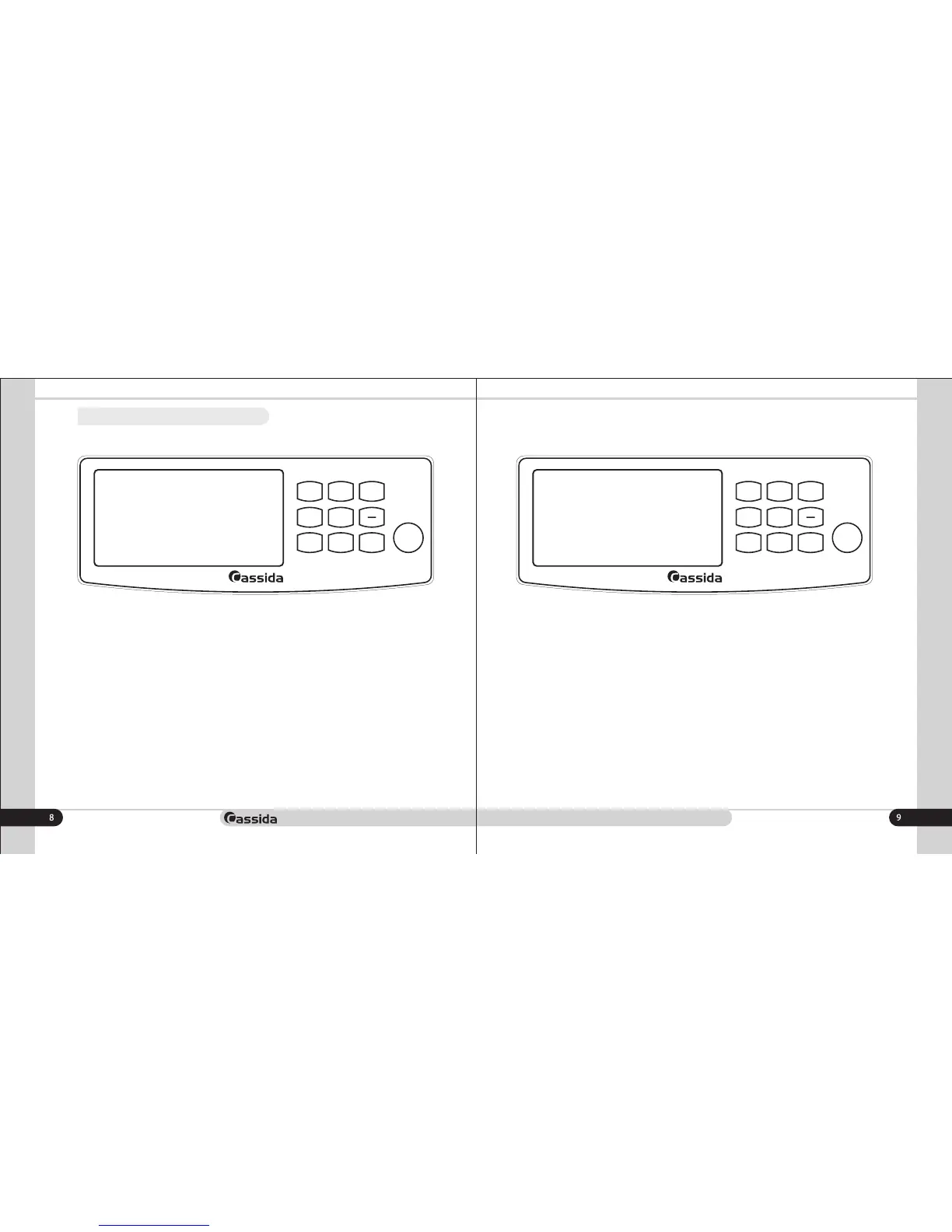
1.4 Control panel
moving money forward
1) UV – On / off ultraviolet detection
2) Detect– adjust the sensitivity level of the detection (1,2,3). 1-weak level, 2-medium
level and 3-high level of banknotes validation
3) À/M Start - switch between manual and automatic start
4) Batch – Activates the batch mode. Preset values of 20, 50 and 100 sheets of
packing with the possibility of increasing and decreasing the packing by using the +/-
buttons
5) ADD – on/off ADD mode
6) VAL – on/off value (calculation) mode
7) Clear – Clear the recount result
8) Start – start operating key
1) UV – On / off ultraviolet detection
2) MG - On / off magnetic detection (Cassida 5520 UV/MG model )
3) Detect– adjust the sensitivity level of the detection (1,2,3). 1-weak level, 2-medium
level and 3-high level of detection
4) Batch – Activates the batch mode. Preset values of 20, 50 and 100 sheets of
packing with the possibility of increasing and decreasing the packing by using the +/-
buttons
5) ADD – on/off ADD mode
6) VAL – on/off value (calculation) mode
7) Clear – Clear the recount result
8) Start – 1) start operating key 2) Long press - switch between manual and automatic
start
Cassida 5520 UVCassida 5520 UV/MG
MG
DET E C T
CLE A R
START
55 2 0 U V/ M G
ADD
BAT C H
UV
+
VAL
A/M
STA R T
CLE A R
START
55 2 0 U V
ADD
BAT C H
UV
+
DET E C T
VAL



 To Next Page