EasyManua.ls Logo

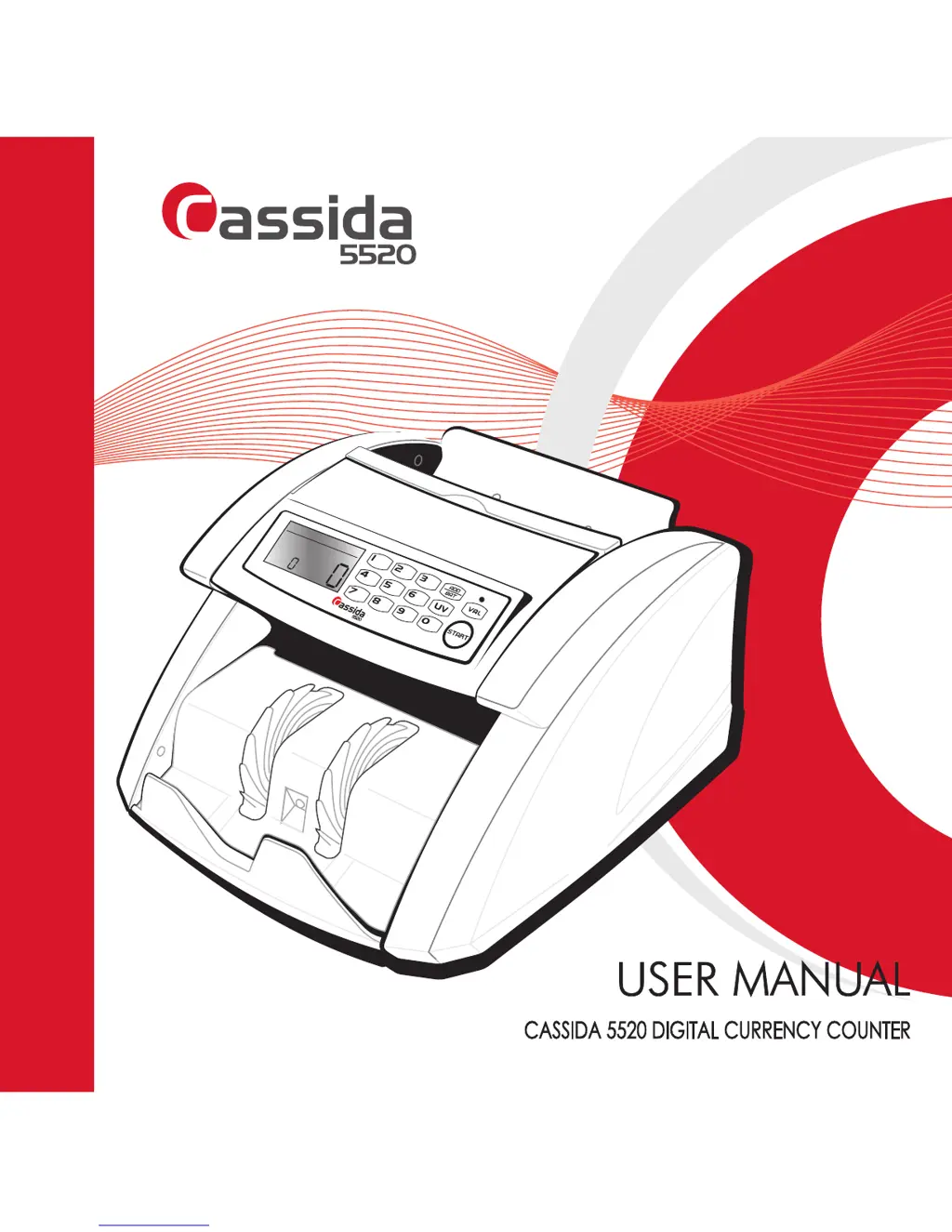
Cassida 5520 - User Manual

Cassida 5520
20 pages
Print Icon
To Next Page IconTo Next Page
Loading...
Moving money forward
UV MG
COUNT
UV MG
COUNT
®

Questions and Answers

  • I
    imccormickAug 14, 2025
    What to do if my Cassida Cash Counter detects a counterfeit bill?
    • K
      Krista FloresAug 14, 2025
      If your Cassida Cash Counter detects a counterfeit bill, remove the last bill from the stacker and press the START button to continue counting. Note that the suspect bill will not be added to the count.
  • T
    Tracey TownsendAug 17, 2025
    What to do if my Cassida Cash Counter detects a double note?
    • C
      Carolyn JacobsonAug 17, 2025
      If your Cassida Cash Counter identifies the last counted bill as a double note, remove the double note from the stacker and recount all the other notes in the stacker.
  • K
    Kelly WhiteAug 21, 2025
    What to do if my Cassida 5520 Cash Counter bills get jammed?
    • M
      melvinandersonAug 21, 2025
      If bills jam in your Cassida Cash Counter, turn off the machine. Remove any jammed bills, manually turning rollers or wheels if needed. Check for and remove any foreign objects like paper clips or rubber bands. Then, turn the unit back on and restart counting.
  • K
    Kayla CollierAug 25, 2025
    Why is my Cassida 5520 Cash Counter count result less than the actual number of bills?
    • B
      Bethany CastroAug 25, 2025
      If the count result on your Cassida Cash Counter is less than the actual number of bills, it could be due to bills being incorrectly placed in the hopper or the feeding gap being too wide. Try narrowing the gap slightly by turning the feeding gap adjustment screw clockwise and recounting. Repeat this until you reach a suitable gap width.
  • C
    Carmen FergusonAug 27, 2025
    What to do if my Cassida Cash Counter detects a half bill?
    • D
      Donna JensenAug 28, 2025
      If your Cassida Cash Counter detects a half bill, remove the half bill from the stacker and recount all the other notes in the stacker.
  • G
    gavilaAug 31, 2025
    What to do if my Cassida 5520 detects two or more notes at the same time?
    • R
      Rachel WilliamsAug 31, 2025
      If two or more notes pass through your Cassida Cash Counter simultaneously, remove all bills from the stacker and recount them.
  • S
    sarah11Sep 3, 2025
    How to clean counting sensors on my Cassida 5520?
    • A
      Ashley HerreraSep 3, 2025
      To clean the counting sensors on your Cassida Cash Counter, use a soft bristle brush and compressed air.
  • A
    Angela CooperSep 6, 2025
    How to clean stacking sensors on my Cassida 5520 Cash Counter?
    • X
      xhoganSep 6, 2025
      To clean the stacking sensors on your Cassida Cash Counter, use a soft bristle brush and compressed air.
  • J
    jrobinsonSep 10, 2025
    What to do if there are bills in the stacker of my Cassida 5520 Cash Counter?
    • V
      vbeanSep 10, 2025
      If there are bills in the stacker of your Cassida Cash Counter, remove them to allow the machine to complete its self-check.

Summary

Introduction

Important safety notes

Outlines critical safety precautions to be followed during operation and maintenance.

Getting Started

Detection Features

UV Counterfeit detection

Explains how the unit detects counterfeit bills using UV light.

MG Counterfeit detection (Cassida UV;MG model only)

Details magnetic ink detection for specific models.

Double note detection

Describes the detection of two bills stuck together.

Half note detection

Explains the detection of half-sized bills.

Chain note detection

Covers the detection of multiple notes passing simultaneously.

Maintenance and Troubleshooting

Troubleshooting

Lists error codes, their causes, and recommended solutions.

Cassida 5520 Specifications

General IconGeneral
BrandCassida
Model5520
CategoryCash Counter
LanguageEnglish

Related product manuals