29
Check for parts online at www.castlestoves.com or call 800-450-EDGE (3343) M-F 8-5
Operator's Manual
Serenity Pellet Stove
ENGLISH
Limit: Indicates the hopper lid is properly shut.
Blower: Indicates whether the room fan/blower is working
properly.
Feeding: Indicates if the auger is properly feeding pellets.
Vacuum: Indicates there is sucient vacuum and suction.
NTC1: Indicates the proof of re switch is properly
working.
NTC2: Indicates temperature being read by room temp
sensor.
(Temperature is in Celsius)
Restoring Default Settings
In the diagnostic mode, you will have the ability to test certain
components of your stove to see if they are properly working. By
using the ENTER button, you can highlight “Fire,” “Exhaust,”
“Blower,” or “Feeder”. When one of these options is highlighted,
you can use the SCROLL UP or SCROLL DOWN buttons to
unshade or shade in the circle next to the stove component it
represents. This manually attempts to turn on these components
to see if it works properly.
If at any time you desire to return your controlled stove settings
to their original state, (i.e. rest blower voltage levels or weekly
schedules) your stove does have the ability to restore the default
settings.
To restore the default settings:
1. Press and hold the ENTER button to get into the “Set
Data” screen.
2. Using the SCROLL DOWN key, move down to option 7,
“Restore Default Settings.”
3. In the “Restore Default Settings” screen you have a
“Yes” and “No” option. If you do not wish to restore your
settings, scroll down and press ENTER. If you wish to
continue with restoring your default settings, select YES
and press ENTER.
4. The main display screen will now appear and your
settings will have been changed.
SHUT DOWN PROCEDURE
Press the button on the control pad to initiate the shut down
mode. The On/O indicator on the screen will read OFF. The auger
will stop feeding pellets, but the room air distribution blower and
exhaust fan will continue to operate. Once the stove has cooled
down, the screen light will turn o.
Shut down times will vary.
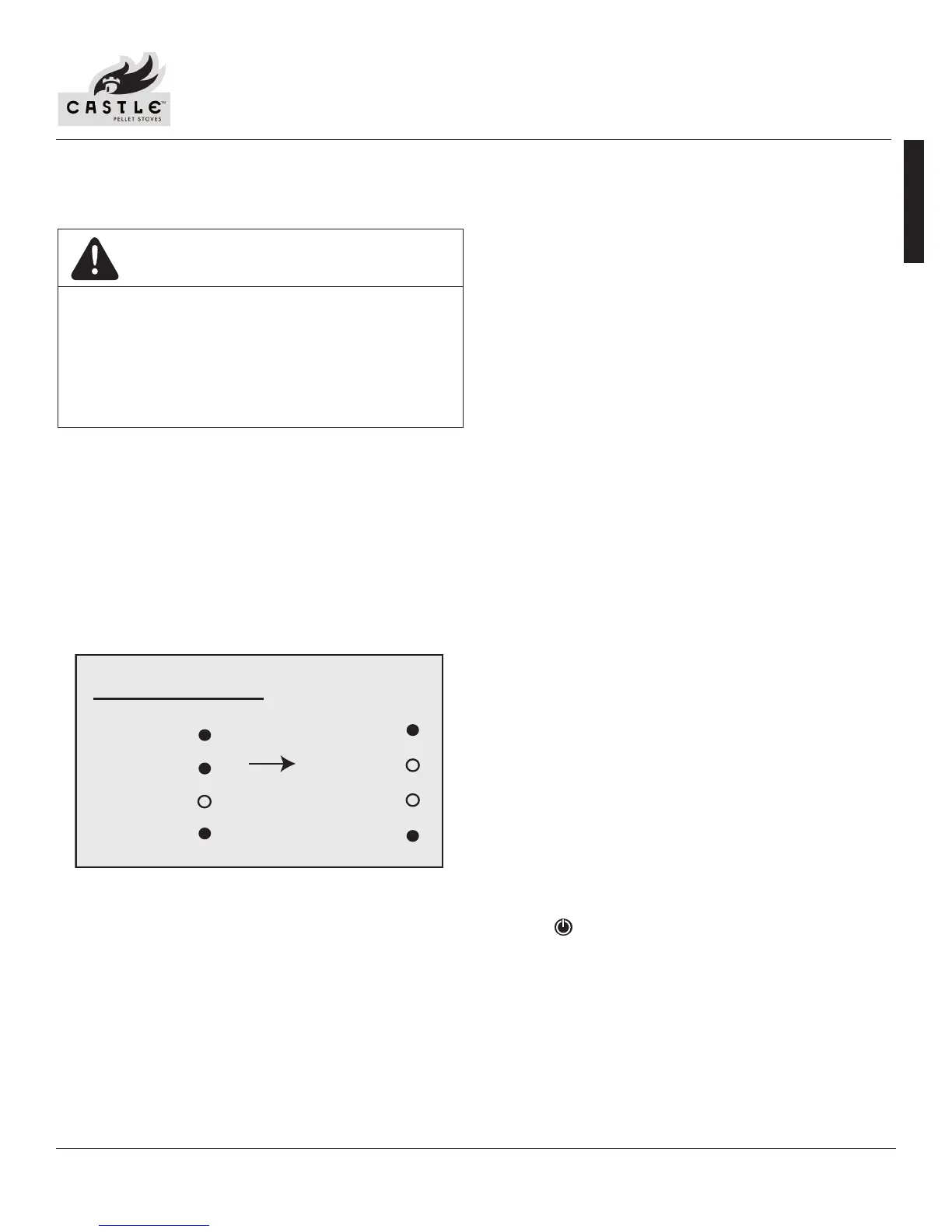
Diagnostic
Fire:
Exhaust:
Limit:
NTC1:
Stalls: 01
Blower:
Feeding:
Vacuum
NTC2:
If all components are working properly, the circles next to the
components will be shaded.
Stalls: Changing the stall will allow you to test the
component in the various heating power levels.
Fire: Indicates whether the ignitor is working properly.
Exhaust: Indicates whether the combustion motor and
exhaust system is working properly.
Figure 29
DIAGNOSTICS
Your Castle Stove’s controller comes equipped with an on-board
diagnostics option that will let you test some components of your
stove.
NOTE: You will only be able to enter the diagnostic screen
when the stove is turned OFF.
To get into the diagnostics screen:
1. Press and hold the ENTER button. This will take you to
the “SET DATA” screen.
2. Using the SCROLL DOWN key, move to option 6,
“DIAGNOSTICS”. Press ENTER. This will take you to the
“DIAGNOSTICS” screen. SEE FIGURE 29.
NEVER OPERATE THE STOVE IN DIAGNOSTIC MODE.
DIAGNOSTIC MODE IS TO TEST AND CONFIRM THE
OPERATION OF INDIVIDUAL COMPONENTS ONLY.
OPERATION IN DIAGNOSTIC MODE WILL CREATE
AN UNSAFE CONDITION AND CAUSE INJURY TO
PEOPLE AND DAMAGE TO EQUIPMENT.
WARNING


 To Next Page