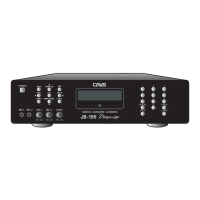
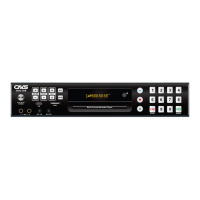
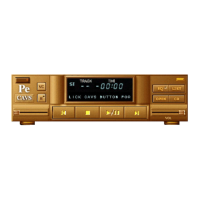
Open/Close
Open / Close disc drive.
(Disc mode only).
Intro
NA.
Resume
Stop
Press to stop / return.
Pause
Press to pause.
Press again to play.
Play
Press to play.
Press again to pause.
Slow
Move fast forward during play by
3 seconds.
Search
Left and Right arrow keys.
18
CONTROLS AND FUNCTIONS
11
12
13
14
7
8
9
10
Select elapsed or remaining time.
18
17
16
15
Skip
Move cursor up / down.
PBC
Rewind the track by 3 seconds.
Next
Press the access the menu for BGV, REP, VOC etc.
Prev.
Go to previous song.
Return
NA.
Select
Press to show the elapsed time on lyrics screen.
Numeric Keys
Input number of a song, title, or meny item.
JB/CD Button
Select JUKE (Hard Drive) or CD (Disc) for
song selection.
Time
NA.
Cancel
NA.
19
20
21
23
22
24


 To Next Page