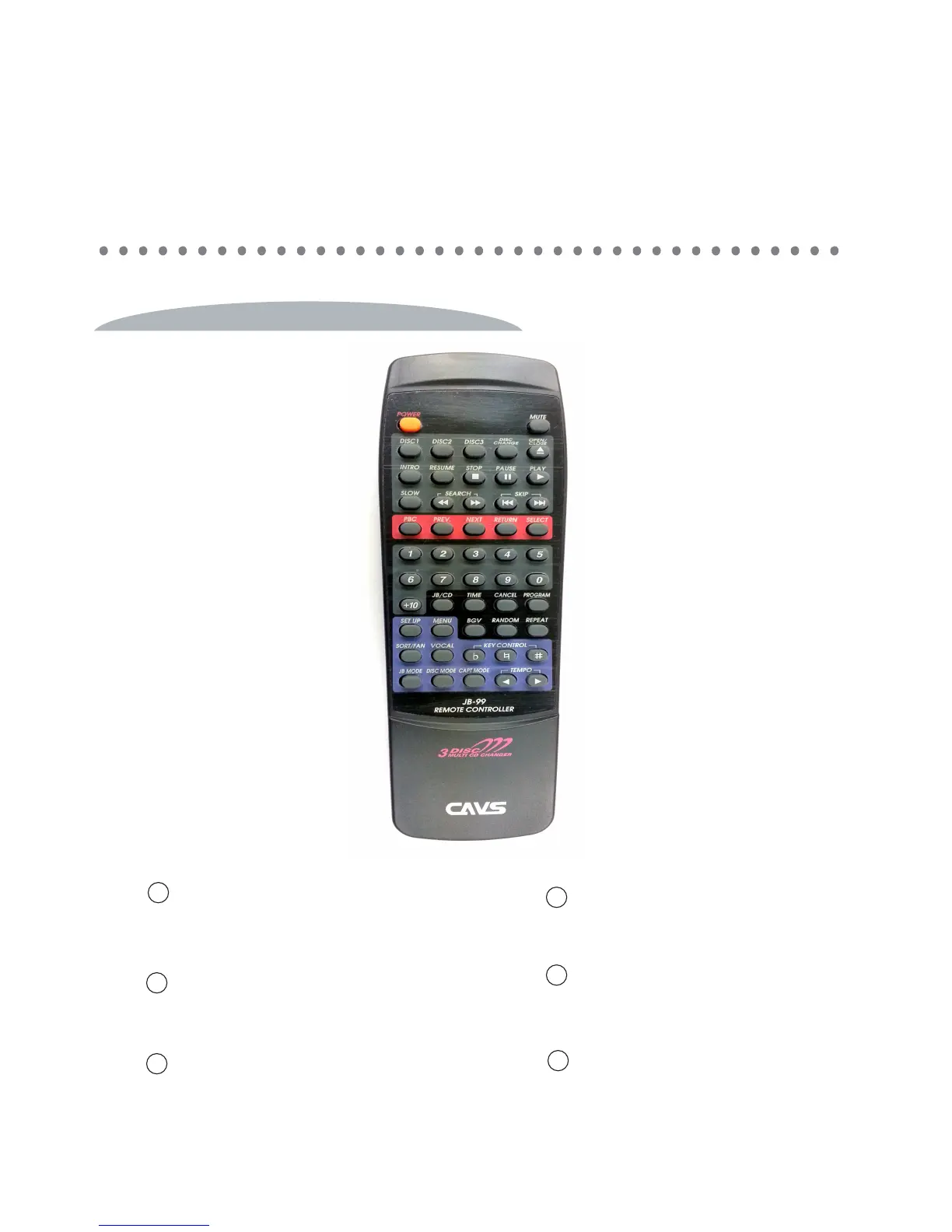
Power
Power off the player. To power on, press
the POWER button on the front panel.
Mute
NA
Disc 1
Press to start / stop recording mode.
DISC 2
Press to delete the last recorded track.
DISC 3
Select between off / 75 / 85 / 95. Press Play.
17
REMOTE CONTROLLER
CONTROLS AND FUNCTIONS
1
3
4
5
2
Disc Change
Mute on / off master music volume.
6



 To Next Page