HOW TO OPERATE
76
In the Home page, tap on the CAVS RS II App icon and start the App.
The main menu of CAVS RS II App will appear as below.
- Song Book
- Queue Status
- Favorite List
- Contest Board
- Settings
Iphone and Ipad
1
Menu
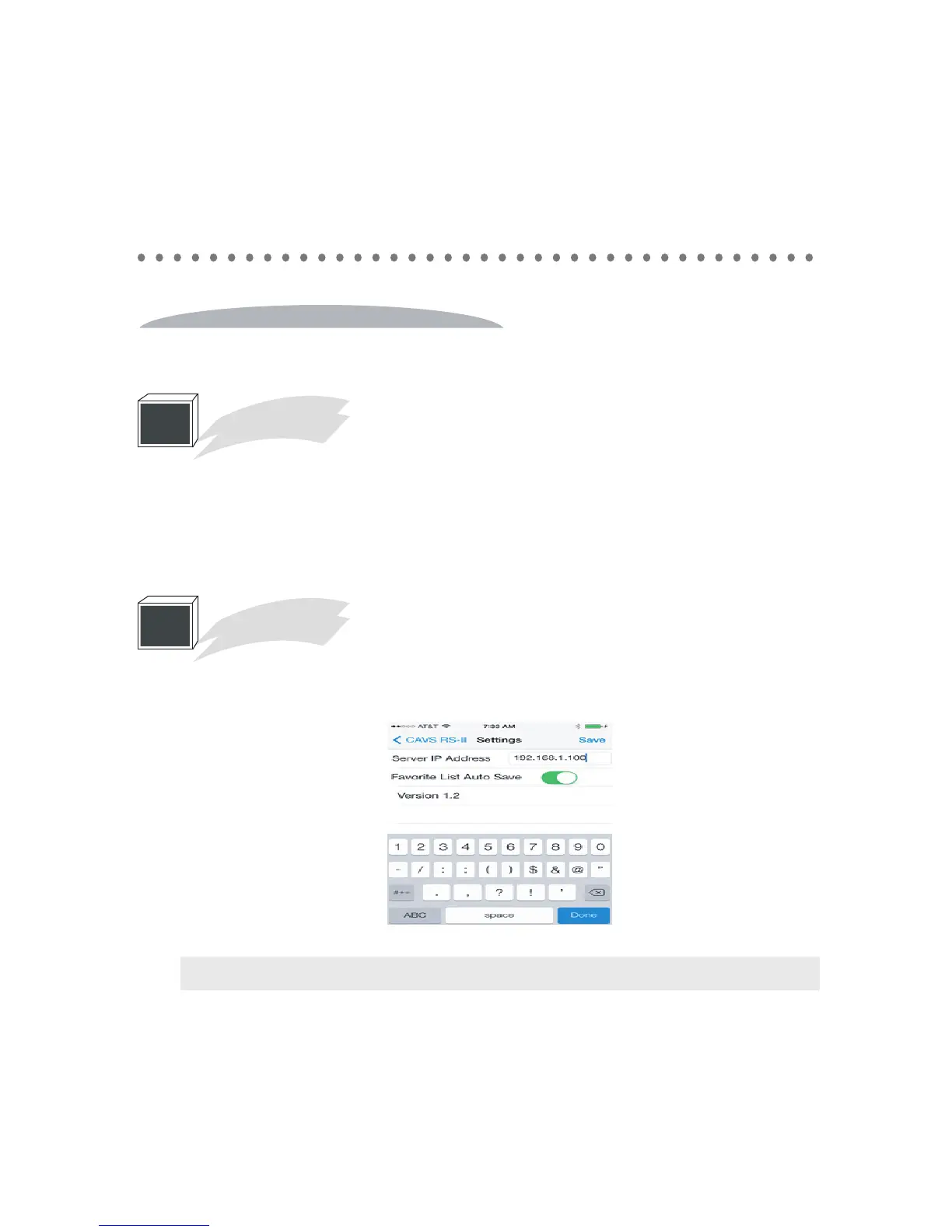
Tap on the settings, tap on the servwe IP address which will bring up the screen keyboard.
Type in the IP address of the CAVS RS II server program in your CAVS Karaoke player or
Windows based PC.
2
Settings
Note : After setting the Server IP, be sure to save by pressing the Save button.



 To Next Page