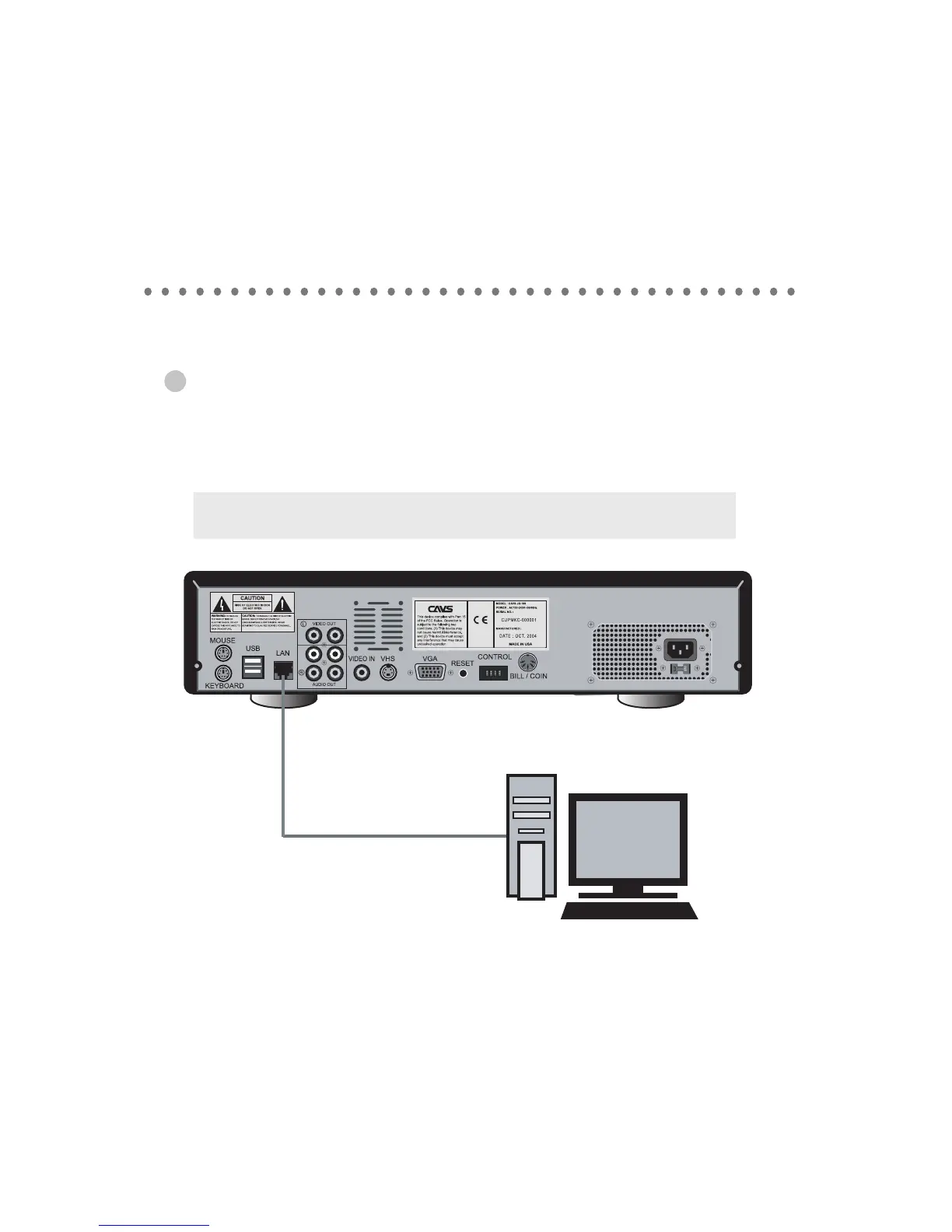
When connecting a remote PC to JB-199 unit
The connection from a remote PC to JB-199 unit is illustrated below using cross network cable.
Although phisically comparable to LAN cable, cross network cable has distinct functionality.
Refer to FAQ for detail.
27
HOW TO CONNECT
Note : Static IP address must be assigned to JB199 and to PC.
Refer to USER FORUM at www.cavsusa.com for detail.
cross network cable



 To Next Page