HOW TO OPERATE
69
- Note the colorful (red, blue or green) burst at the bottom right corner of the screen. The
colors indicate the pogress level of communication with CAVS RS II server.
- Red : Not Connected
- Blue: Connecting / Importing a song list.
- Green: Importing a song list completed / Ready to go.
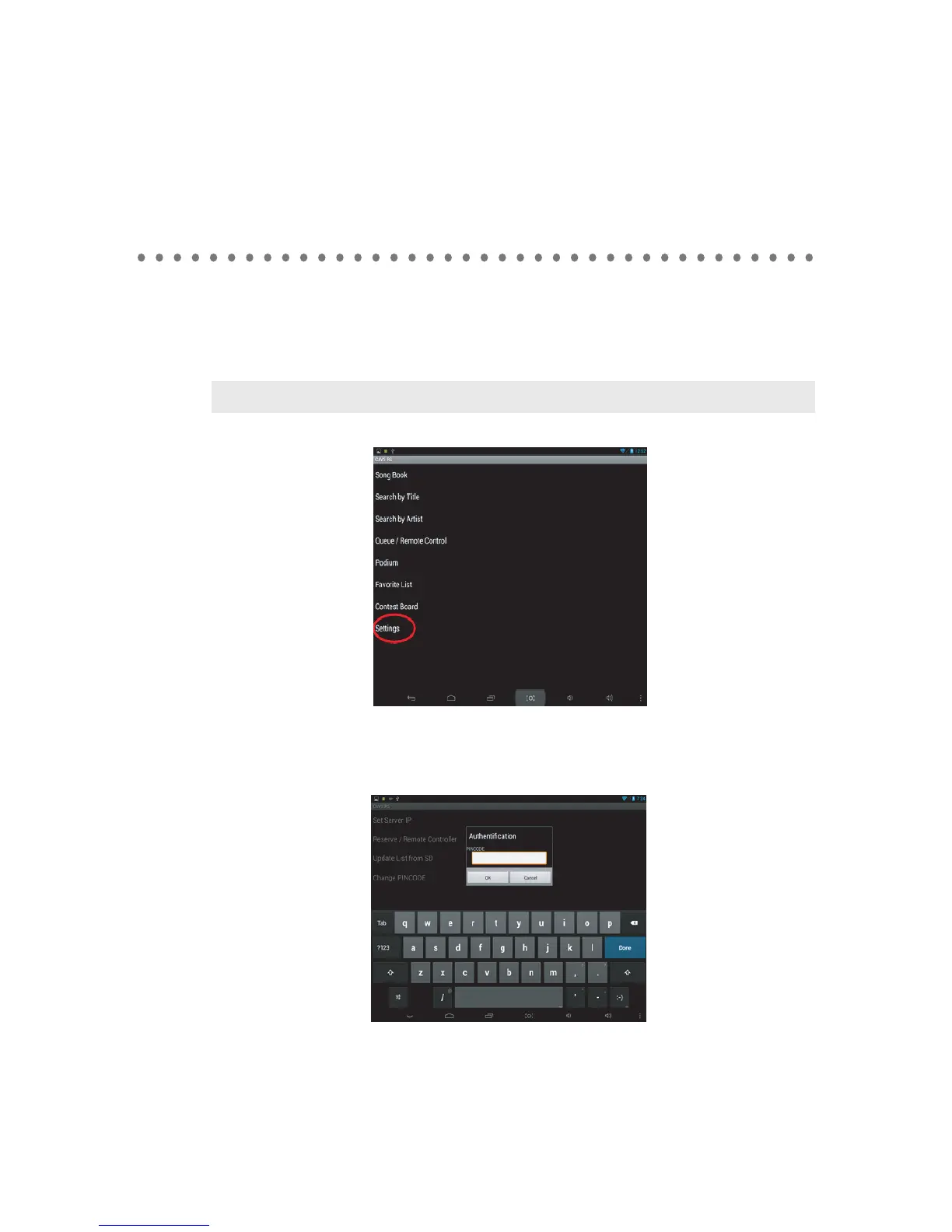
- Tap on settings.
The following popup will appear. The default PINCODE is 0000 (Four Zeros). Input the
PINCODE and press OK.
Note : Without a proper Wi-Fi connection, the burst will remain in red color.



 To Next Page