7
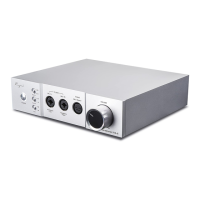
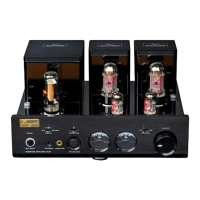
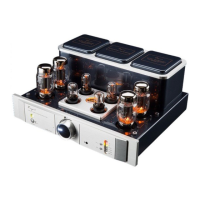
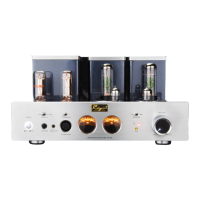
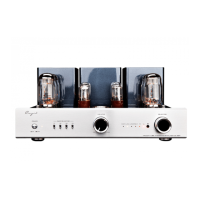
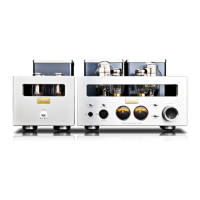
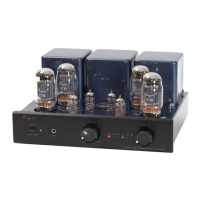
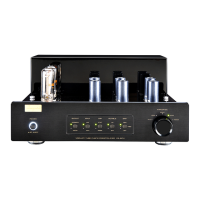
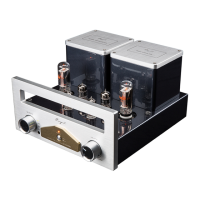
Front Panel
⑤
⑥. :
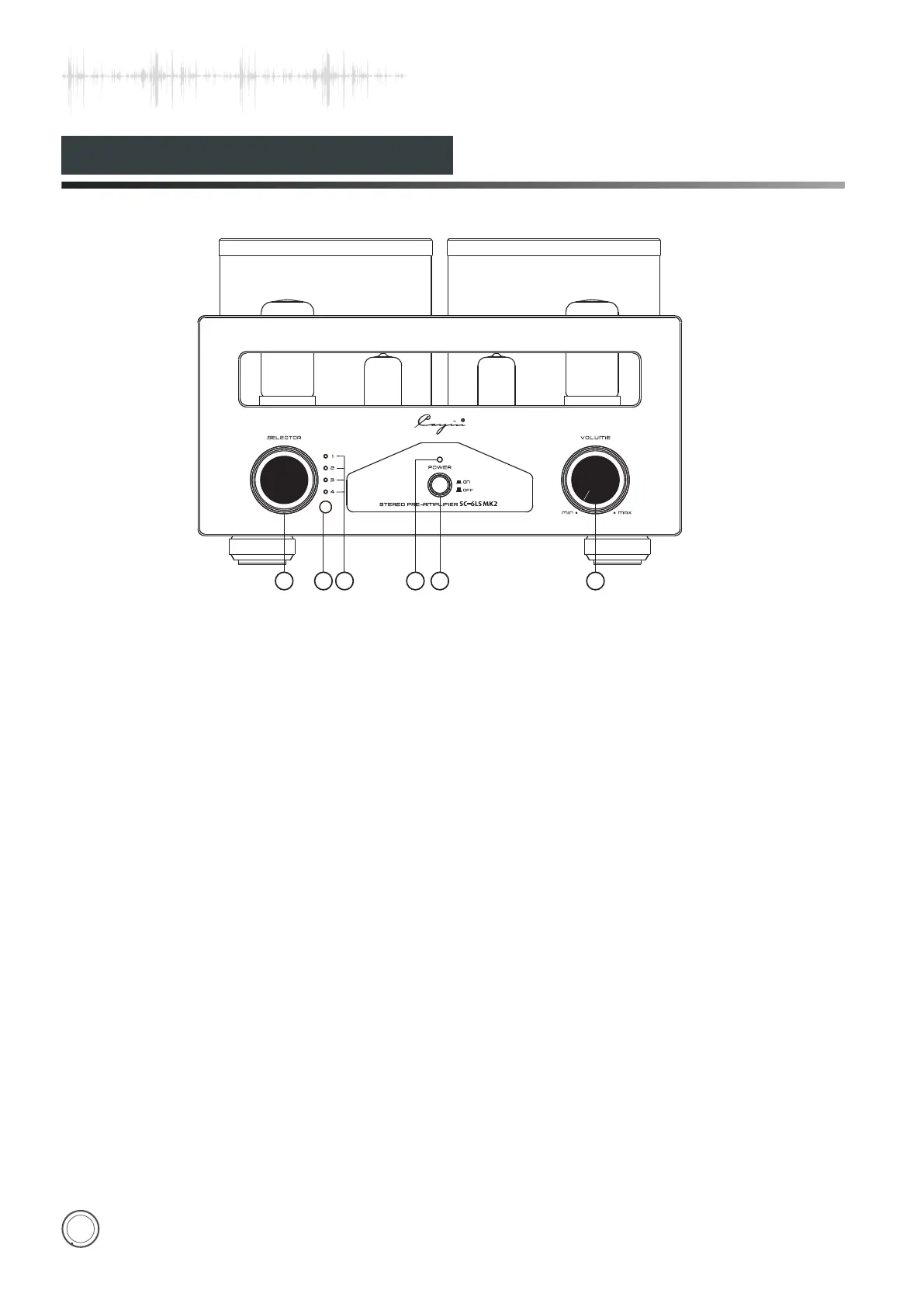
④. Power indicator
When starting up, the indicator light.
.Power Switch:
Used to switch on/off the amplifier.
Volume Knob
Used to control volume
Please select corresponding input and corresponding
input indicator will be on.
②.IR Remote Sensor
Used to receive the code of remote control.
③.
You can hear sound from 1 when 1 indicator is on.
You can hear sound from 2 when 2 indicator is on.
You can hear sound from 3 when 3 indicator is on.
You can hear sound from 4 when 4 indicator is on.
Cayin SC-6LS MK2 has memories and it will default last
operation state when turning on.
①
Used to choose 4 types of audio sources.
Input Selection Indicator:
.Input Selector:
:
1 2
3
4
5
6
ON
OFF
POWER
VOLUM E
MIN
MAX
SELECTOR
1
2
3
4


 To Next Page