EasyManua.ls Logo

Cayin CS-6 PH - User Manual

Cayin CS-6 PH
14 pages
Print Icon
To Next Page IconTo Next Page
Loading...
User's Manual
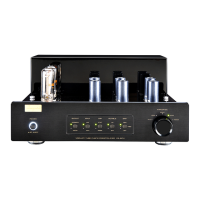
VACUUM TUBE PHONO PREAMPLIFIER
CS-6PH
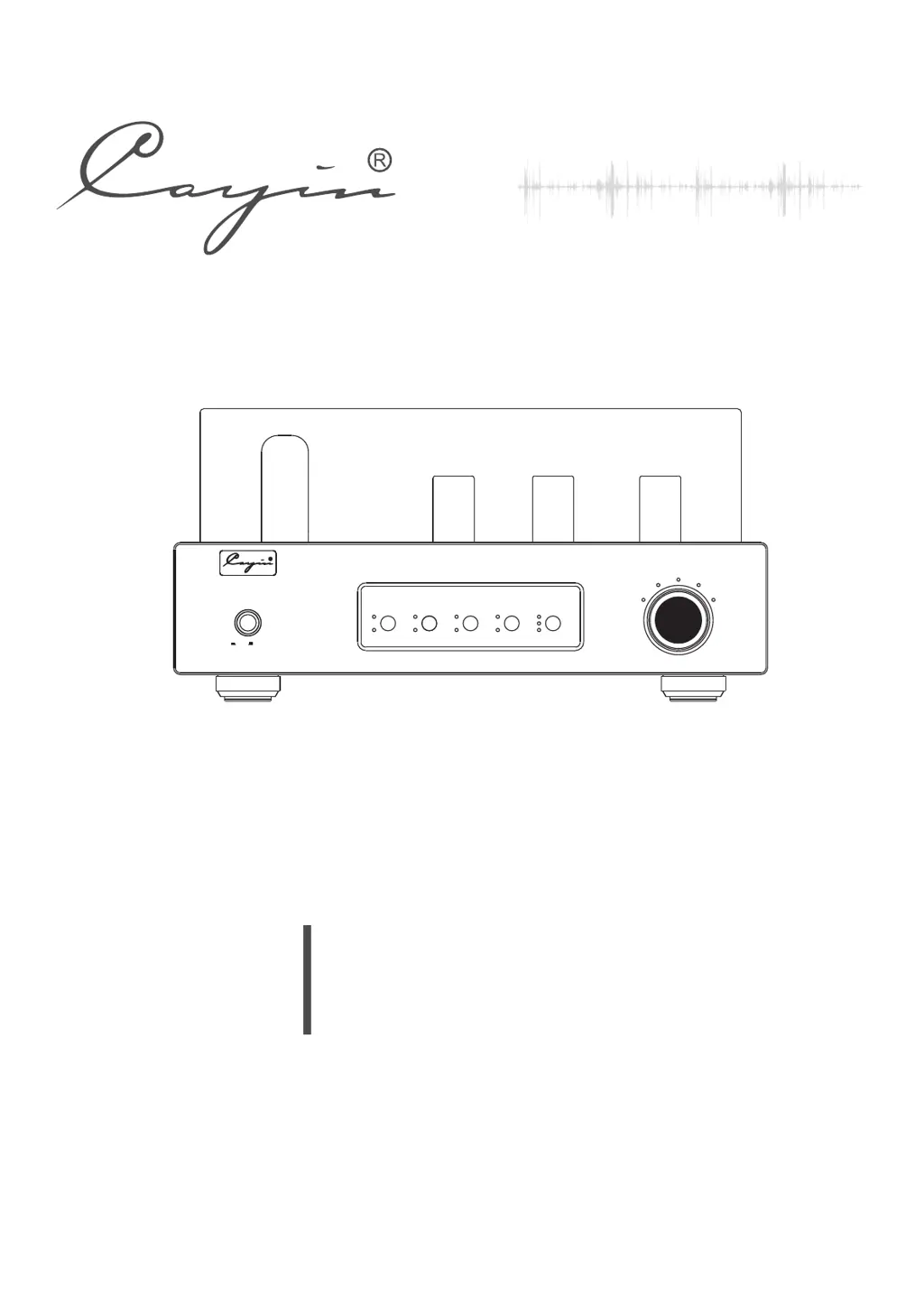
VACUUM TUBE PHONO PREAMPLIFIER CS-6PH
POWER
ON
OFF
IMPEDANCE
47Ω
100Ω
200Ω
470Ω
1000Ω
ONOPERATE
MED
MUTE
100pF
OFF LOW
OUTPUT CAP
RUMBLE
GAIN
HIGH
47pF
MM
MC
INPUT

Questions and Answers

Summary

Package Contents

Product Features

Safety Precautions

Specifications

Maintenance

Warranty Service

Precautions

Power Cord Connection

Connect speaker and signal cables before inserting the power cord into the socket.

Front Panel Controls

Front Panel Power Button

Button to turn the amplifier on and off, returning to original position to power off.

Front Panel Power Indicator

Indicates working state; on when normal, flickers when delaying or in mute.

Front Panel Output Status Indicator

Shows amplifier operation state; Power LED and operate LED on when normal, Mute LED on when soft state.

Front Panel Input Selector

Selects between MM or MC input source for the amplifier.

Front Panel Capacitance Selector

Selects input capacitance for MM cartridges (47pF/100pF).

Front Panel Rumble Filter Switch

Switches the low pass filter circuit of the output signal on or off.

Front Panel Gain Selector

Selects the gain for MC output (High, MED, Low).

Front Panel Impedance Selector

Selects impedance for MC cartridges, remembers last state.

Rear Panel Connections

Rear Panel Ground Terminal

Connects to the GND terminals of the turntable for grounding.

Rear Panel MC Input Terminal

Connects to the MC input source for audio signal.

Rear Panel MM Input Terminal

Connects to the MM input source for audio signal.

Rear Panel RCA Output Terminal

Connects to unbalance RCA input of a power amplifier.

Rear Panel XLR Output Terminal

Connects to balance XLR input of a power amplifier.

Rear Panel RCA;XLR Output Switch

Switches between RCA and XLR output signals.

Rear Panel Power Socket and Fuse

Location for the power cord and the main fuse.

Top Panel Tube Layout

Top Panel V7, V8 Tube Location

Identifies the location and type of tubes V7 and V8.

Top Panel V3, V6 Tube Location

Identifies the location and type of tubes V3 and V6.

Top Panel V2, V5 Tube Location

Identifies the location and type of tubes V2 and V5.

Top Panel V1, V4 Tube Location

Identifies the location and type of tubes V1 and V4.

Installation Guidelines

Tube Replacement Guide

Audio Connection

Balanced Connector Explanation

Details XLR wiring standards (European vs. American) for balanced connections.

Turning On Procedure

Helpful Tips

Troubleshooting Guide

Cayin CS-6 PH Specifications

General IconGeneral
TypeVacuum Tube Headphone Amplifier
Inputs1 x RCA
Frequency Response10Hz-50kHz (-3dB)
Total Harmonic Distortion (THD)Less than 0.5%
Power SupplyAC 220V/50Hz or 110V/60Hz
Headphone Impedance32Ω - 600Ω
Output Power1W (32Ω)
S/N90 dB
Outputs1 x 6.3mm Headphone Jack
Signal-to-Noise Ratio≥90dB

Related product manuals