7
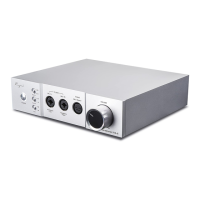
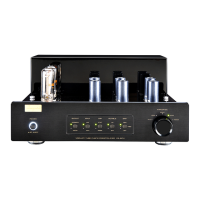
Front Panel
3
5
6
8
4
7
21
VACUUM TUBE PHONO PREAMPLIFIER CS-6PH
POWER
ON
OFF
IMPEDANCE
47Ω
100Ω
200Ω
470Ω
1000Ω
ONOPERATE
MED
MUTE
100pF
OFF LOW
OUTPUT CAP
RUMBLE
GAIN
HIGH
47pF
MM
MC
INPUT
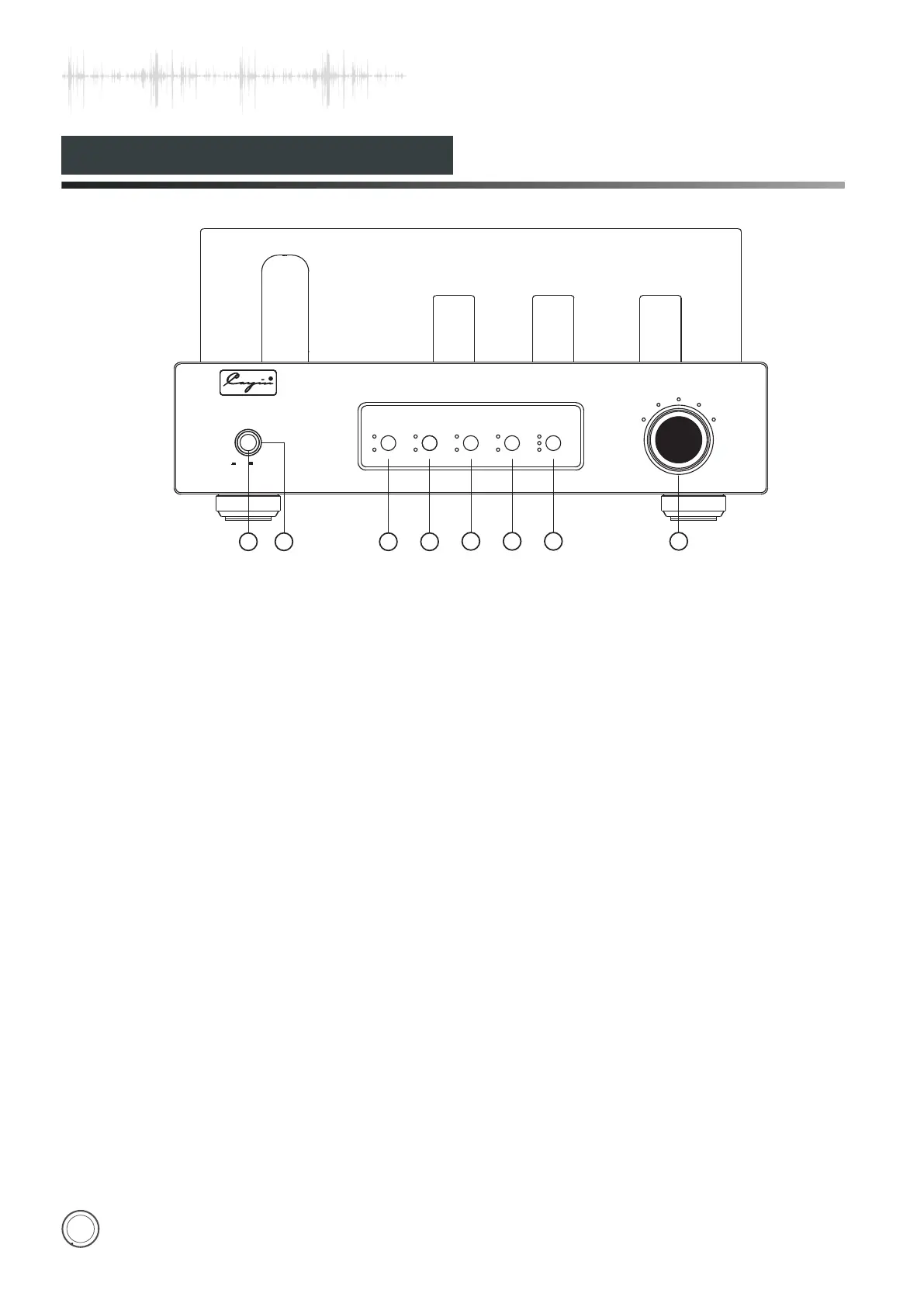
①.Power On/Off: Turn on and off the amplifier. Press
“down” the button to turn on the amplifier, Press again
the button will resume to original position and the
amplifier will power off.
②.Power Indicator: Used to indicate the working state.
The indicator will be on when it is working normally.
The indicator will flicker for 60 seconds when it delays
to work. The indicator will keep flickering when it is at
mute state.
③.OUTPUT:Indicate the operation state of the
amplifier. Power LED and operate LED are on
when it works normally. Mute LED is on when it is
at soft state and mute.
⑤.CAP:Choose input capacitance of MM
47pF/100pF.
⑥.RUMBLE:Switch ON/OFF the low pass
filter circuit of the output signal.
⑦.GAIN:Choose gain of MC output.
Selection can be high, MED, and low.
⑧.IMPEDANCE:Choose the suitable
impedance according to the MC cartridge.
Cayin CS-6PH has memories and it will default
last operation state when turning on.
④.INPUT:Choose MM or MC input.


 To Next Page