EasyManua.ls Logo

Cayin PLUS MT-35 MK2 - User Manual

Cayin PLUS MT-35 MK2
15 pages
Print Icon
To Next Page IconTo Next Page
Loading...
User's Manual
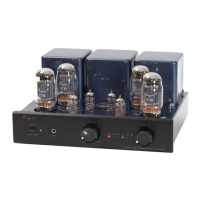
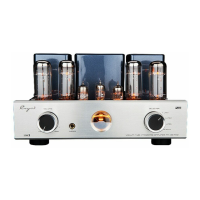
Vacuum Tube Integrated Amplifier
MT- MK35 2
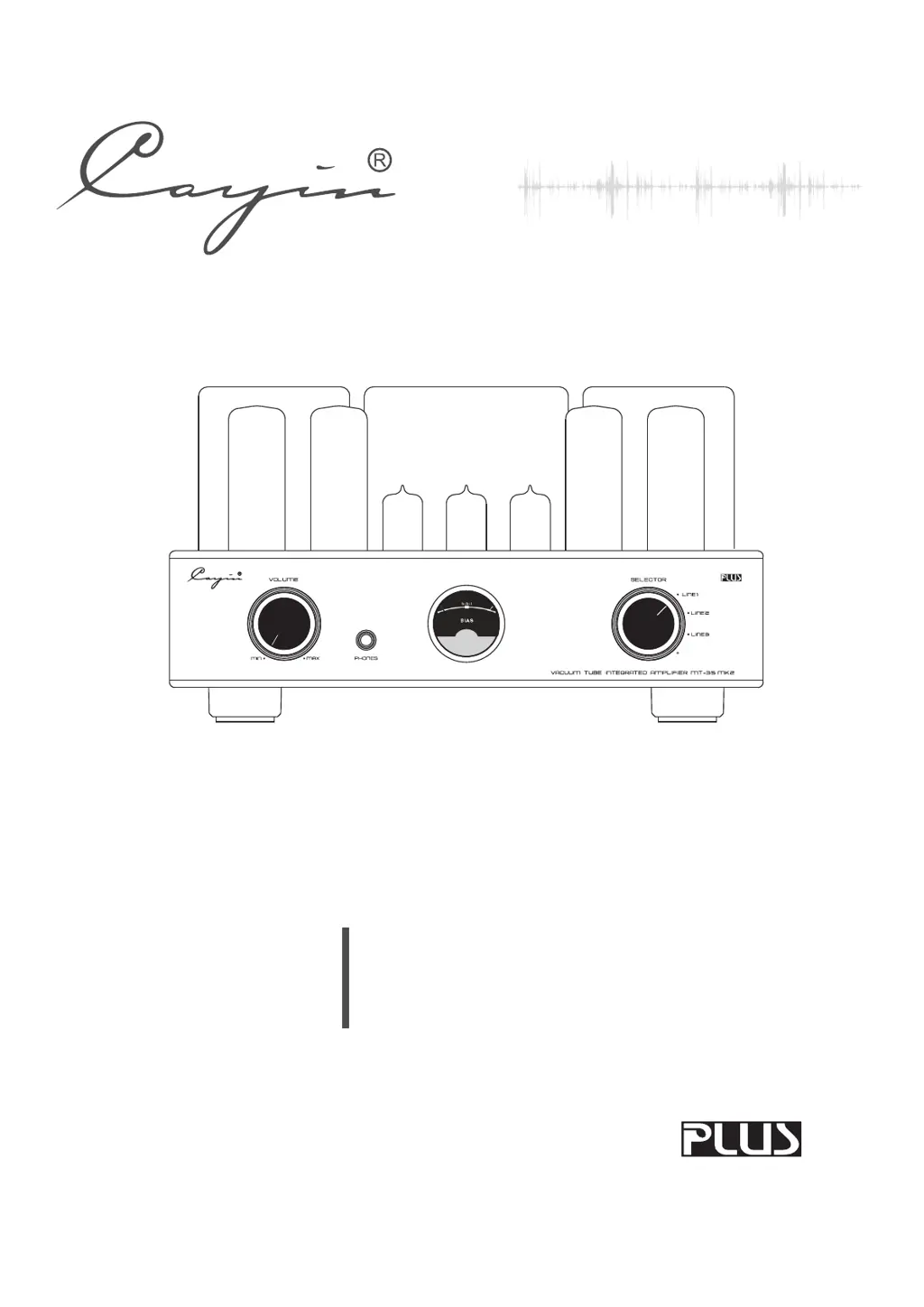
VACUUM TUBE INTEGRATED AMPLIFIER MT-35 MK2
LINE1
LINE2
LINE3
SELECTOR
VOLUME
MIN
MAX

Questions and Answers

  • A
    amywilsonJul 29, 2025
    Why is my Cayin PLUS MT-35 MK2 Amplifier sound distorted?
    • C
      Calvin LeeJul 29, 2025
      If you are experiencing sound distortion with your Cayin Amplifier, it might be due to a high input signal level. Try turning down the volume to a more suitable level.
  • G
    greencliffordAug 3, 2025
    What to do if the backlight is on but there is no sound from my Cayin PLUS MT-35 MK2 Amplifier?
    • R
      Rhonda MurphyAug 3, 2025
      If the backlight of the meter on your Cayin Amplifier is on but you're not getting any sound, there could be a few reasons. First, check if the volume is set to zero and turn it up. Second, make sure your sound source is functioning correctly. Finally, ensure that the input selection is correct and switched to the appropriate input.
  • A
    Adam VincentAug 9, 2025
    Why is there noise coming from my Cayin PLUS MT-35 MK2?
    • J
      jimmykaufmanAug 10, 2025
      If you're experiencing noise output from your Cayin Amplifier, the issue might be with the input signal cable. It's possible that the ground of the cable is open or there's bad contact. Try replacing the input signal cable with a new one. If the problem persists, it may be due to internal component or circuit issues.
  • M
    Meagan FowlerAug 16, 2025
    How to improve sound field positioning on my Cayin Amplifier?
    • N
      Nicole MilesAug 16, 2025
      If the sound field positioning isn't optimal with your Cayin Amplifier, check the connections of your signal input cables and speaker cables. Ensure they are correctly connected as instructed in the manual. Reconnect them if necessary.
  • C
    Craig WareAug 22, 2025
    What to do if the backlight of the meter is off on my Cayin PLUS MT-35 MK2?
    • J
      Jillian HughesAug 22, 2025
      If the backlight of the meter on your Cayin Amplifier is off, start by checking the power cord connection to ensure it's well-connected, including the power outlet. If the connection is secure, the main fuse might be out; in this case, replace it with a fuse of the same type and value. If neither of these solutions work, the issue may be with the inner parts or components.

Summary

Package Contents

Product Features

Safety Precautions

Specifications

Maintenance

Warranty Service

Precautions

Front Panel

Power Switch

Used to switch on/off the amplifier.

Volume Knob

Used to control volume.

Headphone Socket

Lets you enjoy high-quality music with headphones.

BIAS Meter

Monitors the working current of the power tube.

Input Selector

Used to choose audio sources and indicators.

Rear Panel

Signal Input Terminal

Used for audio source input.

Right Channel Output

Used to connect with the right channel of speaker.

Left Channel Output

Used to connect with the left channel of speaker.

Power Socket with Main Fuse

Main fuse is located below the power socket.

Top Panel

Bias Adjustment Knob for Power Tubes

For adjusting bias of power tubes A1, A2, A3, A4.

Bias Selector Switch

Selects tubes for bias adjustment.

Triode; Ultralinear Indicator

Selects Triode/Ultralinear working state.

Installation

Tube Replacement

Audio Connection

Speaker Connection

Check Speaker Impedance

Connect speaker positive to 4/8 ohm terminal, negative to 0 ohm.

Speaker Cable Connection

Steps to connect speaker cables: unscrew, insert, screw.

Turning On

Small Tips

Read the Manual

Read the user's manual carefully before installation and operation.

Operation Guidance

Do the operations as you are instructed in the Manual.

Placement Advice

Place amplifier on a level place, away from hazards.

Troubleshooting Tips

Follow tips to find reasons for problems.

Troubleshooting

Cayin PLUS MT-35 MK2 Specifications

General IconGeneral
Output Impedance4Ω, 8Ω
Input Sensitivity300mV
TubesEL34 x 4, 12AX7 x 2, 12AU7 x 2
Input Impedance100kΩ
Power Consumption220W
TypeTube Amplifier
Frequency Response10Hz - 40kHz
Total Harmonic Distortion<1% (1kHz, 10W)

Related product manuals