7
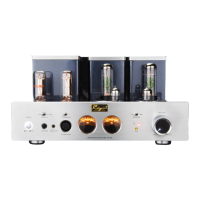
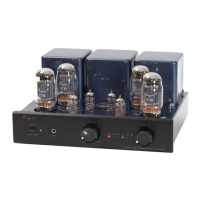
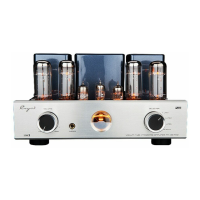
Front Panel
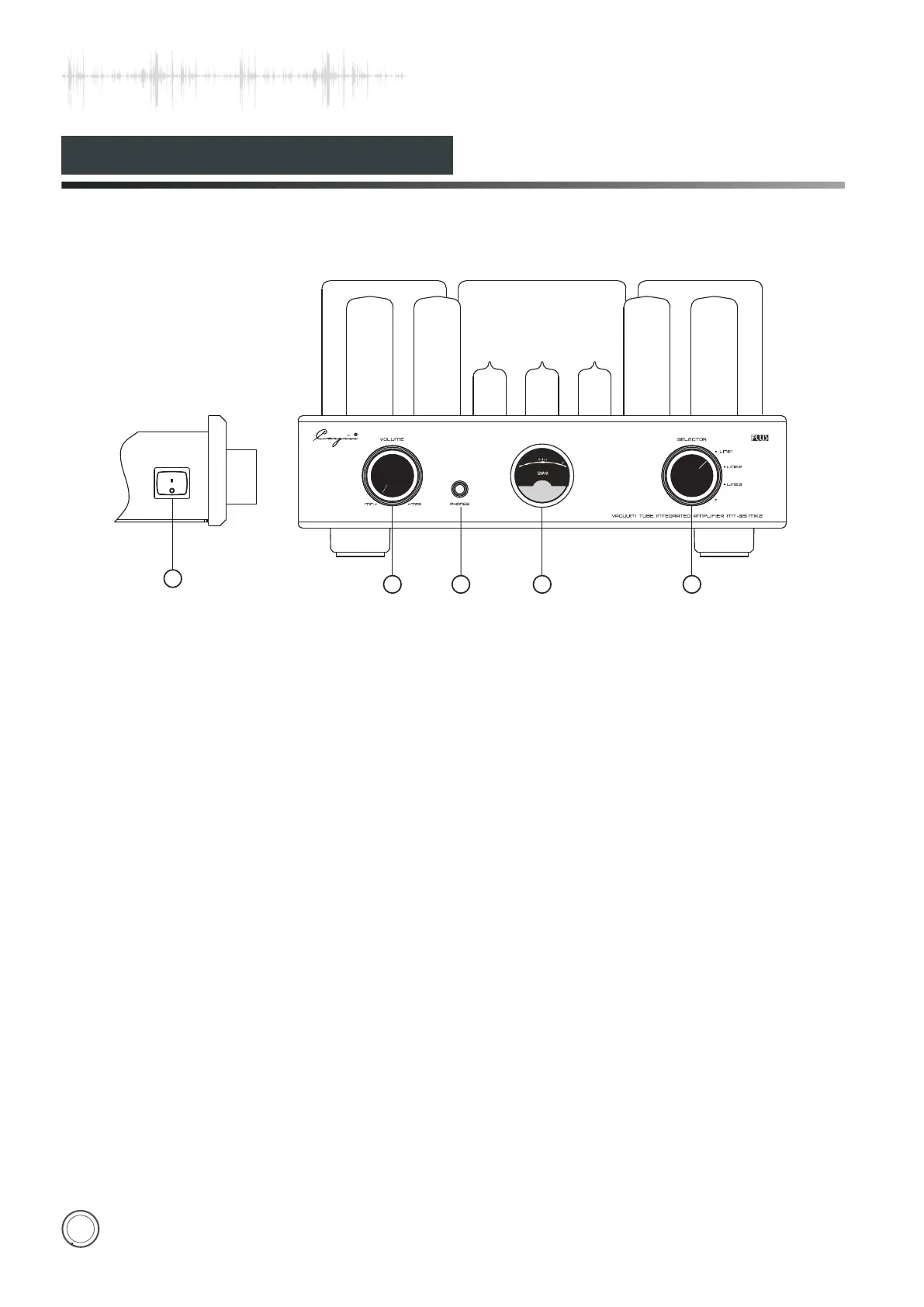
1.Power Switch
Used to switch on/off the amplifier.
2.Volume Knob
Used to control volume
3.
4. BIAS Meter
Used to mornitor the working current of
the power tube.
Backlight of the Meter is on when
switching on.
Headphone Socket
Let you enjoy the high-quality music with
headphone.
5. Input Selector
Used to choose 4 types of audio sources.
You can hear sound from LINE1 when LINE1 indicator is on.
You can hear sound from LINE2 when LINE2 indicator is on.
You can hear sound from LINE3 when LINE3 indicator is on.
Diagram 1
POWER
ON
OFF
1
3
54
2
VACUUM TUBE INTEGRATED AMPLIFIER MT-35 MK2
LINE1
LINE2
LINE3
SELECTOR
VOLUME
MIN
MAX


 To Next Page