EasyManua.ls Logo

Cayin CS-88A - User Manual

Cayin CS-88A
17 pages
Print Icon
To Next Page IconTo Next Page
Loading...
User's Manual
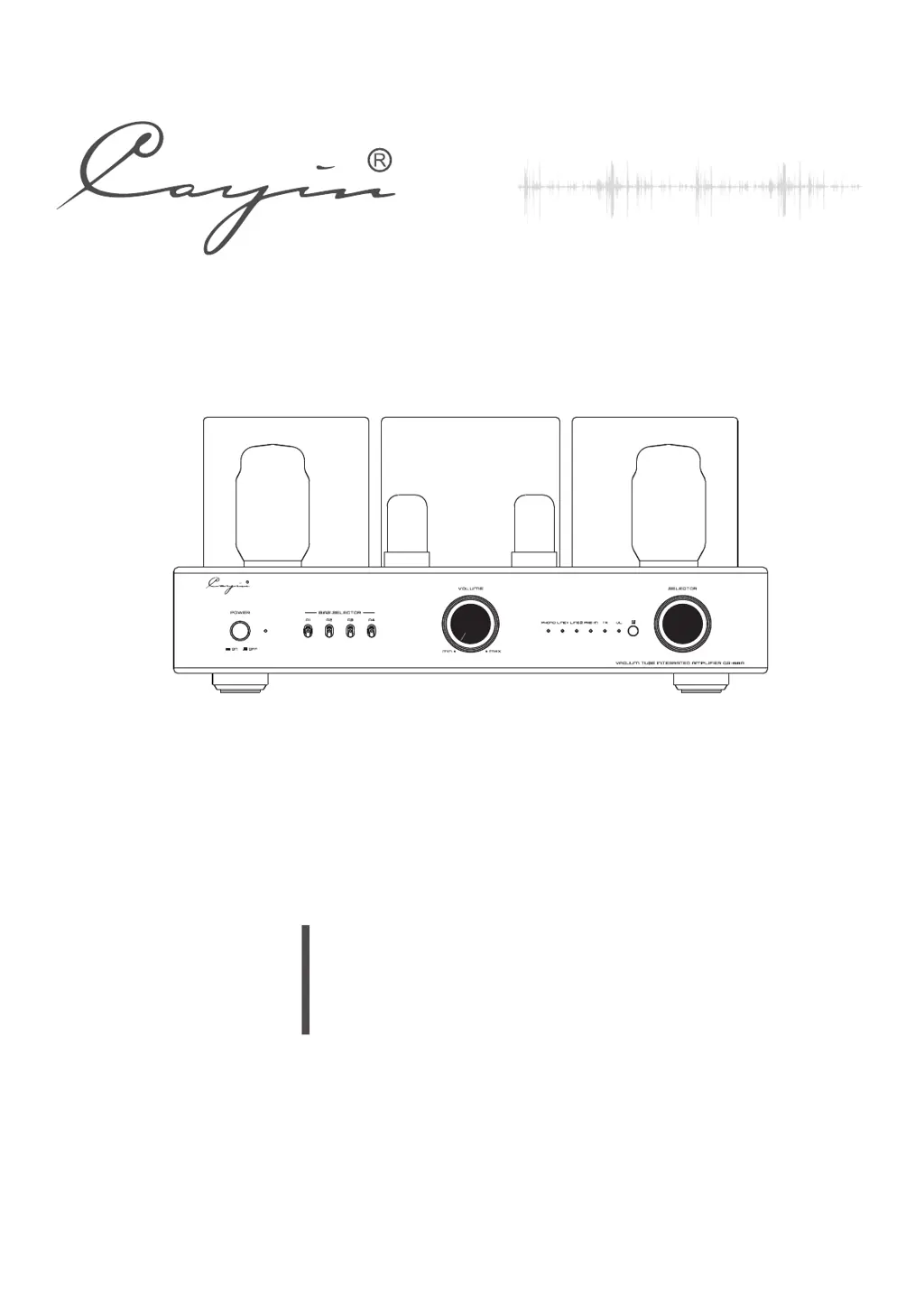
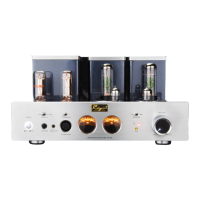
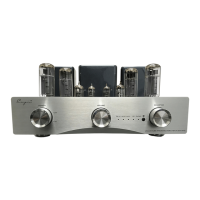
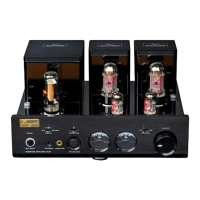
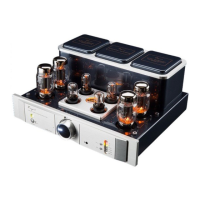
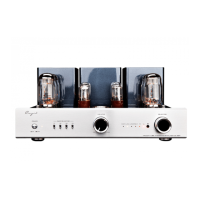
Vacuum Tube Integrated Amplifier
CS- A 88
POWER
ON
OFF
VO LU ME
MI N
MA X
SELECTOR
TR
UL
PHONO PRE- IN
LINE1 LINE2
A1 A2
A3 A4
BIAS SELECTOR

Questions and Answers

  • S
    Stephanie ThompsonJul 28, 2025
    What to do if the Cayin Amplifier power indicator is off and there's no output?
    • M
      Marvin KaneJul 28, 2025
      If your Cayin Amplifier's power indicator is off and there is no output, first ensure the power cord is securely connected to both the amplifier and the power outlet. If the issue persists, check the main fuse and replace it with a fuse of the same type and value if necessary. For troubles of inner parts or components please contact with local agents or our company.
  • O
    oscarmorseAug 2, 2025
    Why is my Cayin CS-88A sound distorted?
    • M
      Mary PaulAug 2, 2025
      If you are experiencing sound distortion with your Cayin Amplifier, it might be due to a high input signal level. Try turning down the volume to a more suitable position.
  • R
    Rachel TaylorAug 7, 2025
    Why is my Cayin CS-88A Amplifier remote control not working?
    • A
      Amy TownsendAug 8, 2025
      If your Cayin Amplifier's remote control is malfunctioning, the issue might be due to disturbance, low battery, or obstacles between the remote and the amplifier. Try keeping the amplifier away from potential sources of disturbance, turning it off and then on, replacing the batteries with new ones, and ensuring there are no obstructions between the remote and the amplifier.
  • J
    Jordan BennettAug 12, 2025
    What to do if my Cayin CS-88A Amplifier power indicator is on but there is no sound?
    • M
      Molly RiveraAug 12, 2025
      If the power indicator on your Cayin Amplifier is on but there's no sound, first, check if the volume is set to zero and increase it. Also, verify that there is a signal input by checking the function of the sound source and ensuring the input selection is switched to the correct input.
  • D
    David MorenoAug 17, 2025
    Why is my Cayin Amplifier making noise?
    • J
      Jennifer ClarkAug 17, 2025
      If you are experiencing noise output from your Cayin Amplifier, it could be due to an open ground or poor contact with the input signal cable. Try replacing the input signal cable with a new one. For components or circuits troubles please contact with local agents or our company.
  • W
    wjamesAug 22, 2025
    How to improve sound field positioning on my Cayin CS-88A?
    • J
      James SwansonAug 22, 2025
      If the sound field positioning of your Cayin Amplifier is not optimal, it might be due to incorrect connections of the signal input or speaker cables. Reconnect the cables as instructed in the manual.

Summary

Package Contents

Product Features

Safety Precautions

Specifications

Maintenance

Warranty Service

Precautions

Front Panel Controls

Power Switch Operation

Controls amplifier power on/off.

Power Indicator Status

Shows amplifier power status.

Bias Selector Switch Function

Selects tubes for bias adjustment.

Working & Mute Indicator

Indicates operational status or mute.

Volume Adjustment Knob

Adjusts the audio output volume.

Input Selection Indicator

Shows the currently selected audio input.

Triode;Ultralinear Mode Indicator

Displays the selected amplifier mode.

Remote Control Receiver

Receives signals from the remote control.

Audio Input Selector Knob

Selects the audio input source.

Rear Panel Connectivity

Audio Source Input Terminals

Connects external audio sources.

Tube Type Selection Switch

Switches between KT88 and EL34 tube types.

Right Speaker Output Terminals

Speaker output for the right channel.

Left Speaker Output Terminals

Speaker output for the left channel.

AC Power Input & Fuse

Connects to AC power and houses the main fuse.

Top Panel Components

Tube Identification & Layout

Identifies preamp (V1, V3) and power (A1-A4) tube types.

Power Tube Bias Adjustment

Adjusts bias for power tubes.

Bias Meter Monitoring

Monitors power tube working current.

Remote Control Functions

Mode Selector (Triode;Ultralinear)

Switches amplifier mode via remote.

Audio Source Selection

Selects audio input via remote.

Mute Function Button

Mutes audio output via remote.

Volume Control via Remote

Adjusts volume via remote.

Installation

Tube Replacement

Audio Connection

Speaker Connection Guide

Speaker Cable Connection

Guides on connecting speaker wires to terminals.

Turning On

Small Tips

Troubleshooting

Cayin CS-88A Specifications

General IconGeneral
BrandCayin
ModelCS-88A
CategoryAmplifier
LanguageEnglish

Related product manuals