7
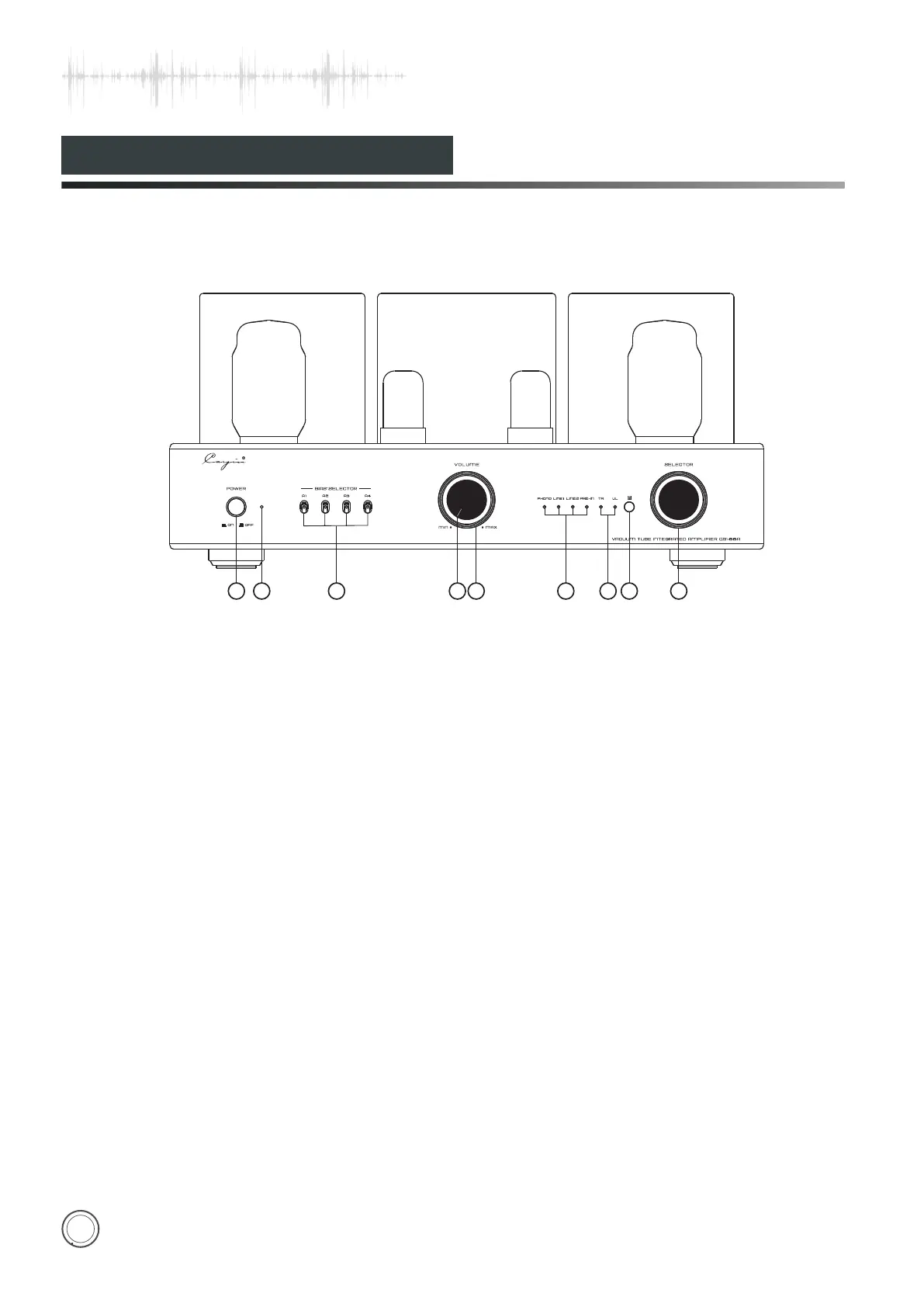
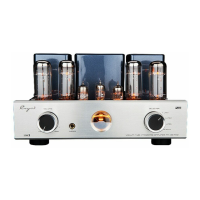
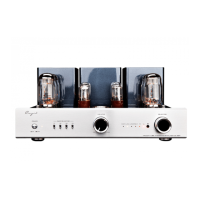
Front Panel
1. Power Switch
Used to switch on/off the amplifier.
2. Power indicator
When starting up, the indicator light.
3.Bias Selector Switch(A1、A2、A3、A4)
Used to select corresponding tube for bias
adjustment.
4. Working State Indicator/Mute Indicator
Used to indicate the working state. The indicator will
be on when it is working normally. The indicator will
flicker for 30 seconds when it delays to work. The
indicator will keep flickering when it is at mute state.
5.Volume Knob
Used to control volume
6. Input Selection Indicator
You can hear sound from PHONO when PHONO
indicator is on.
You can hear sound from LINE1 when LINE1
indicator is on.
You can hear sound from LINE2 when LINE2
indicator is on.
You can hear sound from PRE-IN when PRE-IN
indicator is on.
7. Triode/ Ultralinear Indicator
When the TR Indicator is on: Triode working state
When the UL Indicator is on: Ultralinear working state
8.IR Remote Sensor
Used to receive the code of remote control.
9.
Cayin CS-88A has memories and it will default last
operation state when turning on.
Input Selector Knob
Used to select four kinds of audio sources.The input
selection indicator will be on according to the input
audio sources.This function can be operated on the
remote control.
Cayin CS-88A can be used as a power amplifier and
you can control volume by connected Pre-amplifier.
CS-88A has memories and it will default last selection
when turning on.
5
1
2
3
4
6
7
8
9
POWER
ON
OFF
VO LU ME
MI N
MA X
SELECTOR
TR
UL
PHONO PRE- IN
LINE1 LINE2
A1 A2
A3 A4
BIAS SELECTOR


 To Next Page