GB
ENGLISH
GB
18
s
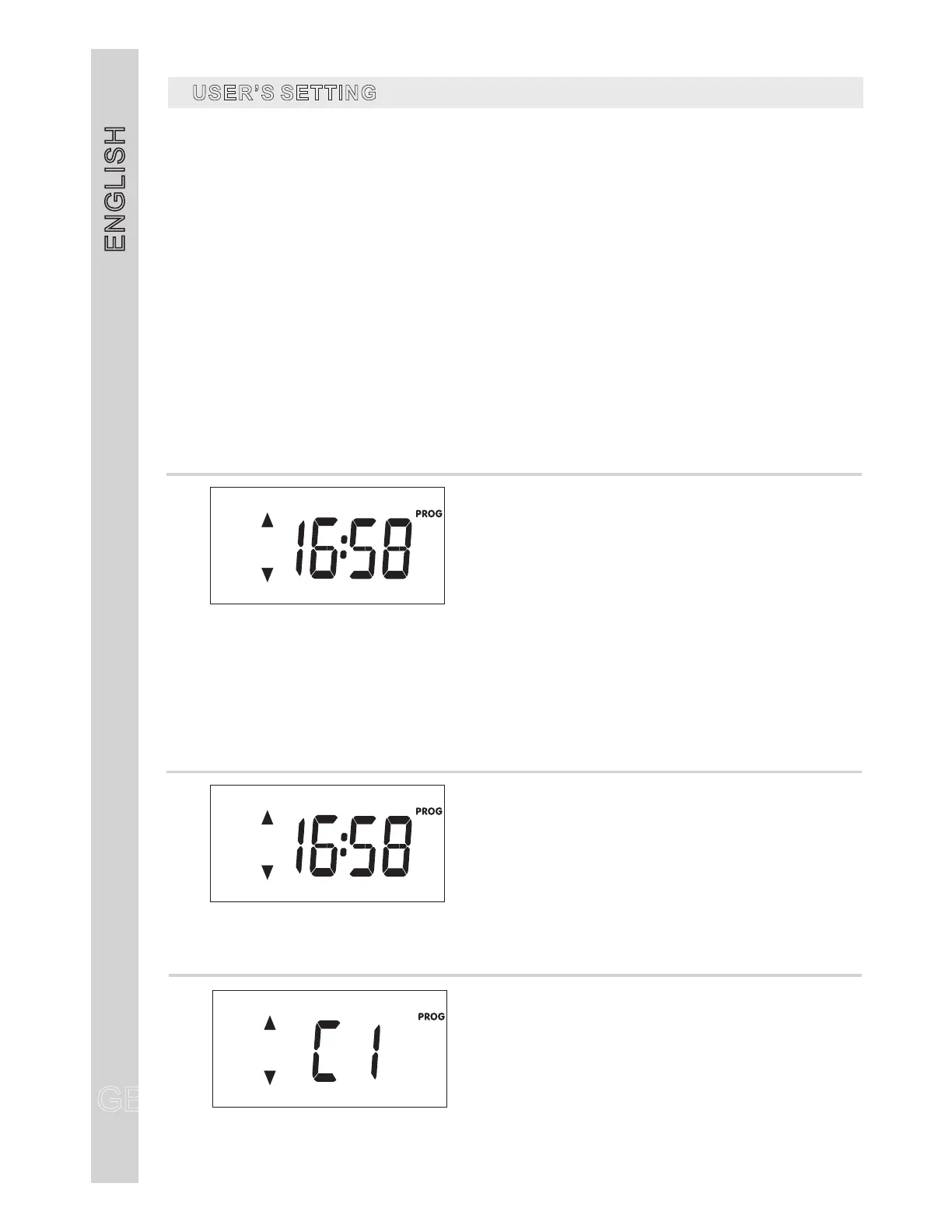
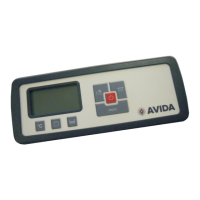
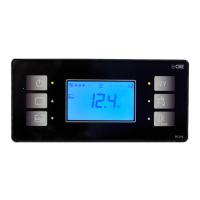
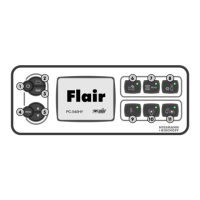
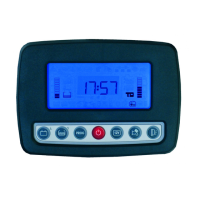
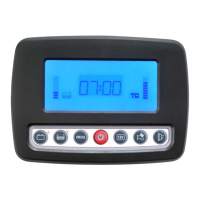
To enter the set mode, press the button (ref.1) for more than 2 seconds from the main clock
screen.
1
1
“PROG”
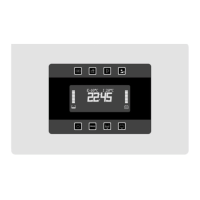
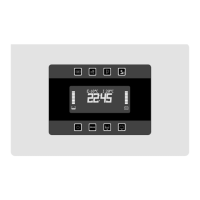
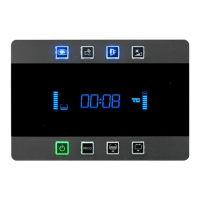
Select, by pushing the arrow keys ref. 2 and 3, the setting menu you want to operate and then confirm by
pushing the “PROG” button ref. 1;
- by selecting “TIME” you operate the menu to set only the parameters clock.
- by selecting “FULL” you operate the menu to set all parameters.
By using the arrow keys ref. 2 and 3 you can modify the setting of the parameters.
Confirm the setting by pushing the “PROG” button (ref. ), you then go automatically to next parameter.
Press the “PROG” button (ref. ) more than once to save the settings and exit the setting mode.
To exit without saving wait 20 seconds without pressing any key.
s
s
s
s
s
USER SSETTING’
CLOCK
Clocksetting
HOURS(blinking)
MINUTES(blinking)
-
-
“TIME”
BACKLIGHTCOLOUR
Backlightcolourselection
CLOCK
Clocksetting
HOURS(blinking)
MINUTES(blinking)
-
-
“FULL”


 To Next Page