17
- LCD Display Functions -
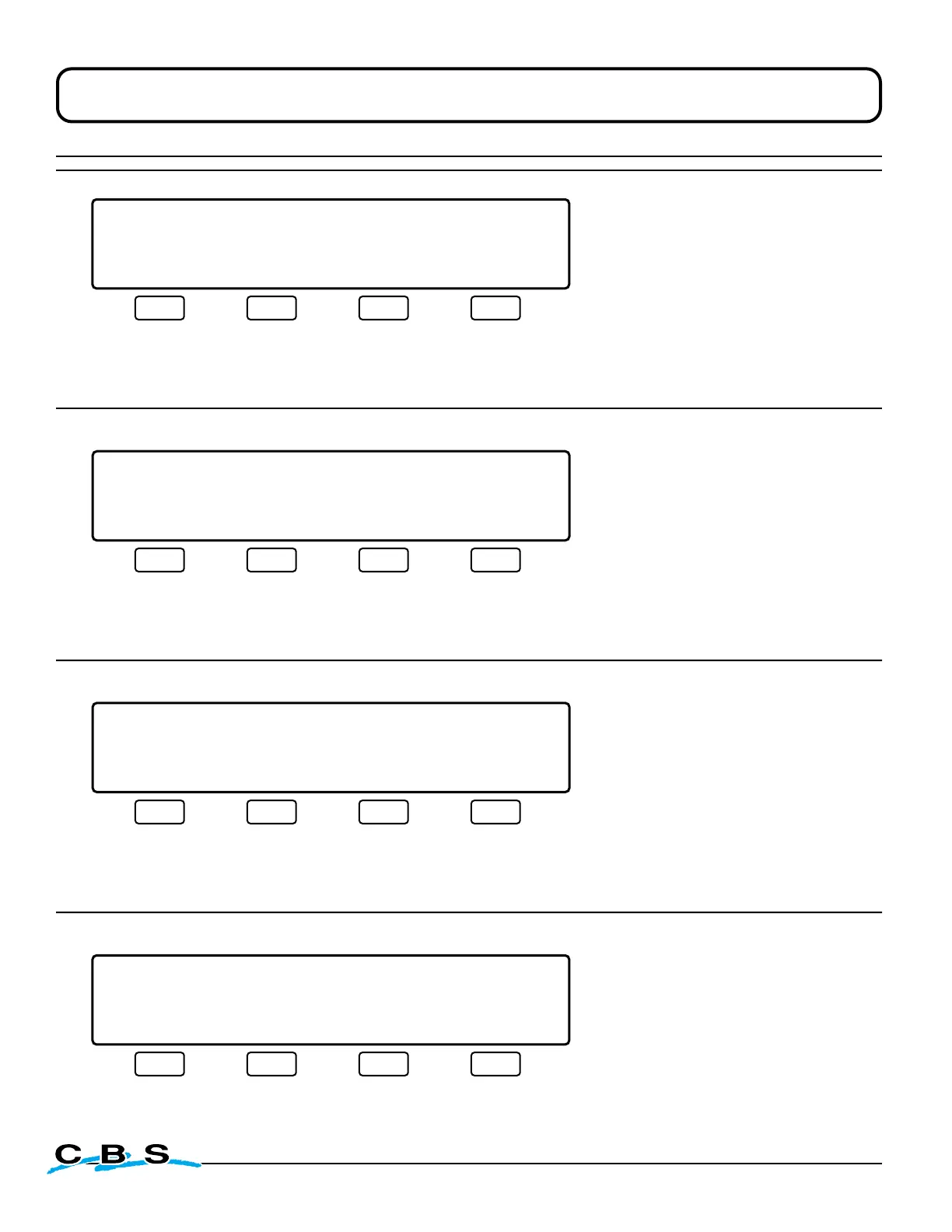
LIQUID LEVEL XX.XCM LID TEMP.-XXX C
LOW SET XX.XCM HIGH SET XX.XCM
SYSTEM STATUS NORMAL LID OPEN
FILL/START FILL/STOP REPORT
#3
o
** **
This display will appear during
normal operation when the lid is
opened.
Press this button to
begin a manual fill
Press this button
to stop filling
Press this button to
advance to display
#99 and print report
(see page 17)
LIQUID LEVEL XX.XCM LID TEMP.-XXX C
SYSTEM STATUS STUCK VENT VALVE
FILL/START FILL/STOP MUTE REPORT
#90
o
** **
This display will appear when
an alarm condition is occurring.
The specific nature of the alarm
will be shown in line 3 of the
display text. The **ALARM** will
flash on and off in one second
intervals.
("Stuck Vent Valve" is shown only as an
example of the alarm display window. See
page 15 for a complete list of alarms.)
Press this button to
reset alarm. If it re-
occurs, repeat until all
alarms are corrected
Press this button to
mute audible alarm
and advance to
display #91
(next)
Press this button to
advance to display
#99 and print report
(see page 17)
Standard Operating Mode Display Windows
LIQUID LEVEL XX.XCM LID TEMP.-XXX C
SYSTEM STATUS STUCK VENT VALVE
FILL/START FILL/STOP SOUND
#91
o
** **
This display will appear when
an alarm condition is occurring
AND the audible alarm is muted.
("Stuck Vent Valve" is shown only as an
example of the alarm display window. See
page 15 for a complete list of alarms.)
Press this button to
begin a manual fill
Press this button
to stop filling
Press this button to
enable audible alarm
and return to
display #90
(above)
LIQUID LEVEL XX.XCM LID TEMP.-XXX C
LOW SET XX.XCM HIGH SET XX.XCM
SYSTEM STATUS NORMAL
FILL/START FILL/STOP PRINTING REPORT
#99
o
This display will appear during
normal operation when "REPORT"
is selected from displays 1, 2, 3
or 90. After the report is printed
the display will go back to what-
ever screen was showing when
the report was requested.


 To Next Page