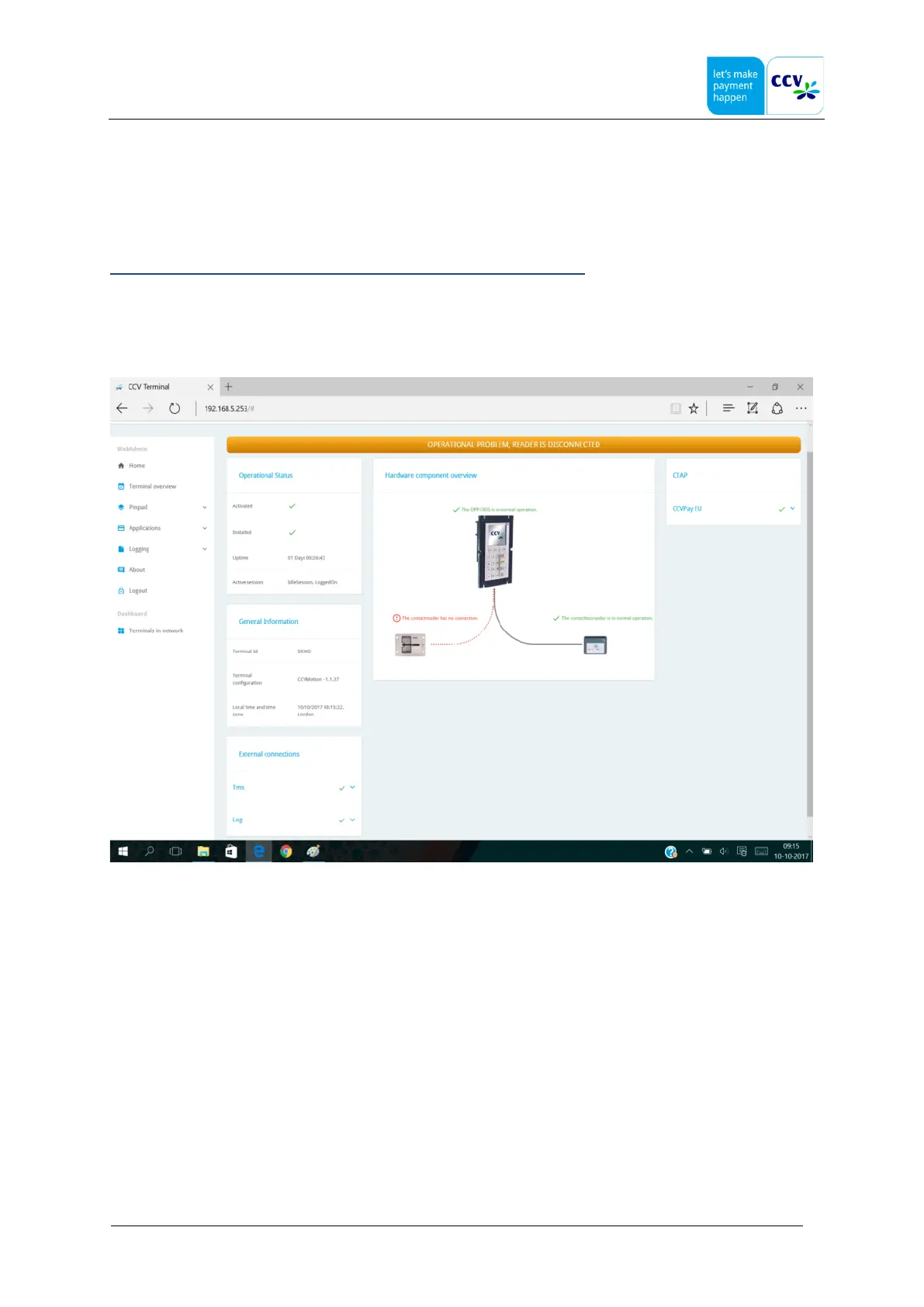
3.3 Cardreader Connection
The CCVMotion terminal will check its connected hardware on a regular bases, it will detect a loss of connection of a
cardreader (COR or SCR). Therefore it needs to know what readers are expected, this is done as follows:
• at start-up (power-up) all the (new) hardware will be detected
• at installation time, the actual connected hardware is seen as expected hardware,
this will be stored in its internal database.
Note: A power-down & up should be performed when a hardware change is done!
Hot Swapping / Hot Plugging is not supported, this is because the actual state is updated at boot time.
3.4 Disconnected reader
If a reader is disconnected this will be detected:



 To Next Page