EasyManua.ls Logo

CCV COR-A10 - Page 59

CCV COR-A10
65 pages
Print Icon
To Next Page IconTo Next Page
To Previous Page IconTo Previous Page
Loading...
CCV Motion
Installation Manual
V1.1
CID181/12052022
CCV Netherlands
59 / 65
11 BEHAVIOR OF THE LED INDICATORS DURING UPDATES
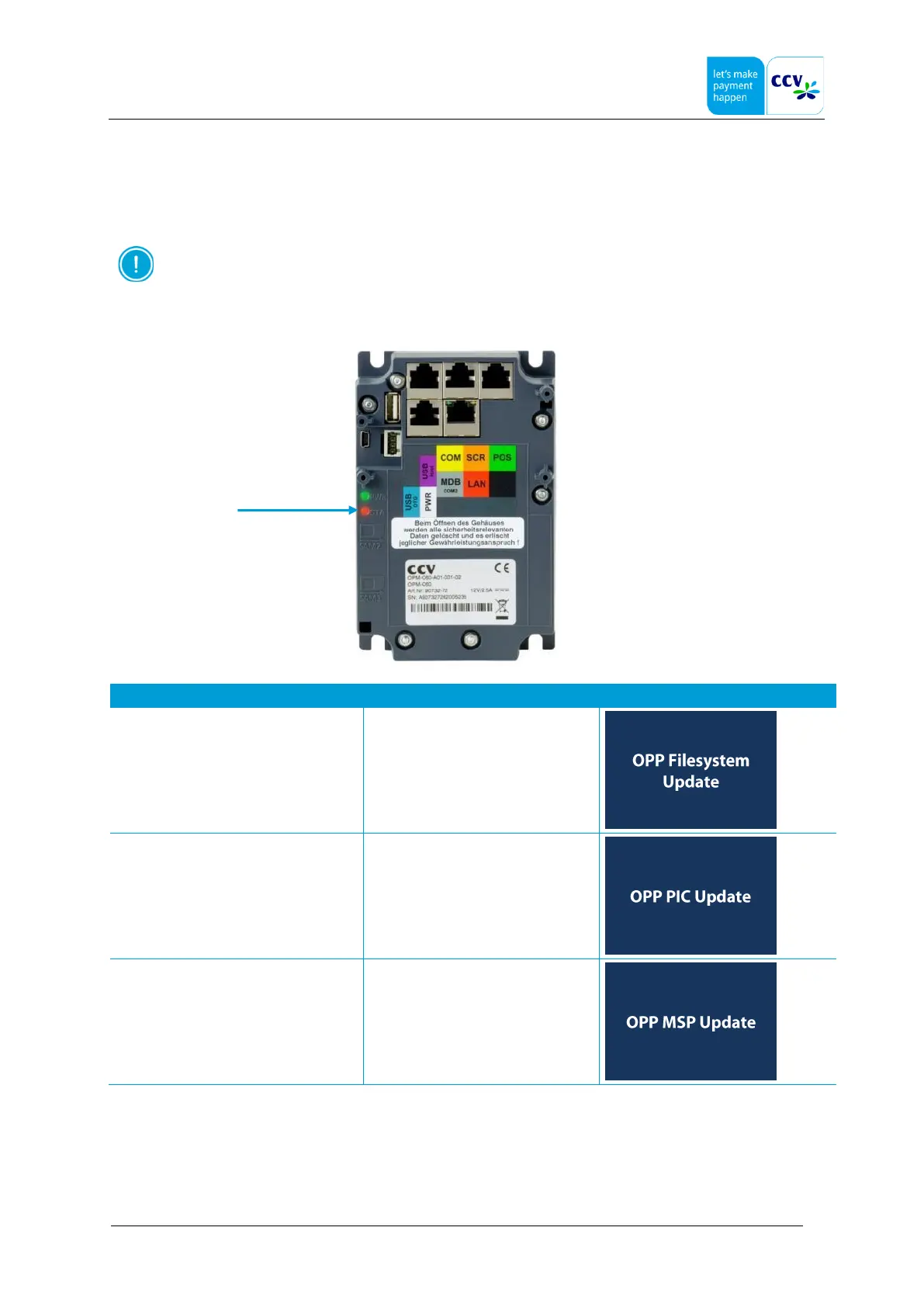
All hardware components are equipped with LED indicators. In the following sub-sections the behavior of these LED
indicators during an update are described for each hardware component.
From software version CCV Motion 1.0 and higher the LED indicators function as described in the following
sub-sections. The LED indicator functionality is not supported by lower software versions.
11.1 OPM-C60, OPP-C60 (c) and OPP-C60 (s)
LED indicator (STA)
Status
STA (red, controllable)
Display (OPP-C60 only)
OPP file system update
3x slow, 1x fast
OPP PIC update
3x slow, 2x fast
OPP MSP update
3x slow, 3x fast

Other manuals for CCV COR-A10

Related product manuals