EasyManua.ls Logo

CCV COR-A10 - 4.7 Terminal Activation; 4.8 Activation Failure Troubleshooting; 4.9 Terminal Installation Process

CCV COR-A10
65 pages
Print Icon
To Next Page IconTo Next Page
To Previous Page IconTo Previous Page
Loading...
CCV Motion
Installation Manual
V1.1
CID181/12052022
CCV Netherlands
7 / 65
2 HARDWARE
2.1 Components
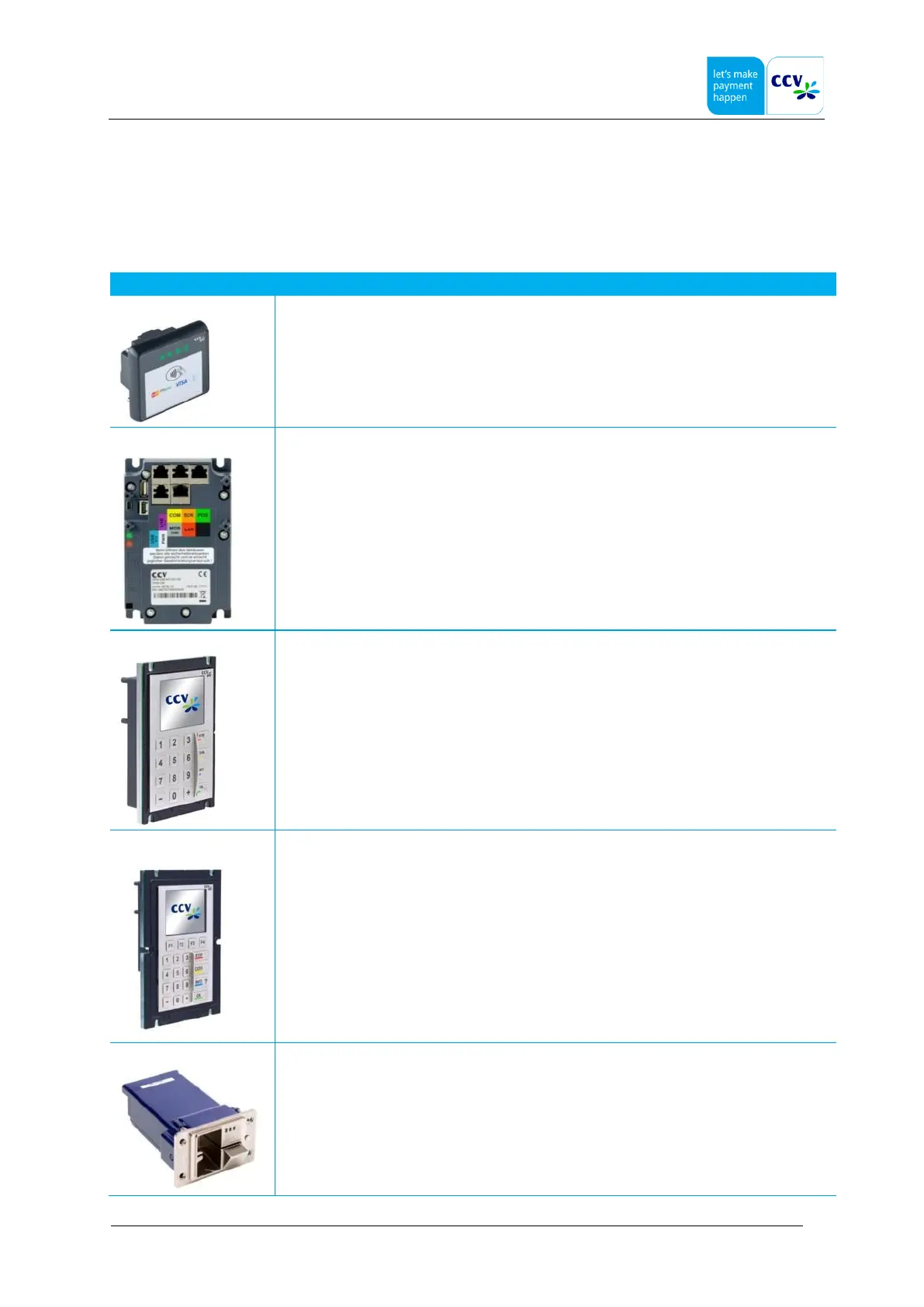
The ITS OPM-C60, ITS OPP-C60 (c) and ITS OPP-C60 (s) configurations consists of the following hardware components.
Component
Description
COR-A10
Contactless Only Reader type A10. A contactless card reader which is required for wireless card
interfacing (NFC).
OPM-C60
A multi-functional terminal without a display and keyboard. This terminal can be integrated in
vending machines, PMS or access & ticketing
OPP-C60 (c)
Outdoor PINpad type C60c (compact). An unattended PINpad used in heavy duty environment
for entering PIN.
OPP-C60 (s)
Outdoor PINpad type C60s (standard). An unattended PINpad used in heavy duty environment
for entering PIN.
SCR-B50
Secure Card Reader type B50. An unattended card reader used in combination with OPP-C60
(c/s) and OPM-C60 for reading credit, debit cards or read/write chip cards

Other manuals for CCV COR-A10

Related product manuals