COMPUTOP PAYGATE GMBH | SCHWARZENBERGSTR. 4 | 96050 BAMBERG, GERMANY
TEL: +49 951 98009-0 | FAX: -30 | WWW.COMPUTOP.COM | HRB 3400 – AG BAMBERG
3.2 Setting up communication modules
To access the network configuration menu:
In stand-alone mode, press the Favorites button and then the MENU button at the
bottom left.
In register mode, the menu is called up by pressing the STOP and CORR buttons
one after another with a lag of 3–4 seconds.
Mobile A920 (Android):
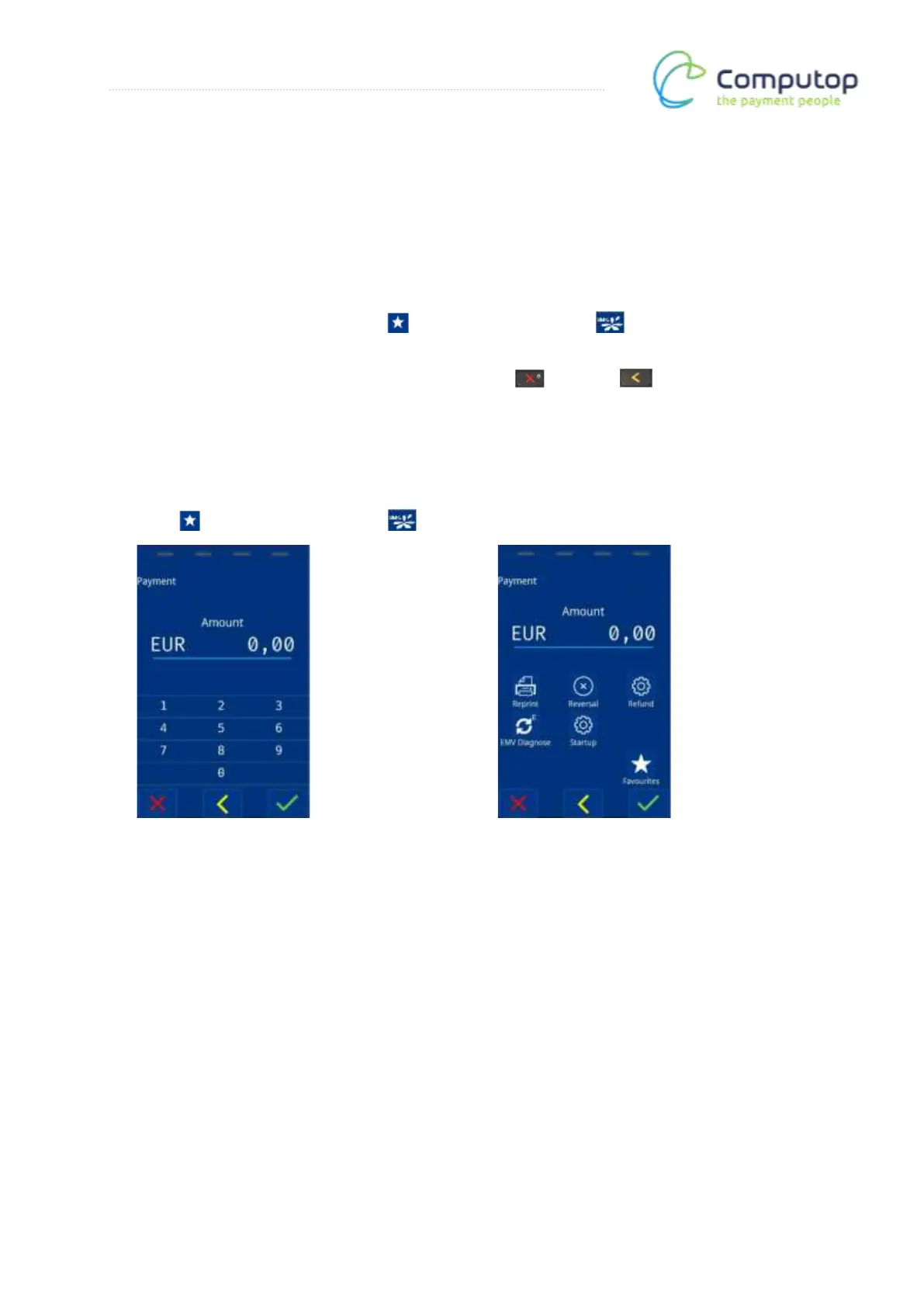
Tapping the “0.00” amount switches the screen to the Shortcuts display. First press the
Favorites button and then the MENU button at the bottom left.



 To Next Page