COMPUTOP PAYGATE GMBH | SCHWARZENBERGSTR. 4 | 96050 BAMBERG, GERMANY
TEL: +49 951 98009-0 | FAX: -30 | WWW.COMPUTOP.COM | HRB 3400 – AG BAMBERG
3.3 Register interface (optional)
Make sure that a register connection is required and also consult your register manufacturer
for setup and queries.
The register connection via the OPI protocol is described below. For the other protocols ―
Cloud POS Interface (CPI) and ZVT ― please contact Computop Merchant Services.
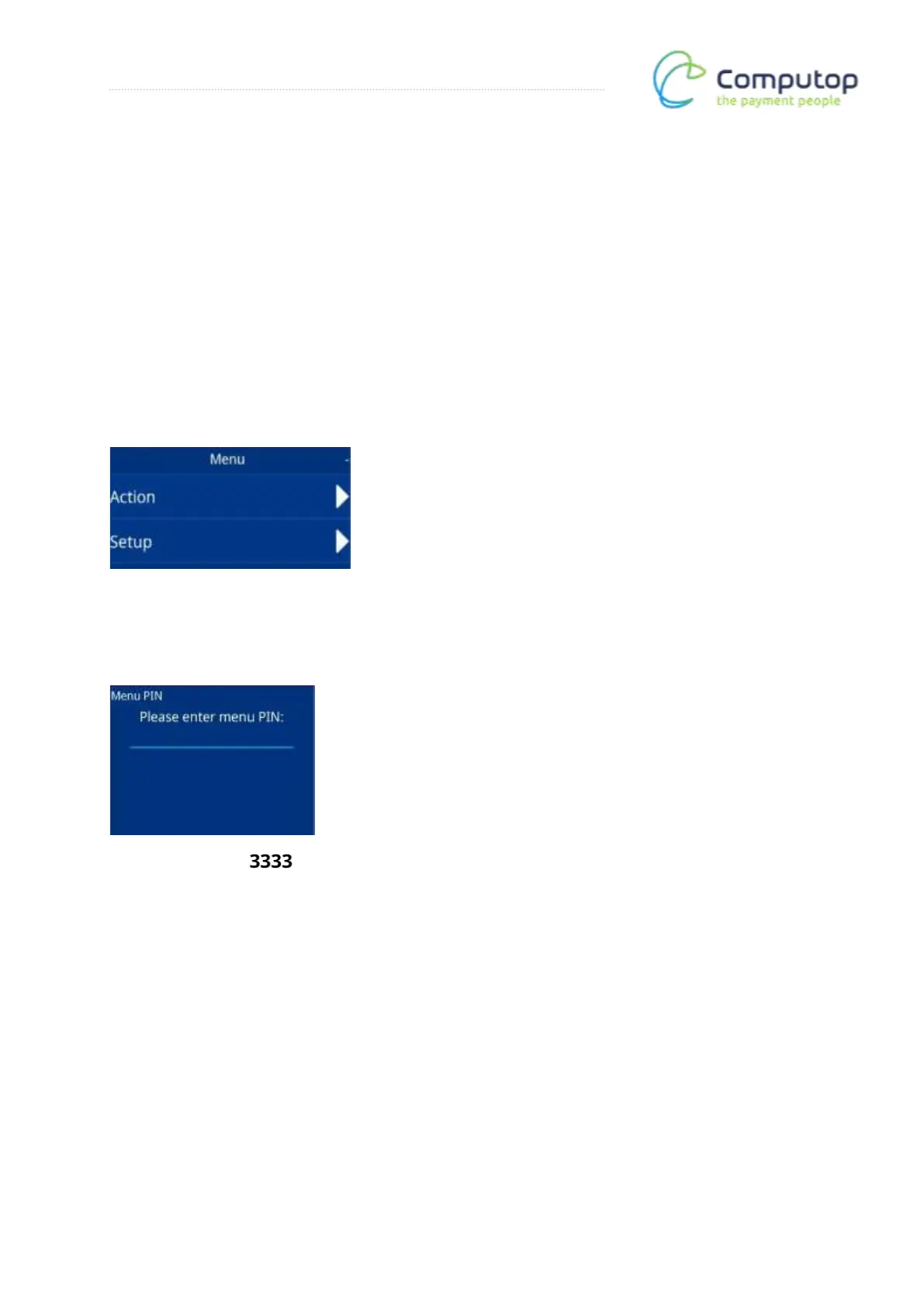
Main menu
After calling up the menu, the main menu appears. Now call up the Setup menu item.
Menu PIN entry
Enter the menu PIN: . The Setup menu is then called up.



 To Next Page