COMPUTOP PAYGATE GMBH | SCHWARZENBERGSTR. 4 | 96050 BAMBERG, GERMANY
TEL: +49 951 98009-0 | FAX: -30 | WWW.COMPUTOP.COM | HRB 3400 – AG BAMBERG
3.2.3 Cellular network configuration
The mobile network is intended for use with the following devices only:
• CCV Mobile Premium
• CCV Mobile A920
The SIM cards are from TNS and are supplied with the order. The SIM cards are pre-
configured as well. A configuration is only necessary if a SIM card was ordered at a later time
and then inserted.
Note: The following menu navigation for configuration is not intended for Android-based
terminals, where the values for the SIM card are automatically adopted for the Android
settings.
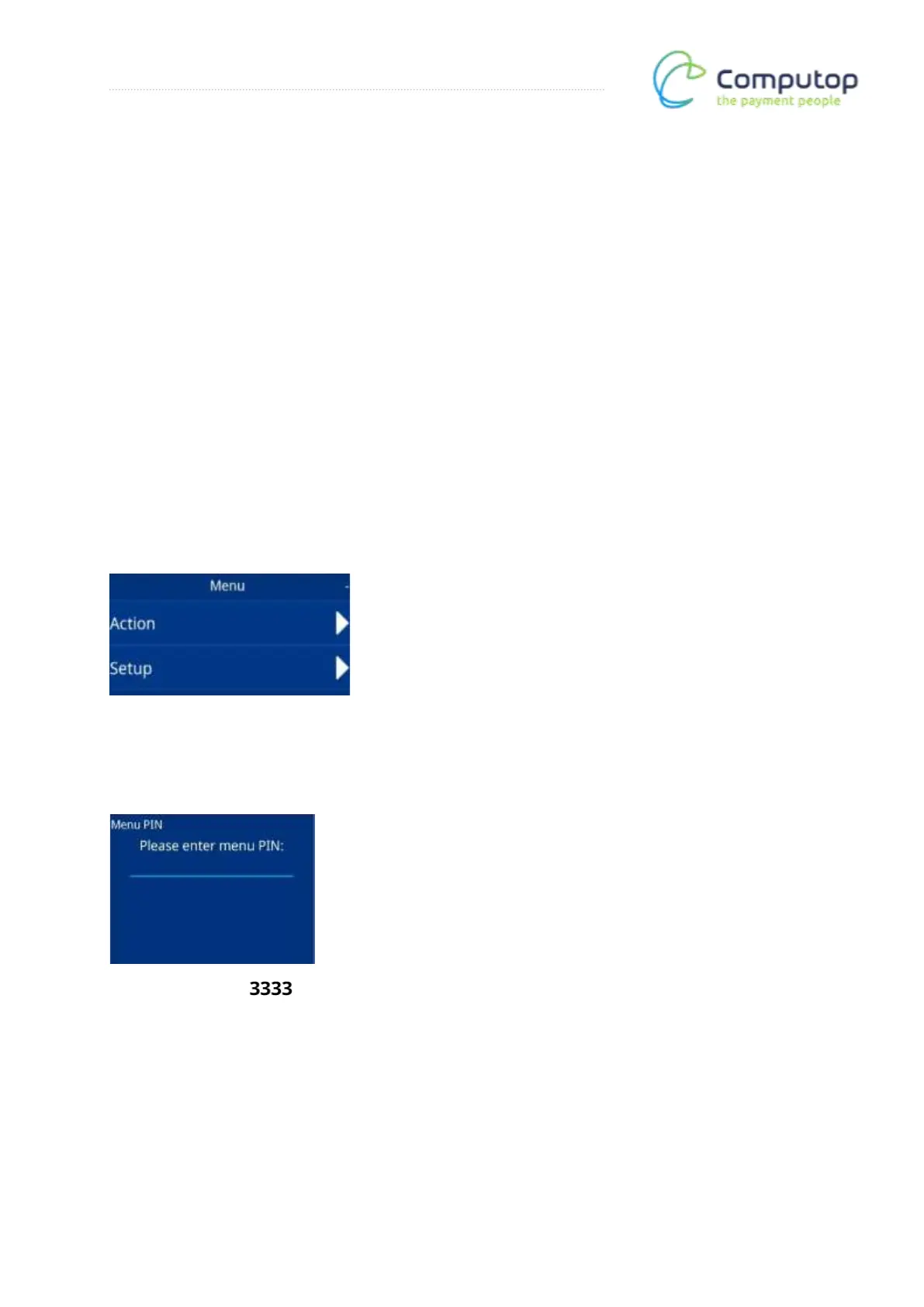
Main menu
After calling up the menu, the main menu appears. Now call up the Setup menu item.
Menu PIN entry
Enter the menu PIN: . The Setup menu is then called up.



 To Next Page