COMPUTOP PAYGATE GMBH | SCHWARZENBERGSTR. 4 | 96050 BAMBERG, GERMANY
TEL: +49 951 98009-0 | FAX: -30 | WWW.COMPUTOP.COM | HRB 3400 – AG BAMBERG
3.4 Energy-saving mode
Energy-saving mode only applies to the CCV Mobile Premium and is already preset.
In standby mode, the terminal is always ready. Power-off mode corresponds to the off state;
i.e., the device must boot and establish the network connection.
To wake up the device from energy-saving mode, simply press the OK button on the terminal.
Energy-saving mode configuration
Operation → Standby 1 → Standby 2 → Off
The times for the standby timers can be adjusted via the menu. To adjust the times, proceed
as follows:
Main menu
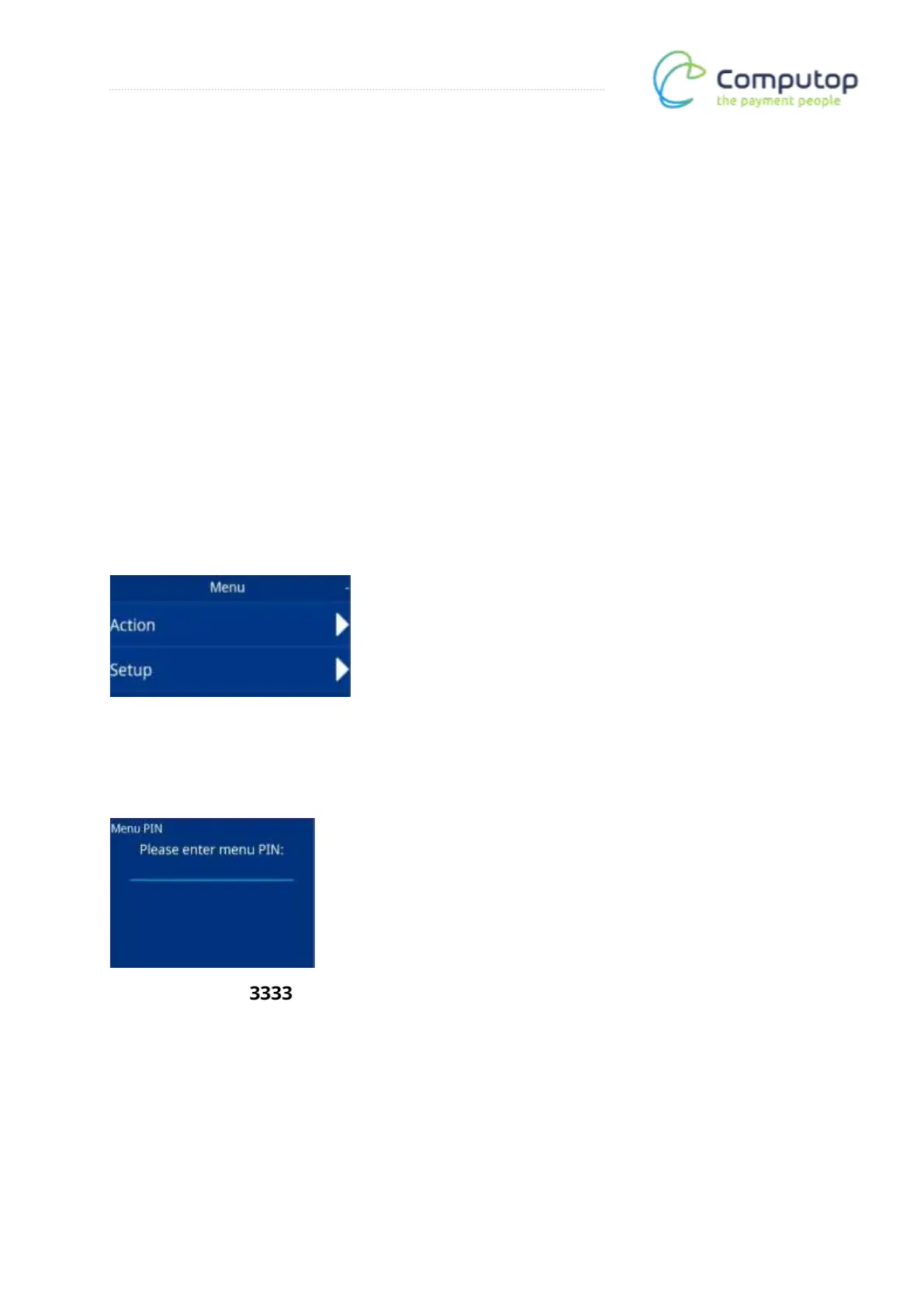
After calling up the menu, the main menu appears. Now call up the Setup menu item.
Menu PIN entry
Enter the menu PIN: . The Setup menu is then called up.



 To Next Page