COMPUTOP PAYGATE GMBH | SCHWARZENBERGSTR. 4 | 96050 BAMBERG, GERMANY
TEL: +49 951 98009-0 | FAX: -30 | WWW.COMPUTOP.COM | HRB 3400 – AG BAMBERG
3.2.1 LAN configuration
Connection via LAN is provided for terminals with a LAN port. For this, a network cable must
be connected to the terminal’s LAN port.
The manuals for the CCV terminals can be found under the link below. They describe how to
connect the network cable to the various devices.
https://www.ccv.eu/de/service-support/businesspartner/download-bar/
Now connect the LAN cable to the terminal.
Note: The setup using DHCP described here is stored by default for configuration.
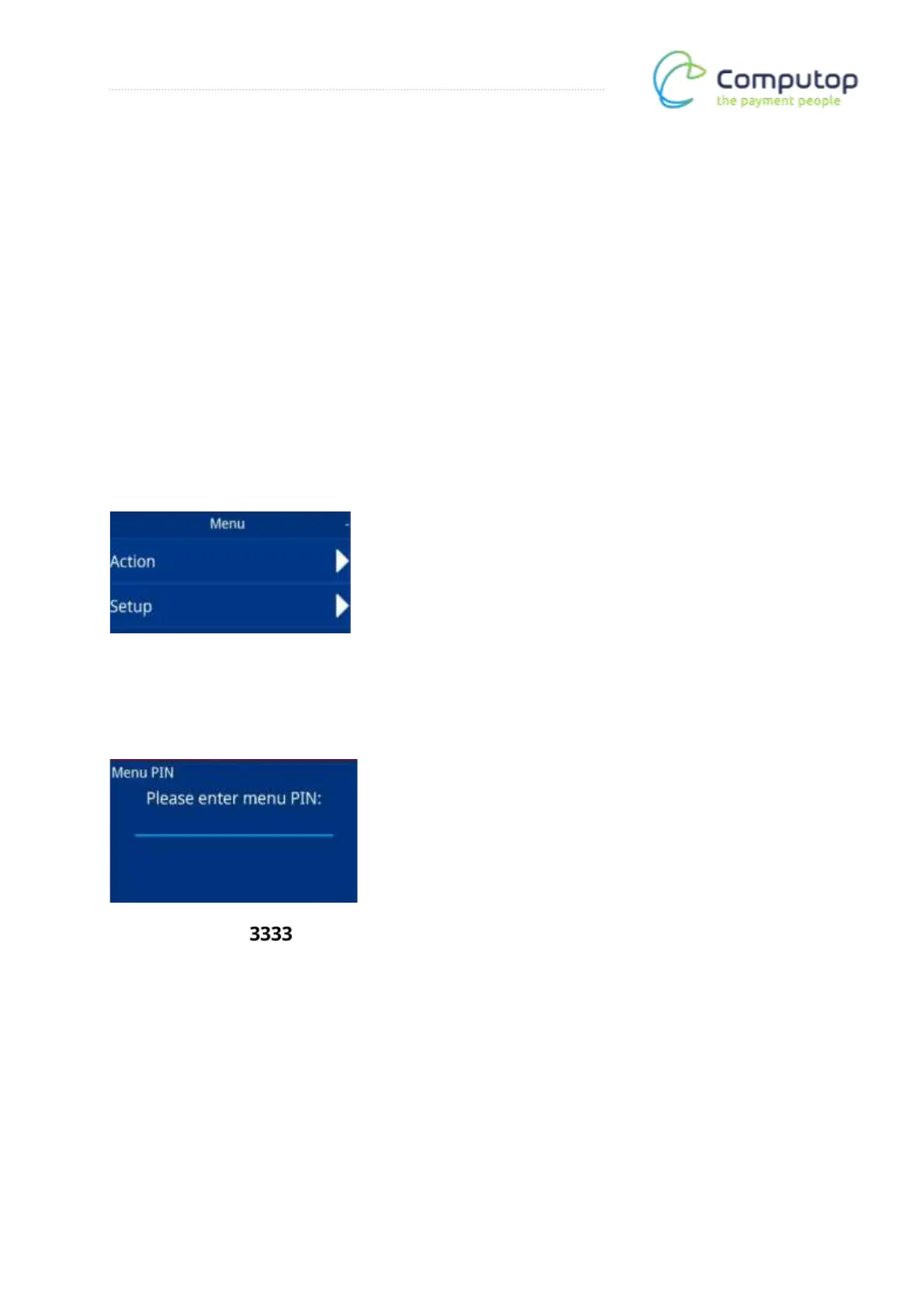
Main menu
After calling up the menu, the main menu appears. Now call up the Setup menu item.
Menu PIN entry
Enter the menu PIN: . The Setup menu is then called up.



 To Next Page