COMPUTOP PAYGATE GMBH | SCHWARZENBERGSTR. 4 | 96050 BAMBERG, GERMANY
TEL: +49 951 98009-0 | FAX: -30 | WWW.COMPUTOP.COM | HRB 3400 – AG BAMBERG
2. Basics
2.1 POS terminal ID
Each POS terminal has a unique POS terminal ID. The POS terminal ID is linked to the
associated device serial number.
Only the unique serial number of a terminal can be activated using the associated POS
terminal ID.
2.2 Service menu
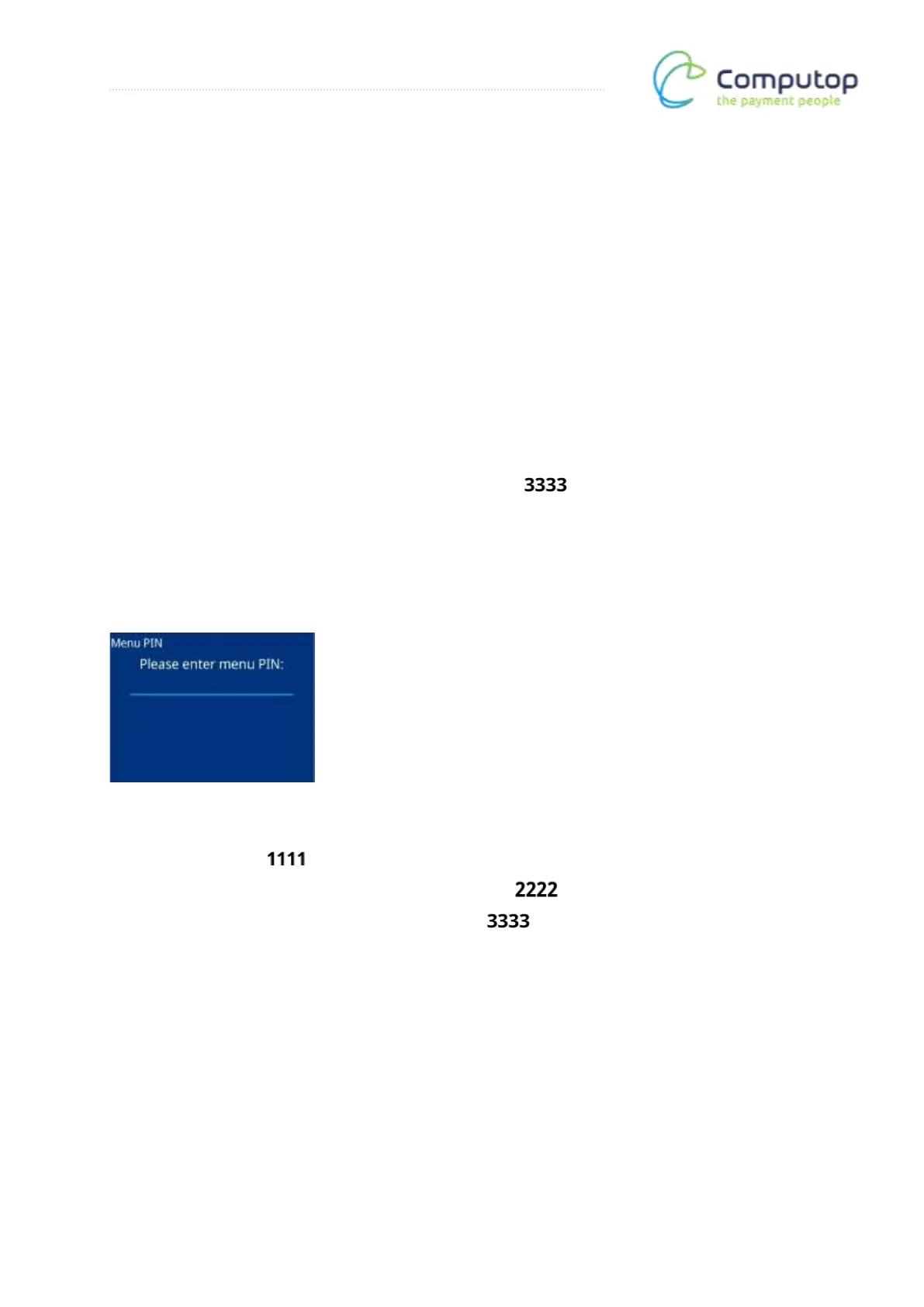
The service menu of the terminal is protected by a PIN. This is:
Note: Please share this information/PIN only with those employees who need it.
In the protected area of the service menu, basic settings on the POS terminal can be changed.
In the event of incorrect configuration, this can lead to the terminal no longer working
correctly or no longer being ready for operation.
There are three menu authorization classes
• Cashier → PIN:
• Manager (contains cashier-level menu items) → PIN:
• Technician (all menu functions available) → PIN:
Depending on the menu PIN entered, only the menu items permitted for that authorization
class are displayed.



 To Next Page