COMPUTOP PAYGATE GMBH | SCHWARZENBERGSTR. 4 | 96050 BAMBERG, GERMANY
TEL: +49 951 98009-0 | FAX: -30 | WWW.COMPUTOP.COM | HRB 3400 – AG BAMBERG
3. POS terminal startup
New POS devices are usually delivered to the retailer pre-configured. For this reason, there
is generally no need to start up the POS terminal. All that is necessary is to set up
a communication module for operation via LAN or wireless LAN (WLAN). A device with a SIM
card is pre-configured and ready for use.
POS terminal startup is mandatory if the device has been reset to factory settings or if the
device was delivered unconfigured.
3.1 Startup procedure
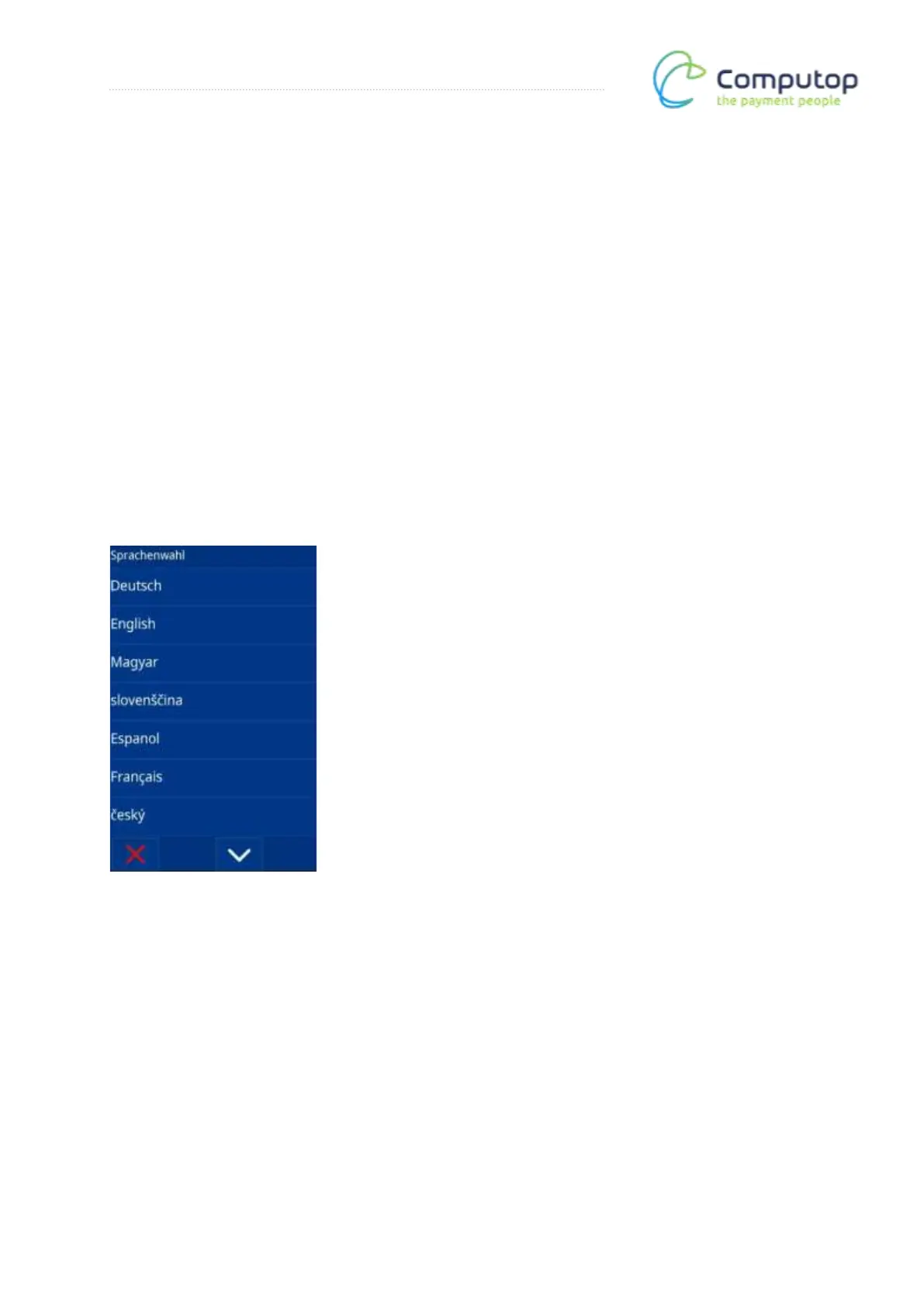
Language selection
Various languages are available for language selection. English was selected for the
description.



 To Next Page