COMPUTOP PAYGATE GMBH | SCHWARZENBERGSTR. 4 | 96050 BAMBERG, GERMANY
TEL: +49 951 98009-0 | FAX: -30 | WWW.COMPUTOP.COM | HRB 3400 – AG BAMBERG
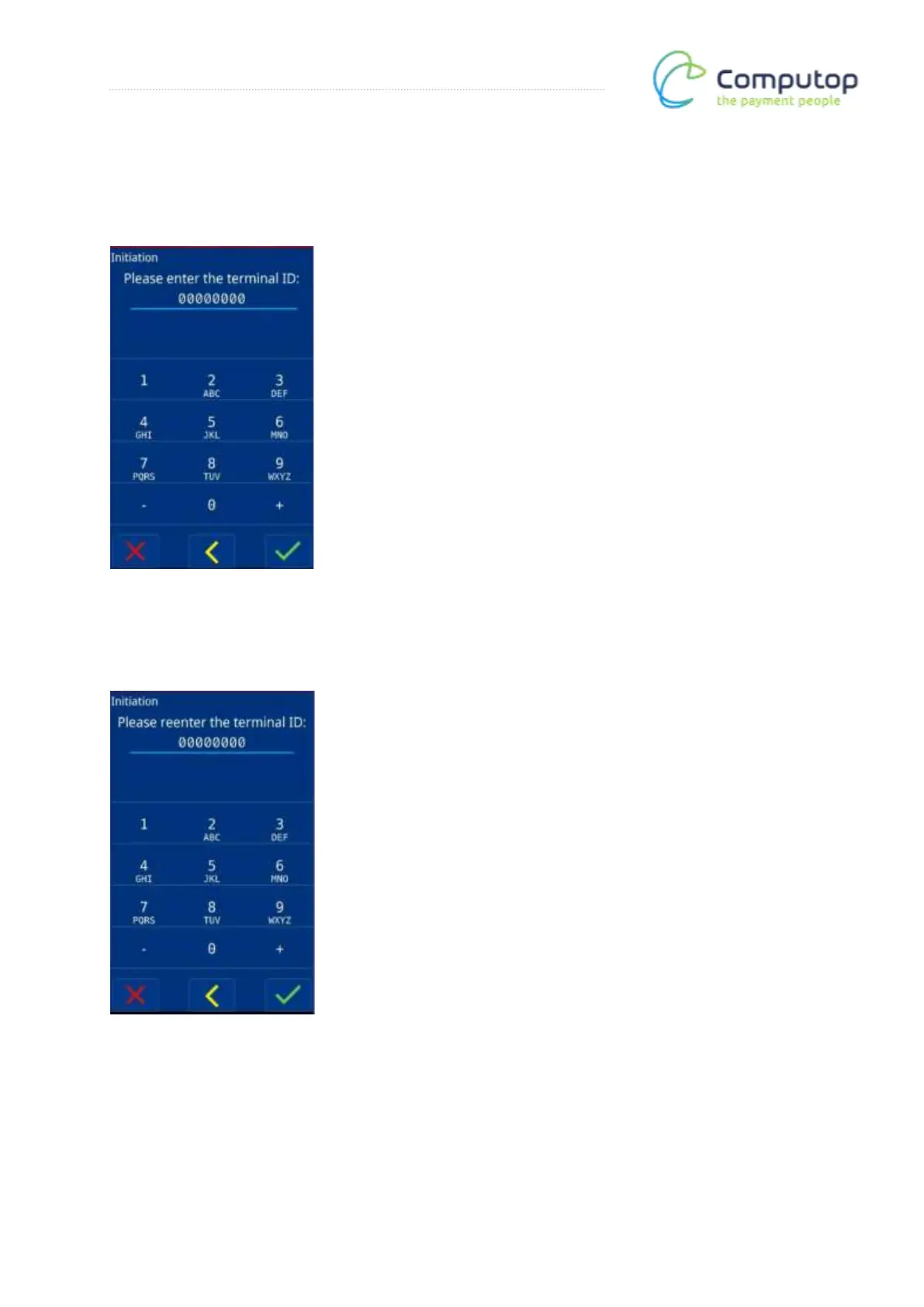
TID entry
Here, enter the terminal ID you received with the onboarding information.
Reentering the TID
Reenter the terminal ID to confirm.
Register
To connect to a register, select “Yes” (green check mark). Otherwise, select “No” (red X). The
configuration for register operation can be found under the register interface (optional).



 To Next Page