COMPUTOP PAYGATE GMBH | SCHWARZENBERGSTR. 4 | 96050 BAMBERG, GERMANY
TEL: +49 951 98009-0 | FAX: -30 | WWW.COMPUTOP.COM | HRB 3400 – AG BAMBERG
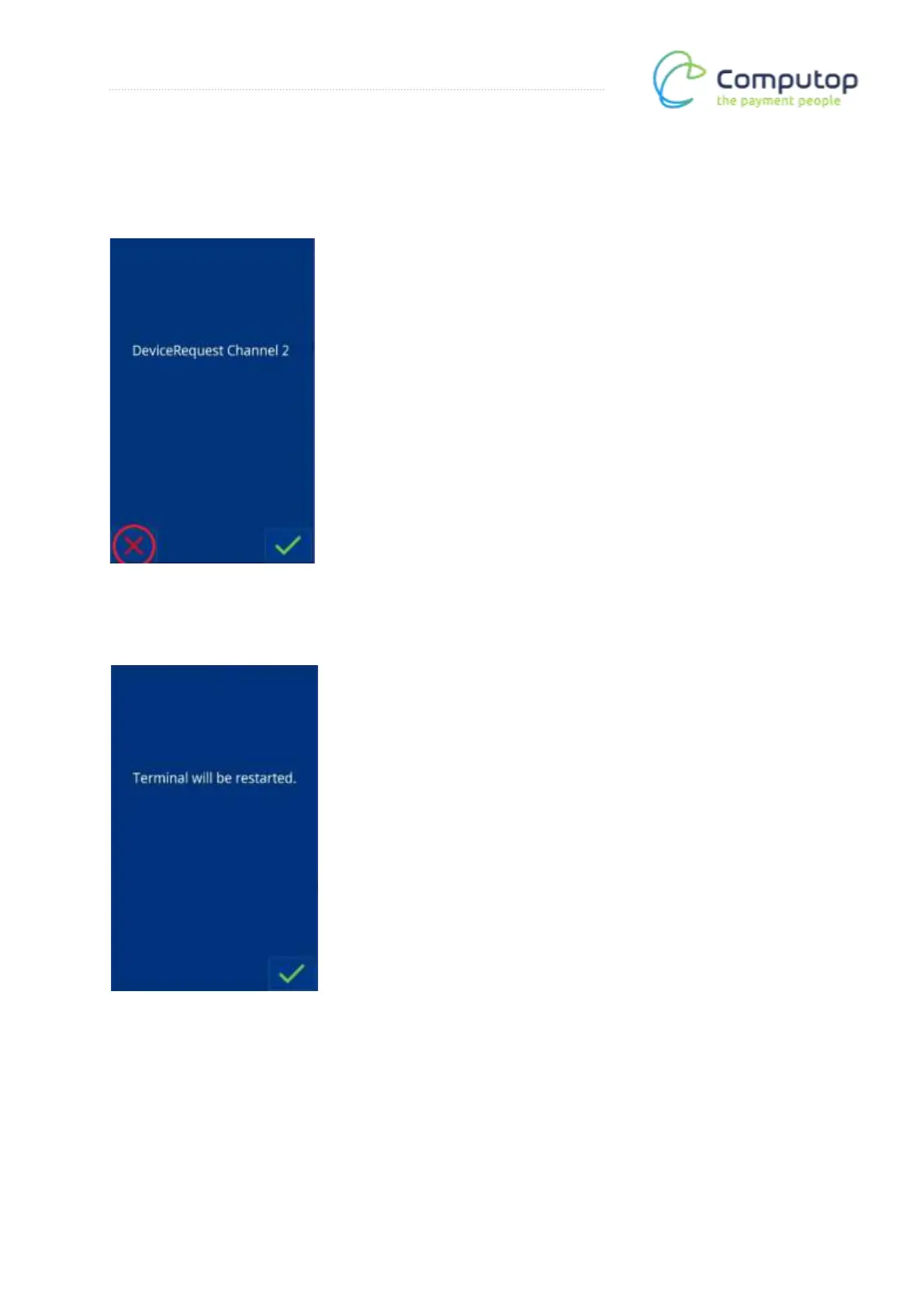
DeviceRequest channel 2
DeviceRequest channel is not provided in the default configuration. Press the red X.
Terminal restart
After completing the register configuration, the terminal must be restarted. Confirm your
choice by selecting the green check mark.
Note:
Some registers require a new register login before the interface is ready.
If in doubt, please consult your register integrator.



 To Next Page