7
area (see pages 13-14).
• Add 1kg of salt into the salt compartment and then fill with water to the
top of the salt compartment.
• Remove all the packaging materials from the interior of the dishwasher.
• Fill the rinse aid compartment.
• Run a hot programme without any dishes in the dishwasher.
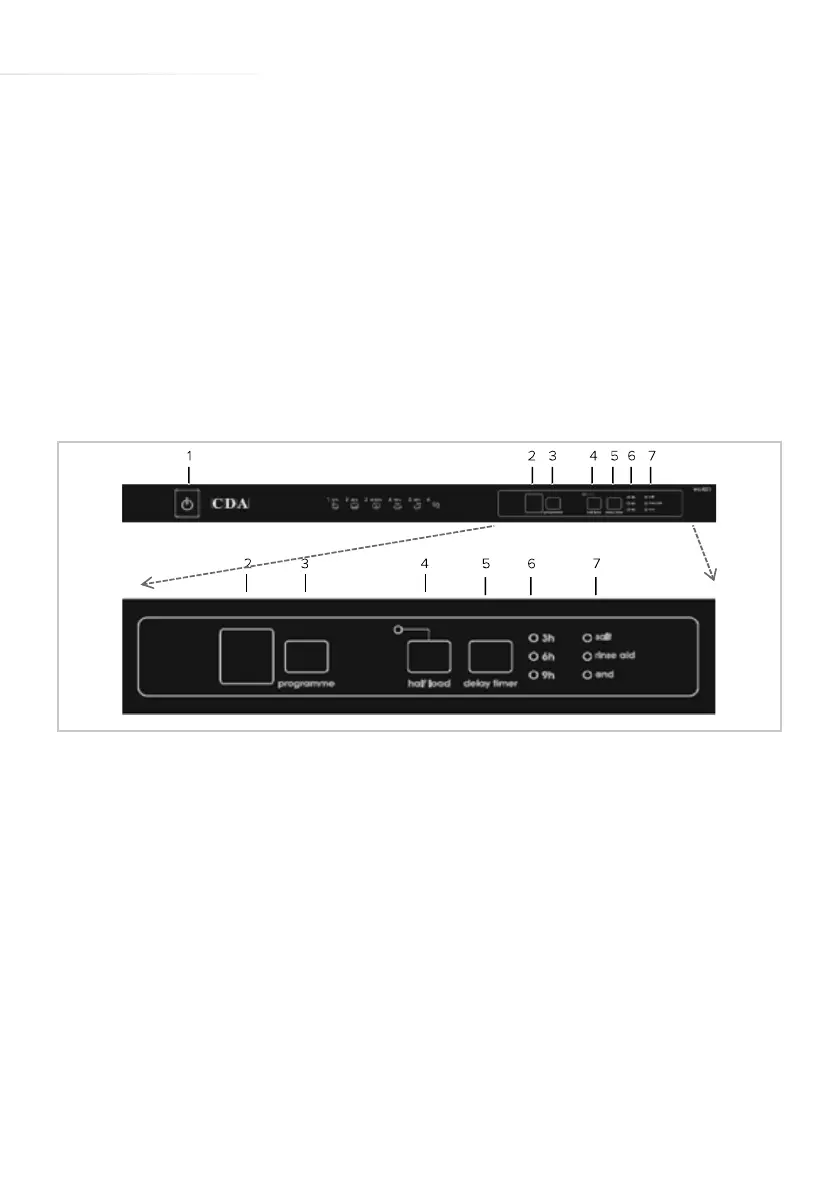
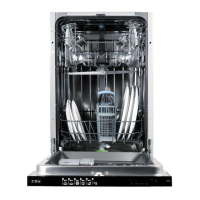
Control Panel
Power button
To switch the power to the dishwasher on or o, press the ‘Power’
button (1). When you switch on the dishwasher, the ‘End of
programme’ light will illuminate and two dashes will appear on the
programme display (2).
Programme selection button
To select an alternative programme, press the ‘Programme selection’
button (3) several times, until the programme display (2) shows the
desired programme. The dishwasher will store, in its memory, the last
programme used.
Fig. 1


 To Next Page